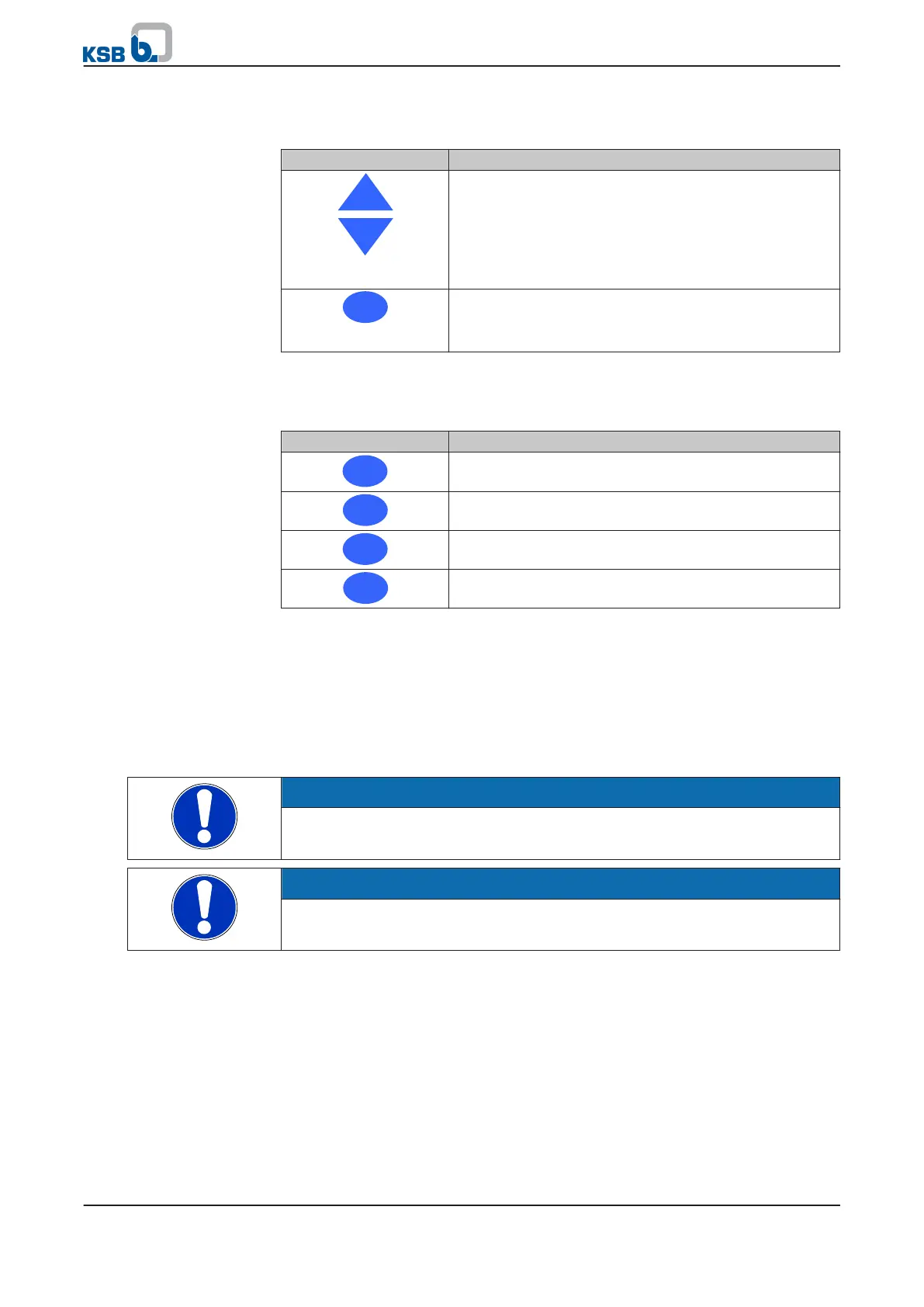
6.1.3 Navigation keys
Table 28: Assignment of navigation keys
Key Function
Arrow keys:
▪ Toggle operating parameters
▪ Set setpoint (⇨ Section 6.1.5 Page 39)
This function is only available in manual or automatic
mode. The actual value can only be displayed if a sensor is
connected.
OK key:
▪ Confirm settings.
▪ Alarm reset
6.1.4 Operating keys
Table 29: Assignment of operating keys
Key Description
Starts PumpDrive in manual operating mode
Stops PumpDrive
Switches to automatic mode
Activates the dynamic pressure setpoint compensation
function
Manual mode is started by pressing the "Man" operating key. PumpDrive is operated
at the lower motor frequency limit value if it was previously in the OFF or Auto Stop
state. If PumpDrive is in the Auto Run state before the key is pressed, it continues to
operate with the current speed. Setting the speed (⇨ section 6.1.5, page 40)
The dynamic pressure compensation function is activated when this key is pressed.
When the OK key is pressed, the percentage of the setpoint compensation of the
dynamic pressure compensation function is displayed in the bar display by flashing
yellow LEDs. When the parameterisable function key is pressed again, the display of
the setpoint compensation is deactivated.
NOTE
The dynamic pressure setpoint compensation function is only available in manual or
automatic mode.
NOTE
If PumpDrive is in manual mode when the voltage supply is interrupted, PumpDrive
will switch to OFF mode once the voltage supply is restored.
6.1.5 Setting the setpoint
1. Use the arrow keys to switch to the setpoint display (green LEDs).
2.
Press OK to confirm.
⇨ The green LEDs of the LED bar graph display start flashing.
3. Use the arrow keys to increase/decrease the setpoint.
Each time a key is pressed, the value will be changed by an increment of 0.25 Hz
or 0.5 %. If the keys are pressed continuously, the setpoint is increased/reduced
continuously.
4. Press OK to confirm.
"Man" operating key
"Func" operating key
6 Operation
PumpDrive
39 of 162



 To Next Page