6.2.3 Navigation keys
The navigation keys are used for navigating in the menus and for confirming
settings.
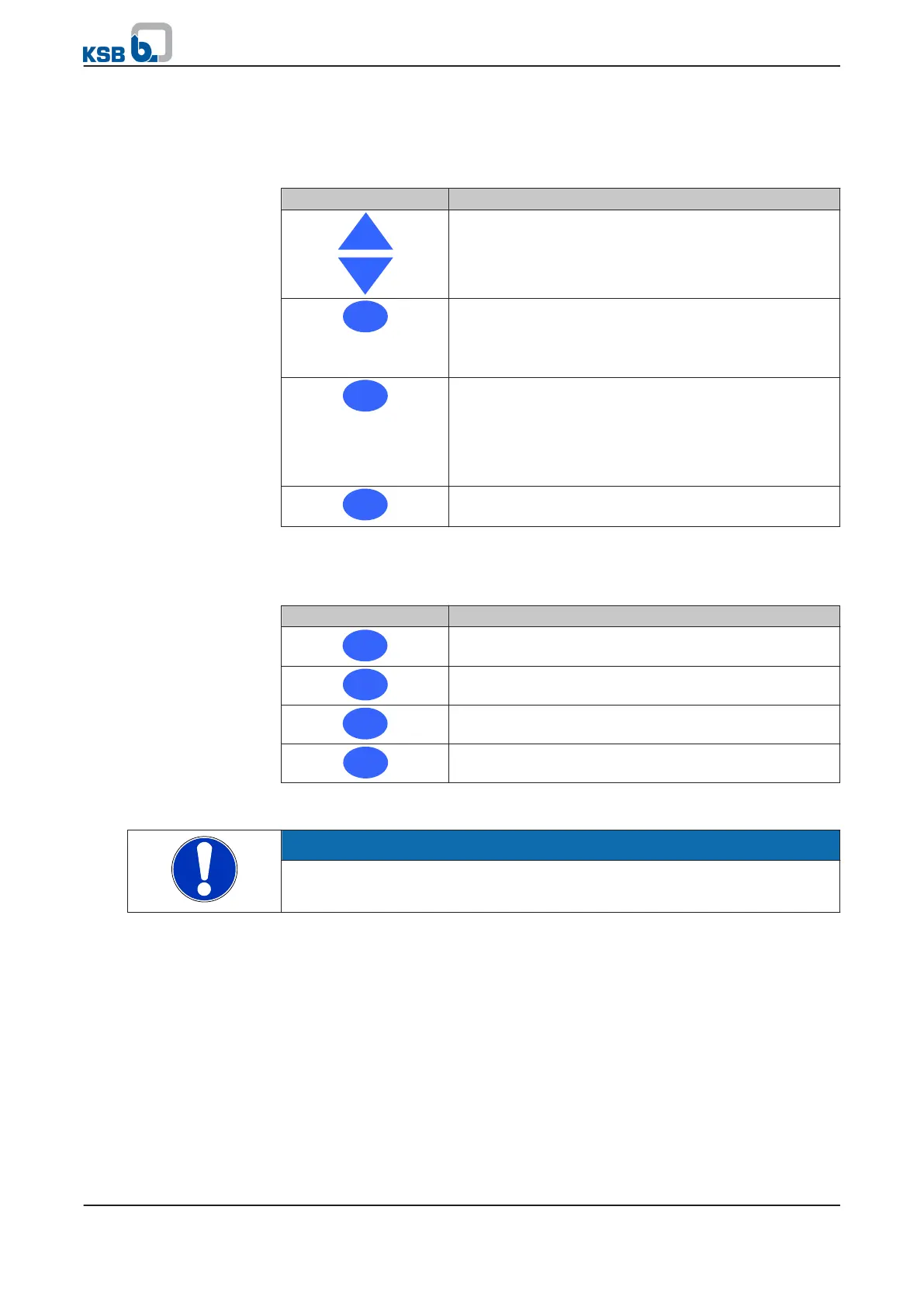
Table 33: Assignment of navigation keys
Key Function
Arrow keys:
▪ Move up/down in the menu options.
▪ Increase/decrease a numerical value.
Escape key:
▪ Delete/reset entry
(the entry is not saved).
▪ Move up one menu level.
OK key:
▪ Confirm settings.
▪ Confirm menu selection.
▪ Move to the next digit when entering numerals.
▪ Alert reset
Help key:
▪ Displays a help text for each selected menu option.
6.2.4 Operating keys
Table 34: Assignment of operating keys
Key Description
Starts PumpDrive in manual operating mode
Stops PumpDrive
Switches to automatic mode
Parameterisable function key
Manual mode via control panel
NOTE
After a power failure, PumpDrive reverts to OFF mode and manual mode must be
restarted.
6 Operation
42 of 162
PumpDrive



 To Next Page