All alerts are acknowledged at the same time during a reset. Resetting is initiated via
the control panel by pressing the OK key and is only possible in the start menu. You
may therefore need to press the ESC key several times to return to the start menu.
The reset can also be carried out via a digital input. Digital input 4 is defaulted for
this purpose (⇨ Section 7.4 Page 94) .
Automatic reset
Alerts can also be reset automatically (3-11-2-1). This parameter is defaulted to
automatic reset (⇨ Section 7.2.3 Page 82) .
Overview of warnings and alerts (⇨ Section 11 Page 131)
6.2.5.3 Menu: Settings
General settings can be made or the settings for the process optimised in the Settings
section. All aspects that have to do with the operative function or availability of the
pump set can also be found here.
6.2.5.3.1 Setting the display language
The following display languages can be toggled:
▪ German
▪ French
▪ English
▪ Italian
Table 41: Language parameters
Parameter Description Possible
settings
Access Factory setting
3-1-1-1
Display
language
German
French
English
Italian
Customer English
6.2.5.3.2 Access levels
Four access levels have been defined to prevent accidental or unauthorised access to
PumpDrive parameters:
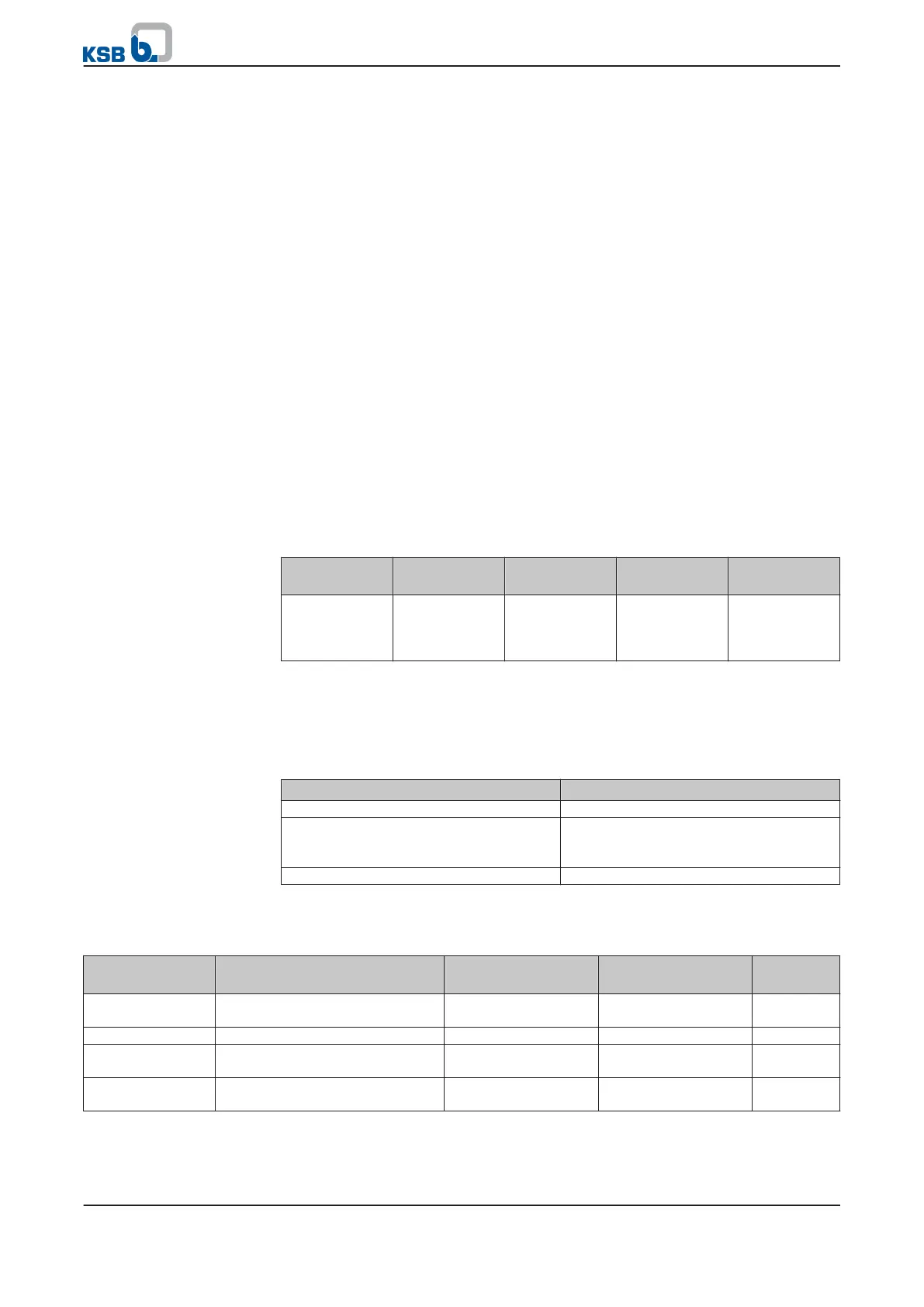
Table 42: Access levels
Access level Description
Standard (No Login) Access without password entry.
Customer Access level for the expert user with
access to all parameters required for
commissioning.
Service Access level for service personnel.
If a parameter's access level is not explicitly specified, the parameter is always
assigned the customer access level.
Table 43: Access level parameters
Parameter Description Possible settings Access level required Factory
setting
3-1-6-1
Enter customer password for
access
0000...9999 Standard 0000
3-1-6-2
Enter service password for access 0000...9999 Service -
3-1-6-4
Change customer access level
password
0000...9999 Customer -
3-1-6-5
Password-protected access level
for customer parameter
Disabled
Enabled
Customer Disabled
Reset
6 Operation
46 of 162
PumpDrive



 To Next Page