18
After the Restart interface appears, the machine will return to the selection interface of
three working modes;
If more items are to be set up, restart after finishing the setting.
Battery priority:
Note:
When choosing battery priority mode, the corresponding charging current should
be opted for according to the battery type. The system default current is 20A.
Peak load shifting:
After finishing the setting of Peak load shifting mode,the charging and discharging time
also needto be set up.
Note:
If the time is set up incorrectly, the system will pop up an interface indicating the setting
error. Charging and discharging time will return to the state prior to setting.
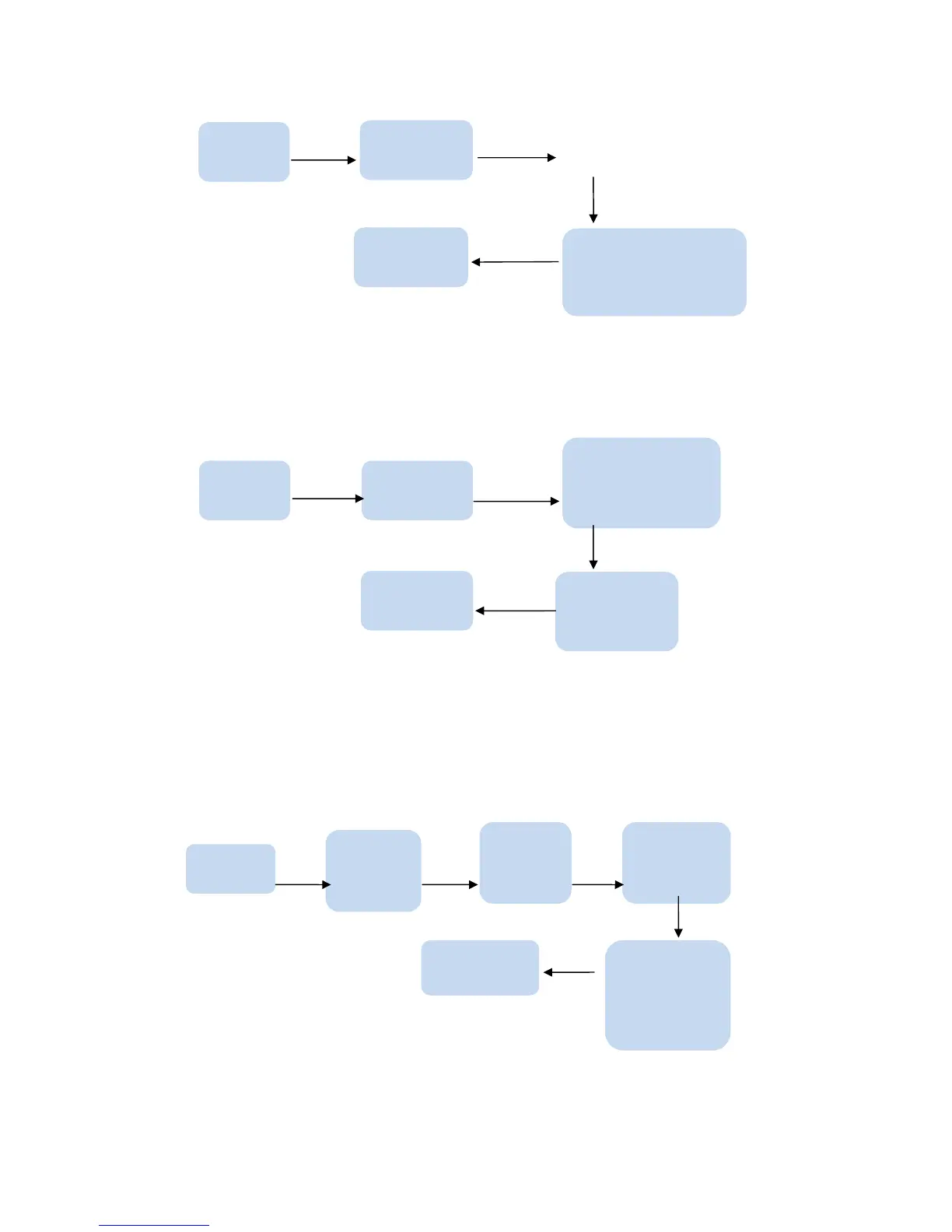
Press ENTER button
Enter password
1 System setting
Setting
Press ENTER
button
Press ENTER button
Press ENTER button
Restart
1 Self-generation and
self-consumption
1 Working
mode
Press ENTER button
Enter password
Setting
1 System setting
Press ENTER
button
Press ENTER button
Press ENTER



 To Next Page