Controls - 40 RT120Q Operator’s Manual
Graphic Display
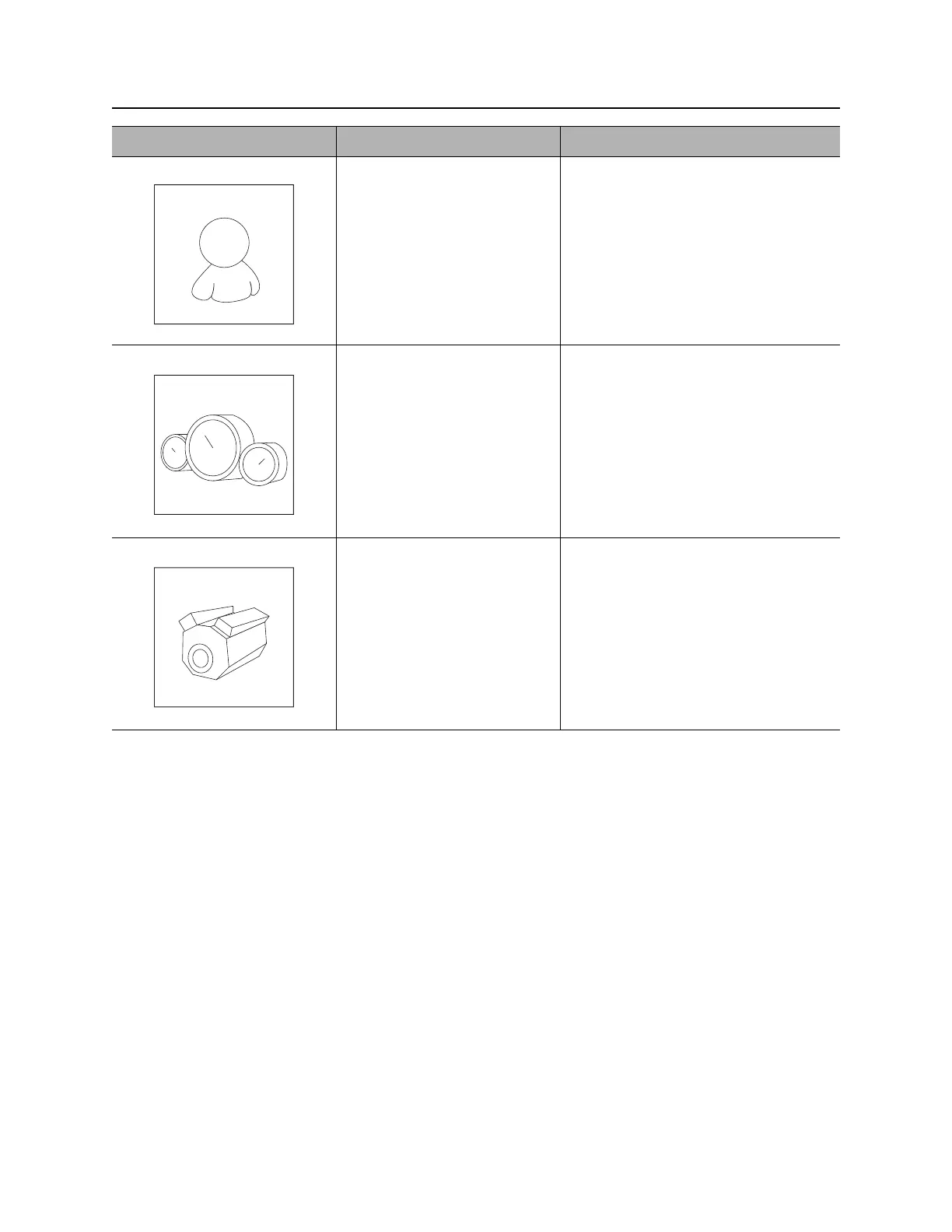
User Settings Allows operator to customize
settings.
Gauge Display Press the soft key below this
on screen icon to select.
Diagnostics Displays interlock icons and
diagnostic codes, if any.
Press soft key below on
screen icons to return to main
menu or gauge display.
Note: If diagnostic codes are
displayed, contact your Ditch Witch
®
dealer.
Item Description Notes


 To Next Page
 Loading...