This page contains Kval, Inc. proprietary information and is not to be duplicated or disclosed to unauthorized persons.
35
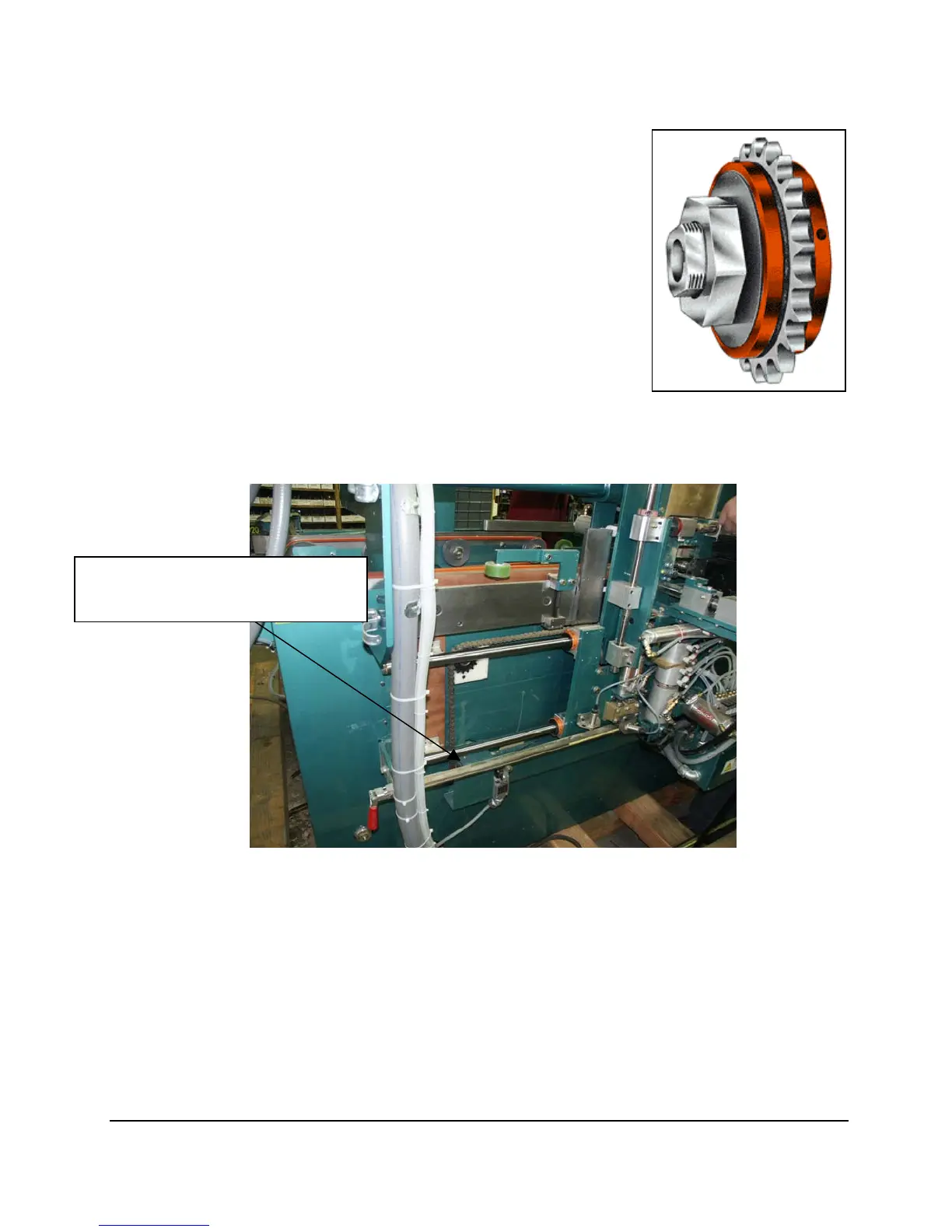
Dalton Torque Limiter OSD:
On your KVAL Commander Line’s front section there is a Dalton Torque
Limiter. This torque limiter is a safety device used by KVAL to ensure
operator safety in the front of the machine incase of accidental start up.
The torque limiter should allow the front carriage to move with a ample
amount of force almost having to use your body weight. This is different
from operator to operator. To adjust the torque limiters do the following.
1. Remove the plate that is covering the sprocket and torque limiter.
2. Once removed loosen the two set screws on the nut this will allow
you to make your adjustments accordingly.
3. Once you have adjusted the torque limiter to its appropriate
setting tighten the set screws down so that the bolt does not move.
NOTE: Do not get any grease or oil between the friction pads or the torque limiter will not work
properly especially during this adjustment.
Door Hinge Backset: Bottom Pin
Guard plate connected by two 10/32
socket heads removes this plate, to
access the Dayton Torque Limiter.



 To Next Page