10-14
Troubleshooting
MP Tray
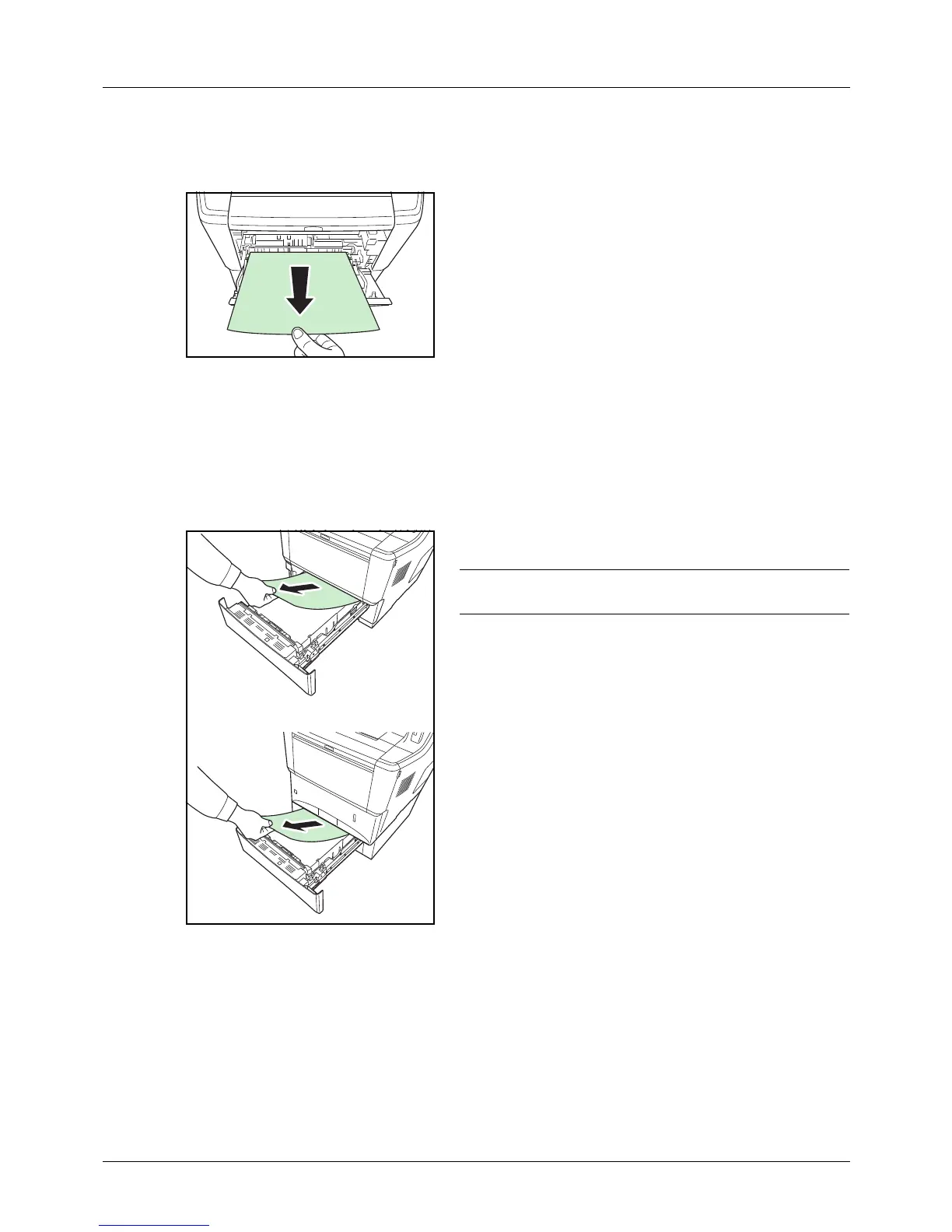
Follow the steps below to clear paper jams in the MP tray.
1 Remove the paper jammed at the MP tray.
2 Open and close the top cover and front cover to clear the
error.
Cassette/Paper Feeder
Follow the steps below to clear paper jams in cassette or paper feeder.
1 Pull out the cassette or optional paper feeder.
2 Remove any partially fed paper.
NOTE: Check to see if paper is loaded correctly. If not,
reload the paper.
3 Push the cassette back in securely. The printer warms
up and resumes printing.



 To Next Page
 Loading...










