10
10-15
Troubleshooting
Duplexer
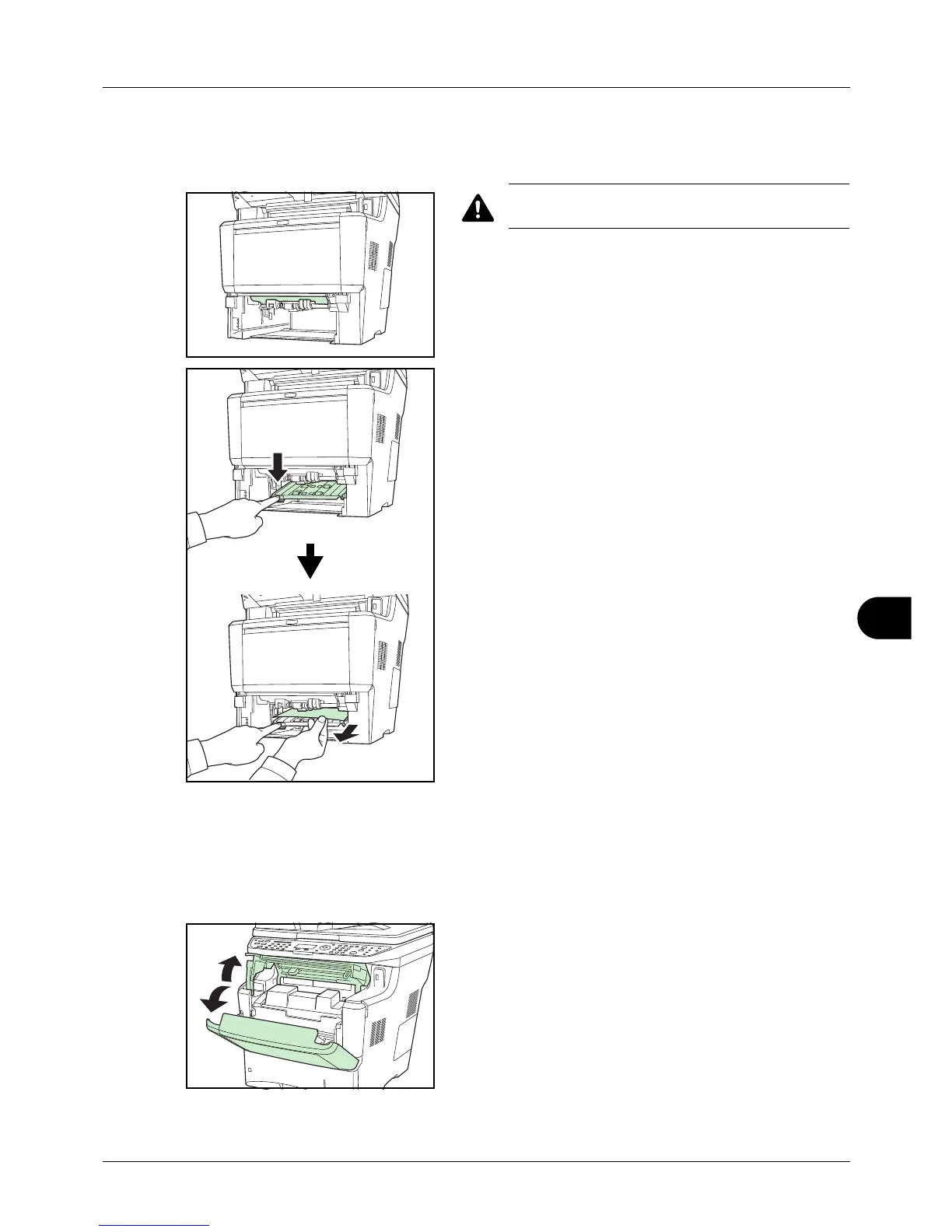
Paper is jammed in the duplexer. Remove the jammed paper using the procedure given below.
CAUTION: Do not touch parts in this area, because
it may result in burn injury.
1 Pull the cassette all the way out of the printer.
2 Open the duplexer's cover and remove any jammed
paper.
3 Push the cassette back in securely. The machine warms
up and resumes printing.
Inside the Machine
Follow the steps below to clear paper jams inside the machine.
1 Open the top cover and front cover.



 To Next Page
 Loading...










