Printing Operation 2-11
Registering a Custom Box
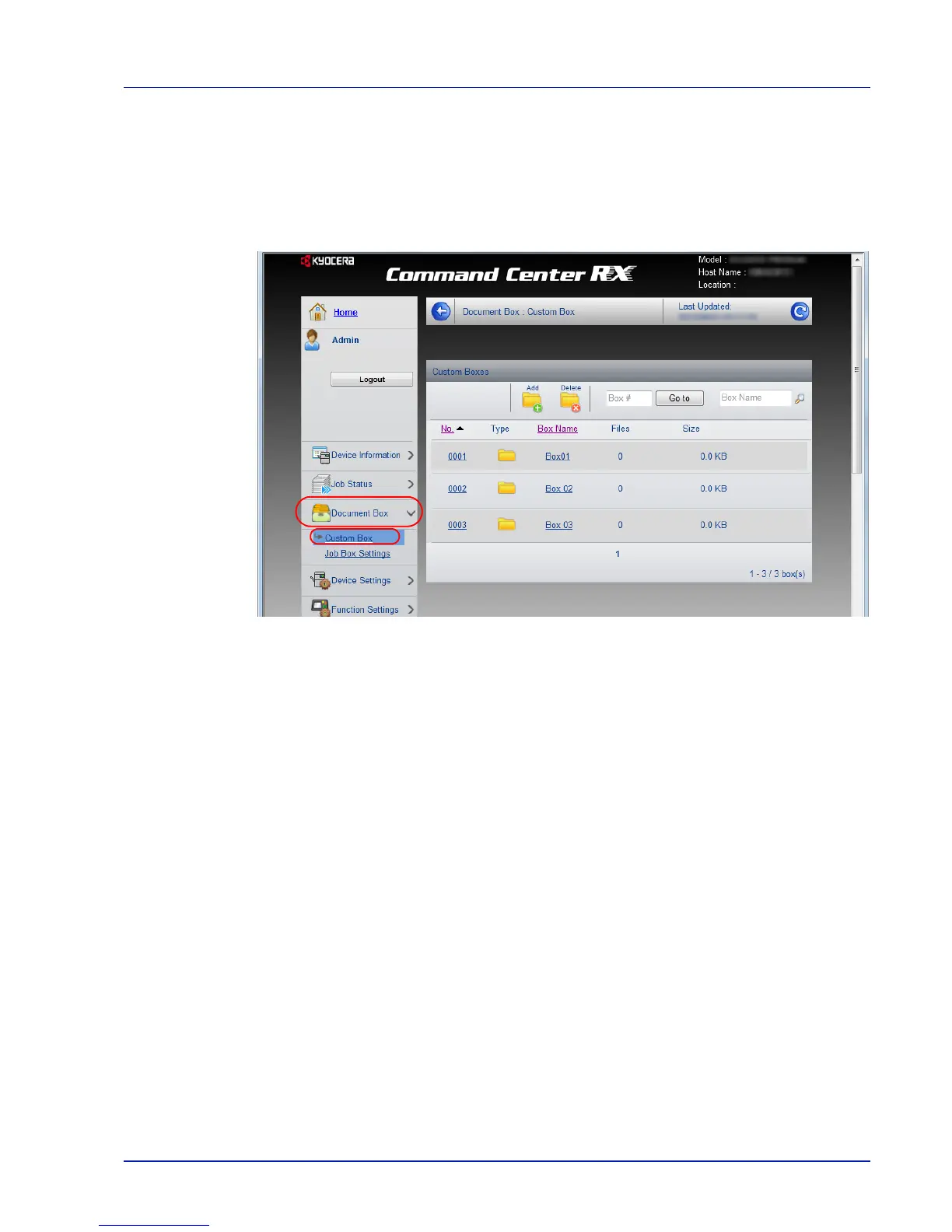
You can register a custom box from Command Center RX.
1
Access Command Center RX by referring to Accessing Command
Center RX on page 2-5.
2
From the Document Box menu, click Custom Box.
3
Click Add.
4
Enter the box details.
Enter the information for the custom box you want to register. For
details, refer to Command Center RXUser Guide.
5
Click Submit.


 To Next Page
 Loading...