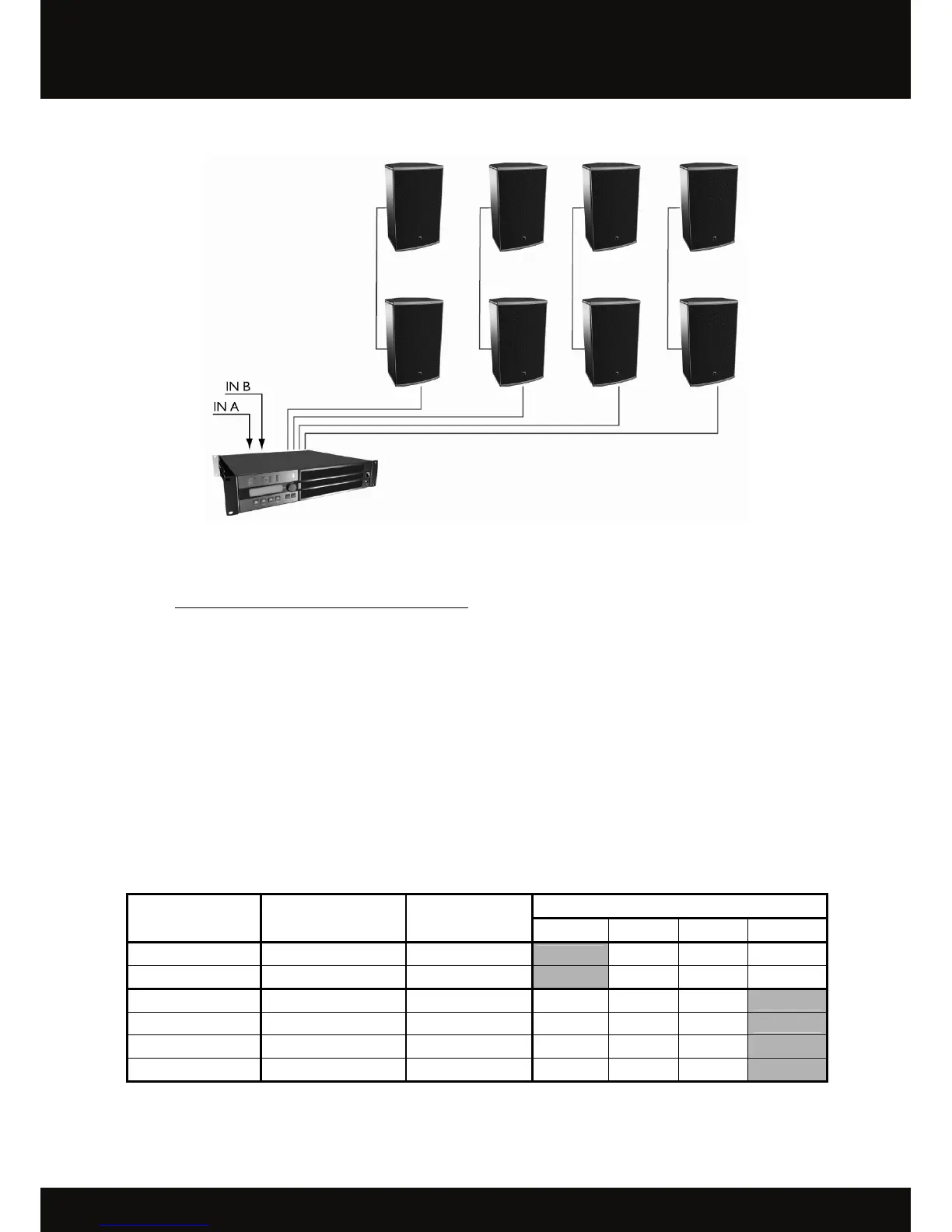
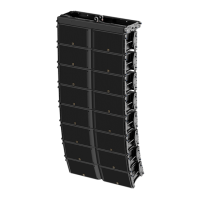
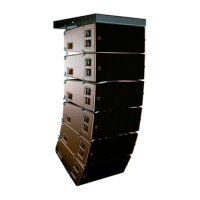
Figure 4: Eight 8XT enclosures connected to an LA4 controller
7.2.2 [8XT_FR], [8XT_FI], and [8XT_MO] presets
The [8XT_FR] preset features a low and high frequency shelving equalization.
The [8XT_FI] preset results in a nominally flat frequency response contour.
The [8XT_MO] preset features specific equalization to account for half-space loading conditions (floor monitoring
applications, and wall or ceiling-mounted enclosures).
From the LA4 amplified controller front panel, activate the LOAD PRESET menu and then select the desired preset.
Refer to the ‘‘LA4’’ user manual for additional instructions. The presets are also accessible using the LA NETWORK
MANAGER software (refer to the ‘‘LA NETWORK MANAGER’’ user manual). Accessible controls in the ‘‘FULL
RANGE’’ mode presets are shown in the following chart:
Table 2: Accessible controls in the ‘‘FULL RANGE’’ mode presets
Accessible (O) and blocked (X) controls
LA4 Inputs/Outputs Elements to connect
Preset
assignments*
Mute Gain Delay Polarity
IN A Input signal A IN_A X O O O
IN B Input signal B IN_B X O O O
OUT 1 8XT enclosure PA_A O O O X
OUT 2
8XT enclosure
PA_A O O O X
OUT 3
8XT enclosure
PA_B O O O X
OUT 4
8XT enclosure
PA_B O O O X
* IN: input signal, A: channel A, B: channel B, PA: passive enclosure.
OUT 1


 To Next Page