Operation
Status
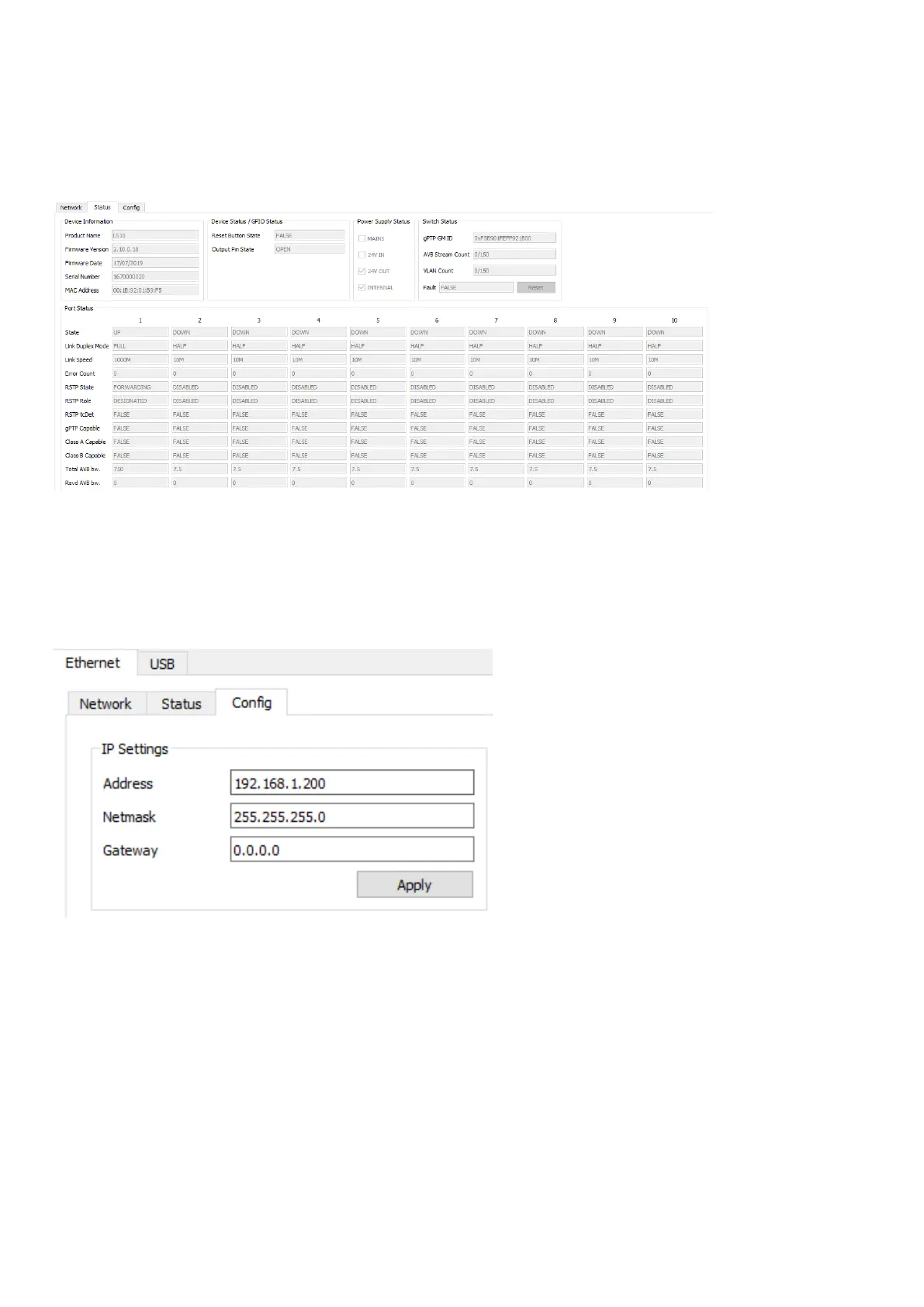
Status gives information about the device. It is possible to see the ports that are connected and to control the registered
data such as the serial number, the rmware version. This tab is not editable.
The only command available to the user is the Reset button in the Switch Status on the top right, which performs the
same command as the RST (reset) button on the LS10 front panel.
Cong
The Cong tab allows to congure the device. It is possible to congure the IP address, the switch options (RSTP and
gPTP), and the GPO options.
IP settings
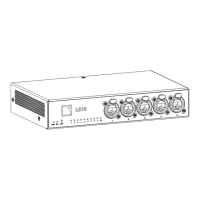
It is possible to change the IP settings (address, netmask, gateway).
After changing the IP address, the LS10 will be disconnected. Go to the Network tab to retrieve the switch.
LS10 owner's manual (EN) version 1.0 33


 To Next Page