5-2 Echo Liquid Handler User Manual
5.1 Protocols window
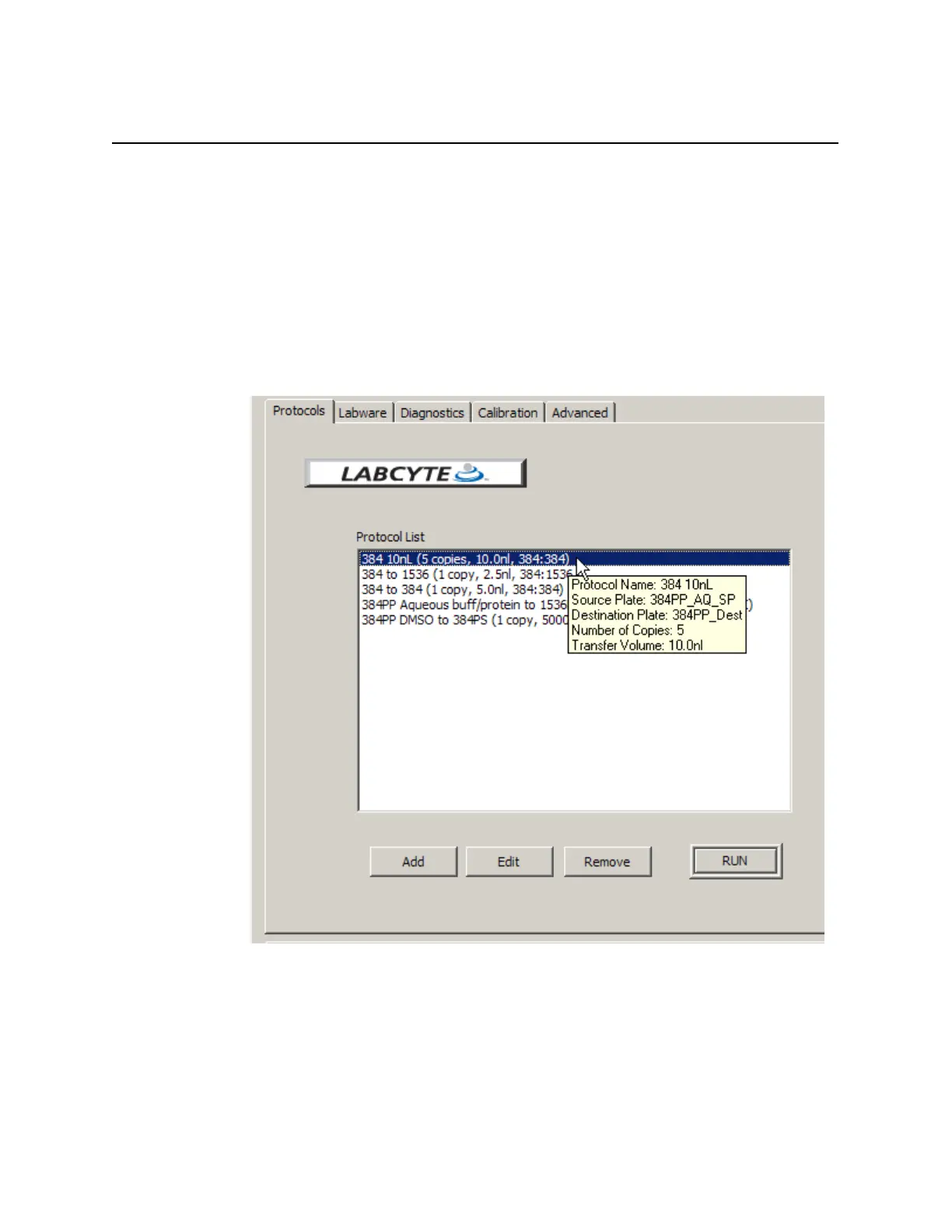
The PROTOCOLS tab is the first window that opens when you start the Echo
liquid handler software. The Protocol List displays the liquid transfer
protocols that are stored in the Echo database. A tool tip displays many of
the protocol parameters. From the PROTOCOLS window you can perform
the following tasks
• ADD (create) a new liquid transfer protocol definition.
• E
DIT (change) an existing protocol definition.
• REMOVE (delete) an existing protocol definition.
• R
UN (execute) a liquid transfer protocol.
Figure 5.1 The Protocols window
Echo software can be used to create several types of transfer protocols.
Examples of protocols that can be created with the Echo software are listed
in the following table and described later in this section.



 To Next Page