Manual Operation 4-11
4.3.1 Add new protocol
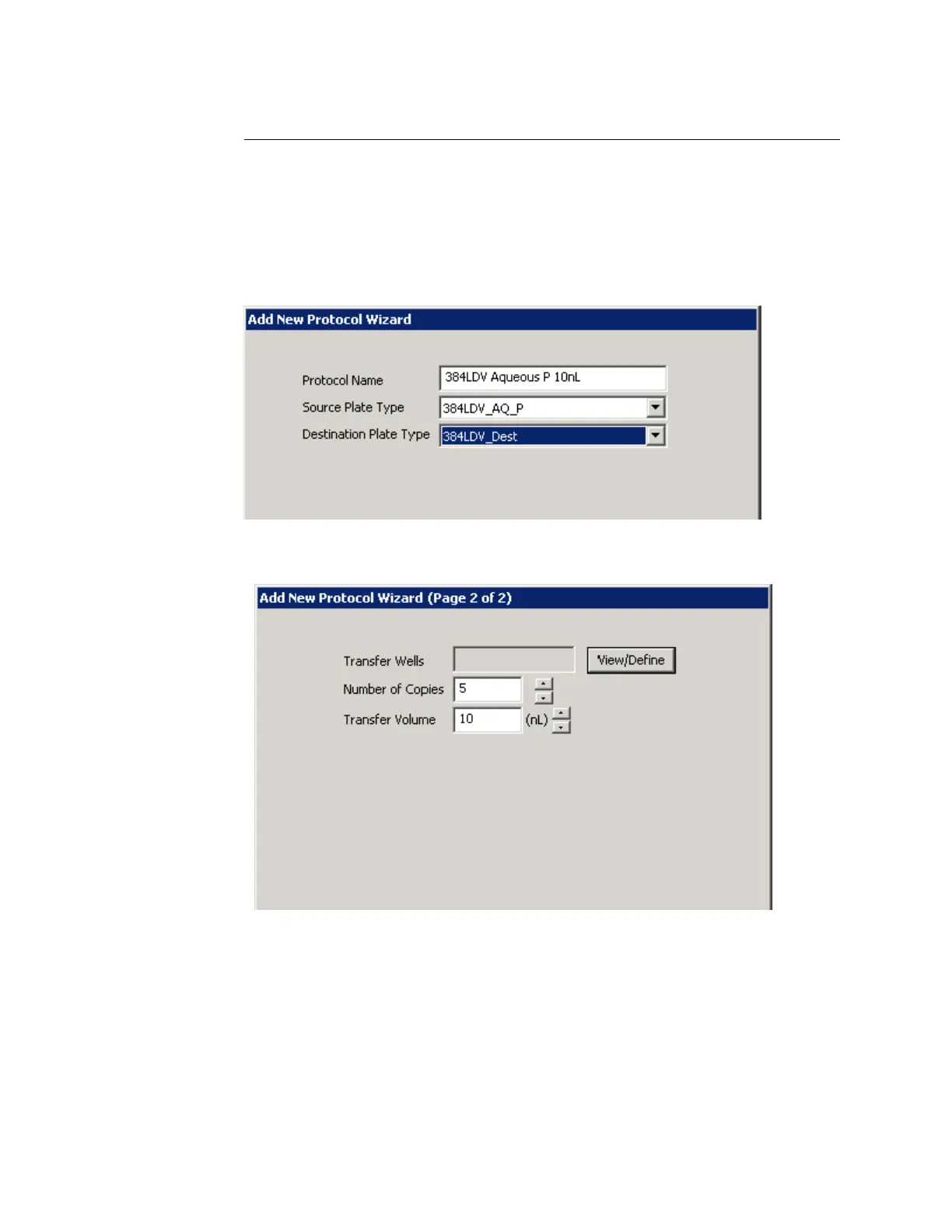
1. From the PROTOCOLS window, click the ADD button. The New Protocol
wizard will begin.
2. Enter the protocol name (for example, 384LDV Aqueous P 10 nL) and
select the source and destination microplate types from the drop-down
lists.
Figure 4.7 Entering protocol name
3. Click the NEXT button. The second window will open.
Figure 4.8 Add new protocol wizard, page 2
4. Enter the number of copies (for example, 5). Each copy represents a
single plate transfer.
5. Enter the liquid transfer volume (for example, 10 nL). If you enter the
transfer volume directly instead of using the increment/decrement
buttons, remember that the value must be an even multiple of the
minimum transfer volume (2.5 nL). If you enter any other value, you will
see an error message.



 To Next Page