Maintenance and Service 6-11
system is not operating correctly, when the coupling fluid pump is
turned on, the coupling fluid can flood the bottom of the system.
6.2.4 Empty the coupling fluid bottle
1. Ensure that no fluid transfer or diagnostic procedures are under way.
2. Turn off the vacuum and coupling fluid pump.
a. Disconnect the vacuum line from the Fluidics Panel to decrease
vacuum pressure.
b. Turn off the coupling fluid pump through the Diagnostics windows of
the Echo software.
Note: The surge tank will add a few seconds to stopping the vacuum.
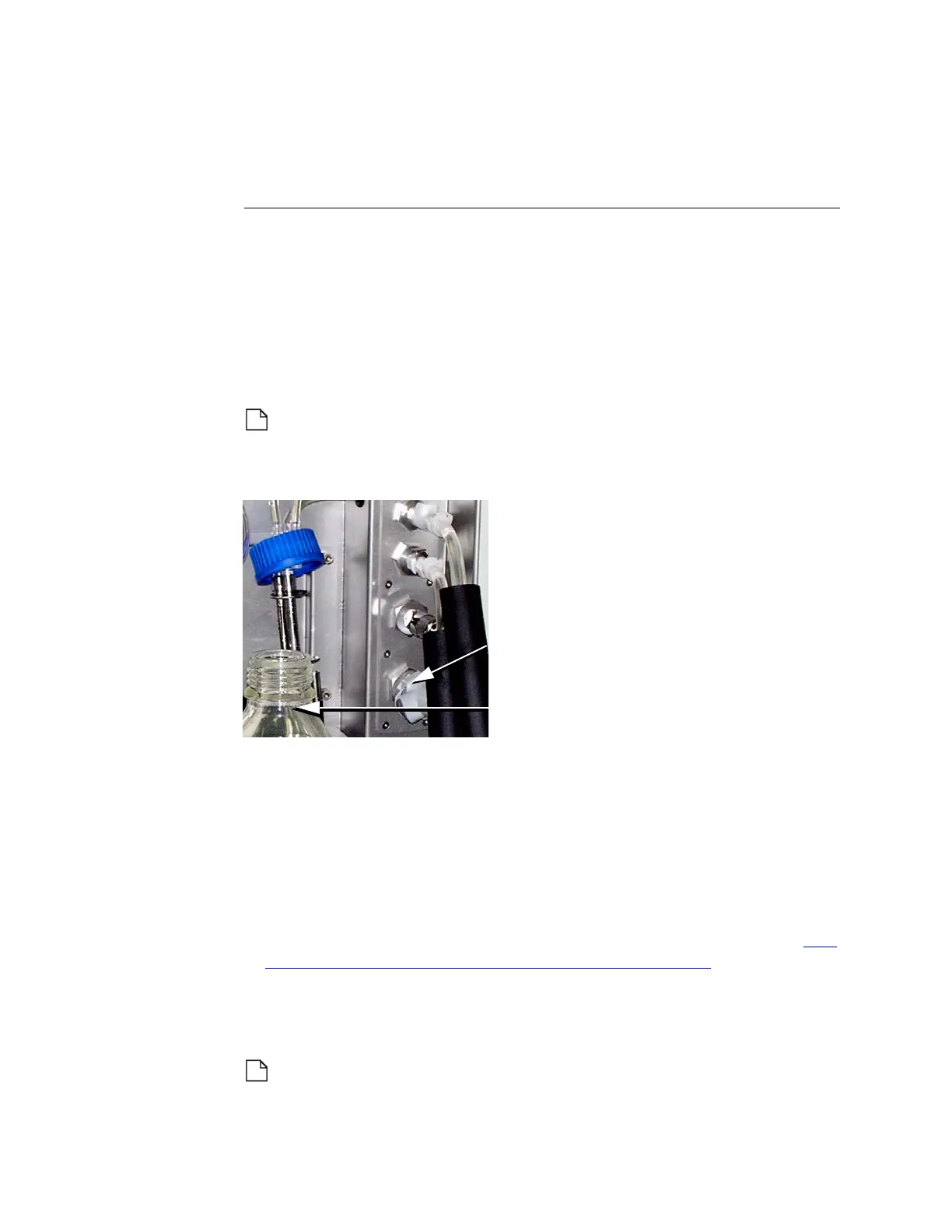
3. Unscrew the cap from the coupling fluid bottle.
Figure 6.2 Remove coupling fluid bottle cap
4. Remove the coupling fluid bottle from its caddy and empty the bottle.
5. Replace the cap and its attached tubing onto the empty coupling fluid
bottle. Return the coupling fluid bottle to its caddy.
Purge the fluid circuit
1. Turn off the coupling fluid pump.
2. In the Diagnostic window of the Echo software, select the reverse
coupling fluid pump direction (C
OUPLING PUMP DIRECTION REVERSE). See
“Coupler pump direction normal/reverse” on page 5-32.
3. Turn on the coupling fluid pump via the pump power switch. The
coupling fluid inside the Echo fluidic circuit will be pumped back into the
coupling fluid bottle.
Note: The fluid returning to the bottle will raise the water level;
therefore, watch for potential overflow in the coupling fluid bottle.
Vacuum line
connected to fluidics
Coupling fluid bottle



 To Next Page