Echo Liquid Handler Software 5-57
Cancel: Clicking the C
ANCEL button closes the Solvent Platemap dialog box
with no action taken.
5.5.3 Advanced Echo control
There are cases when the Echo controller must be shutdown or restarted.
The Echo controller is the hardware and software resident on the Echo
instrument that controls all functions of the instrument.
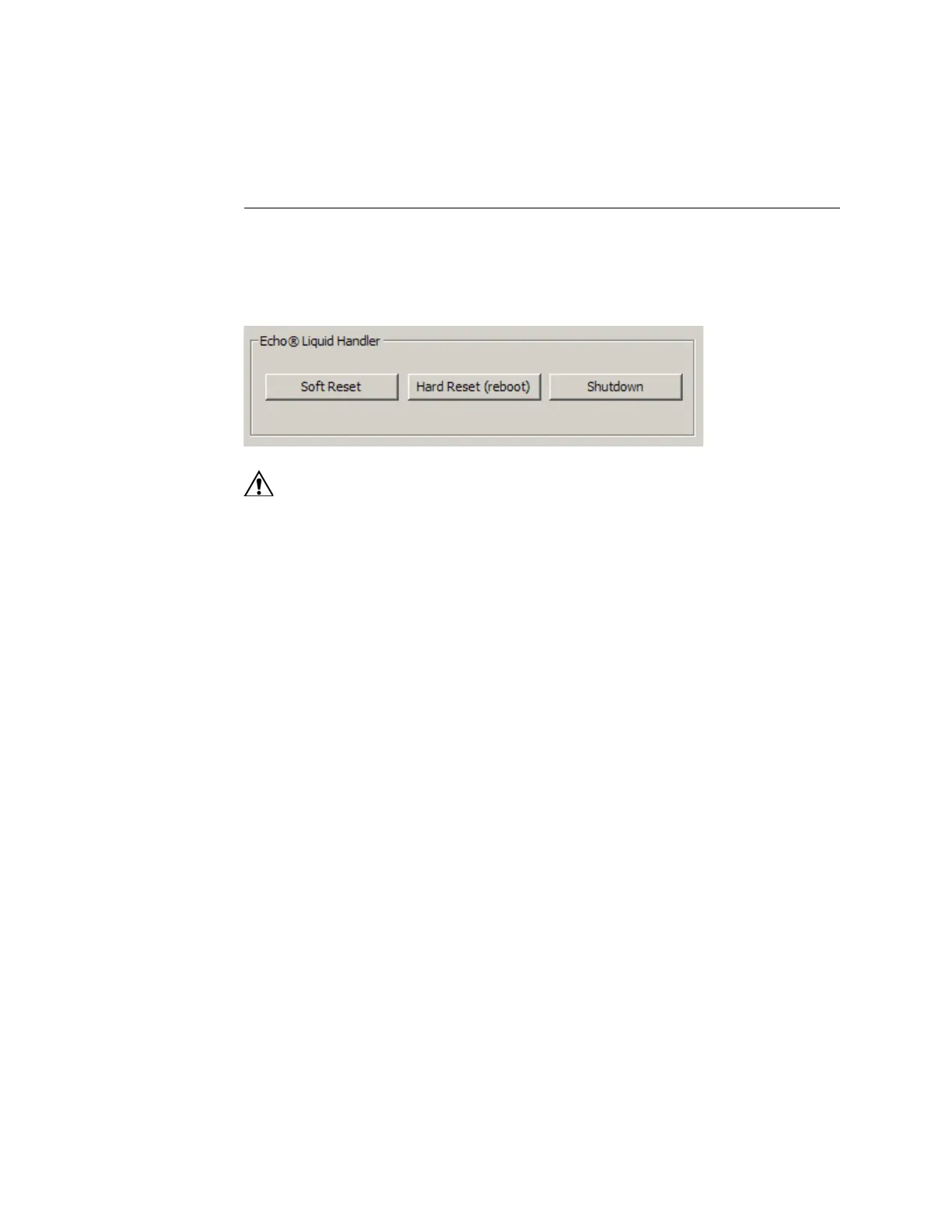
Figure 5.51 Echo controller restart or shutdown
Caution: If the Echo software is connected to a stub mode Echo
liquid handler service running on the client PC, clicking the HARD
RESET button will “reset” the client PC, and clicking the SHUTDOWN
button will “shutdown” the client PC.
Soft Reset: Clicking the SOFT RESET button causes the Echo service to be
restarted on the Echo controller.
Hard Reset: Clicking the HARD RESET button causes the Echo controller to
reboot. After rebooting the Echo controller, any attached client computer
programs must be reconnected to the Echo controller.
Shutdown: Clicking the SHUTDOWN button causes the Echo controller to
perform its normal “shutdown” procedure. If an Echo liquid handler needs
to be turned off, its controller should always be “shutdown” before the
Echo AC power switch is turned off.



 To Next Page