EasyManua.ls Logo

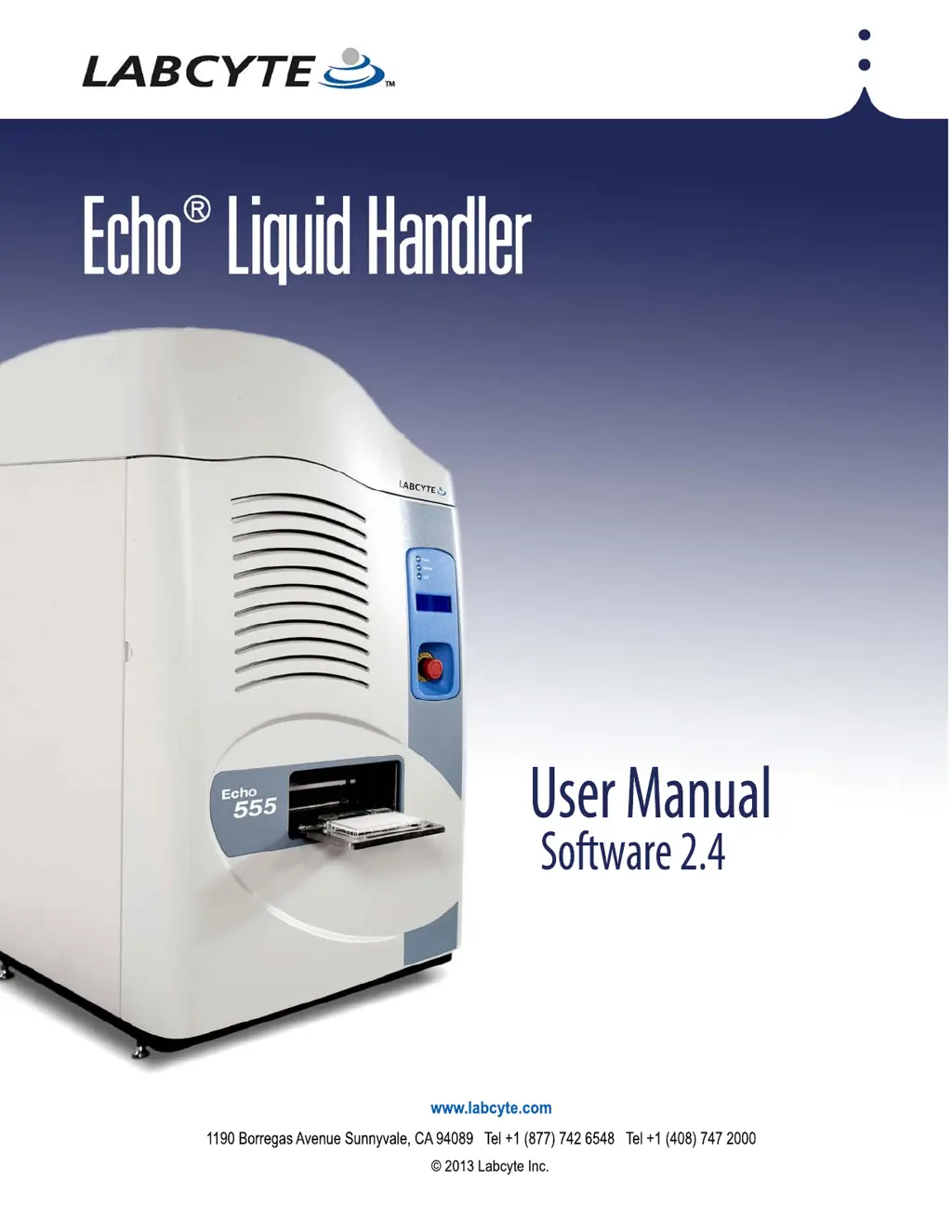
Labcyte Echo 550 - User Manual

Default Icon
200 pages
Print Icon
To Next Page IconTo Next Page
Loading...
For Echo models: 520
550
555

Table of Contents

Questions and Answers

  • X
    xcunninghamAug 15, 2025
    What to do if LCD message indicates user assistance needed on Labcyte Echo 550 Laboratory Equipment?
    • J
      John WolfeAug 15, 2025
      If the LCD screen displays a message indicating that user assistance is needed, follow the instructions provided directly on the LCD screen.
  • G
    Grace GrahamAug 18, 2025
    How to troubleshoot Echo software connection issues with Labcyte Echo 550 Laboratory Equipment?
    • B
      brownjoshuaAug 18, 2025
      If the Echo software fails to connect to the Echo liquid handler, you should first attempt to determine the cause of the connection failure. After identifying the cause, try to resolve the problem, and then attempt to launch the software again.
  • M
    Matthew WhiteAug 22, 2025
    What to do if the compressed air supply is low on Labcyte Echo 550 Laboratory Equipment?
    • D
      Danielle SmithAug 22, 2025
      If the user-supplied compressed air supply is low (less than 70 PSI) or nonexistent, increase the air pressure. Consult the section on the 'Compressed air pressure indicator'.
  • R
    Robert GarciaAug 26, 2025
    What to do if the process door is neither fully open nor fully closed on Labcyte Echo 550 Laboratory Equipment?
    • A
      areedAug 26, 2025
      If the process door of the Labcyte Laboratory Equipment is neither fully open nor fully closed, check for any obstructions that may be preventing its full movement. Also, verify the compressed air pressure, as it could be too low. For more information, refer to the section on 'Compressed air pressure indicator'.
  • G
    ggarciaAug 28, 2025
    What to do if the vacuum pressure is low on Labcyte Echo 550 Laboratory Equipment?
    • L
      Lisa ThomasAug 28, 2025
      If the user-supplied vacuum pressure is low (less than 15 in Hg Vac) or nonexistent, increase the vacuum pressure. See the section 'Vacuum supply pressure indicator'.
  • J
    James JenkinsAug 31, 2025
    What causes the upper anti-static bar to be neither fully up nor fully down on Labcyte Echo 550?
    • R
      randywilliamsAug 31, 2025
      If the upper anti-static bar is neither fully up nor fully down, check the compressed air pressure. See the section 'Compressed air pressure indicator'.
  • J
    jaredwarrenSep 4, 2025
    What to do if the source plate dryer nozzle is neither fully up nor fully down on Labcyte Laboratory Equipment?
    • B
      Brian BeltranSep 4, 2025
      If the source plate dryer nozzle is neither fully up nor fully down, check the compressed air pressure. See the section 'Compressed air pressure indicator'.
  • B
    bakerwhitneySep 7, 2025
    What to do if Echo stages are not homed on Labcyte Echo 550 Laboratory Equipment?
    • F
      Fred CarrollSep 7, 2025
      If the Echo stages (acoustic transducer, source plate, and destination plate) are not homed, perform Home calibration. See the section 'Home calibration'.
  • K
    Kenneth WhiteSep 12, 2025
    What to do if the client PC indicates a problem with Labcyte Echo 550 Laboratory Equipment?
    • K
      Kristen OdonnellSep 12, 2025
      If the client PC indicates a problem, this message is generated by custom programming. Contact your System Administrator.

Summary

Preface

Safety Information

Covers general, electrical, EMO, and laser safety.

Introduction to Echo Liquid Handler

Supported Liquid Transfer Types

Details various transfer configurations.

Installation and Relocation

Pre-installation Requirements

Essential site and component prerequisites.

Installation Overview

Steps for setting up the instrument.

Software Installation

Process for installing the control software.

Instrument Relocation

Procedures for moving the instrument.

Manual Operation Procedures

Startup and Shutdown

Procedures for powering the instrument on and off.

Echo Liquid Handler Software Features

Calibration Window

Performs instrument calibration procedures.

Maintenance and Service

Maintenance Schedule

Outlines routine and scheduled maintenance tasks.

Contact Information and Troubleshooting

Contact Information

How to get support from Labcyte.

Appendix C: Chiller Information

Labcyte Echo 550 Specifications

General IconGeneral
BrandLabcyte
ModelEcho 550
CategoryLaboratory Equipment
LanguageEnglish

Related product manuals