1-18 Echo Liquid Handler User Manual
1.4 What system configurations are supported?
The Echo liquid handler can be used in a manual configuration or in several
levels of automated, system integrated configurations. This section explores
the following operating modes:
Manual mode
Software-driven mode
Modular workstation mode
Small cell mode
Fully automated mode
The server/client architecture allows multiple client computers/programs to
connect to an Echo liquid handler at the same time. Read “
Multi-client
considerations” on page 1-23 for a discussion of the advantages and
disadvantages of multiple-client operation.
Note: The software comes with a static IP address (192.168.1.1).
If this IP address is not available, or if you are installing more than one
Echo liquid handler on a network, use the Echo Admin Client (on the
Echo Server 2.4 disk) to change the IP address.
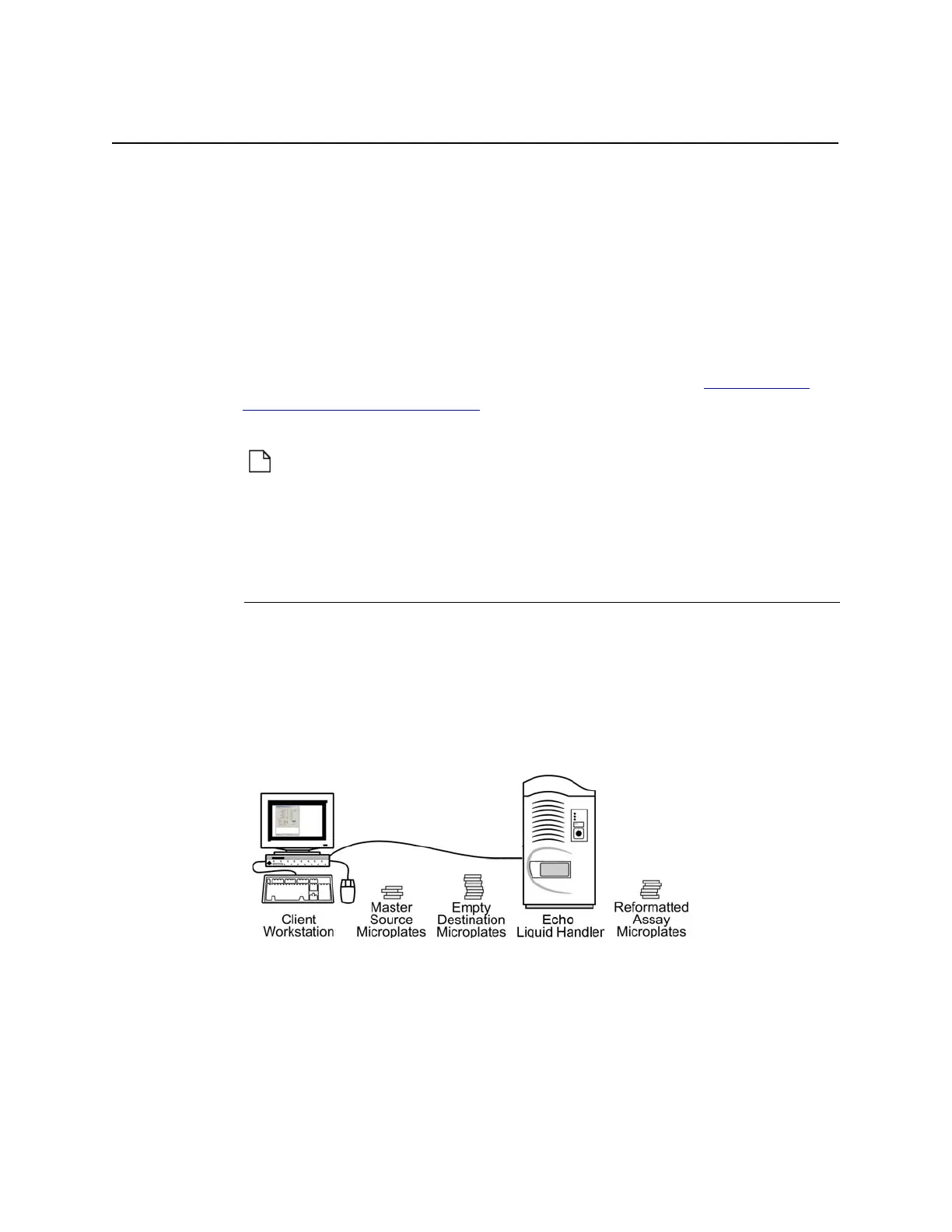
1.4.1 Manual operation
Manual operation leaves control of every step to the operator:
Defining new fluid transfer protocols or new destination microplates
Executing a fluid transfer protocol
Loading and unloading both source and destination microplates
Monitoring status
Figure 1.13 Manual operation.
Manual operation is also used when performing the following functions:
Defining new destination microplates
Defining new fluid transfer protocols
Performing periodic maintenance and calibration
For more information about manual operation, read Chapter 4.



 To Next Page