5-16 Echo Liquid Handler User Manual
5.1.2 Edit an existing protocol definition
To edit an existing protocol definition, click the EDIT button or double-click
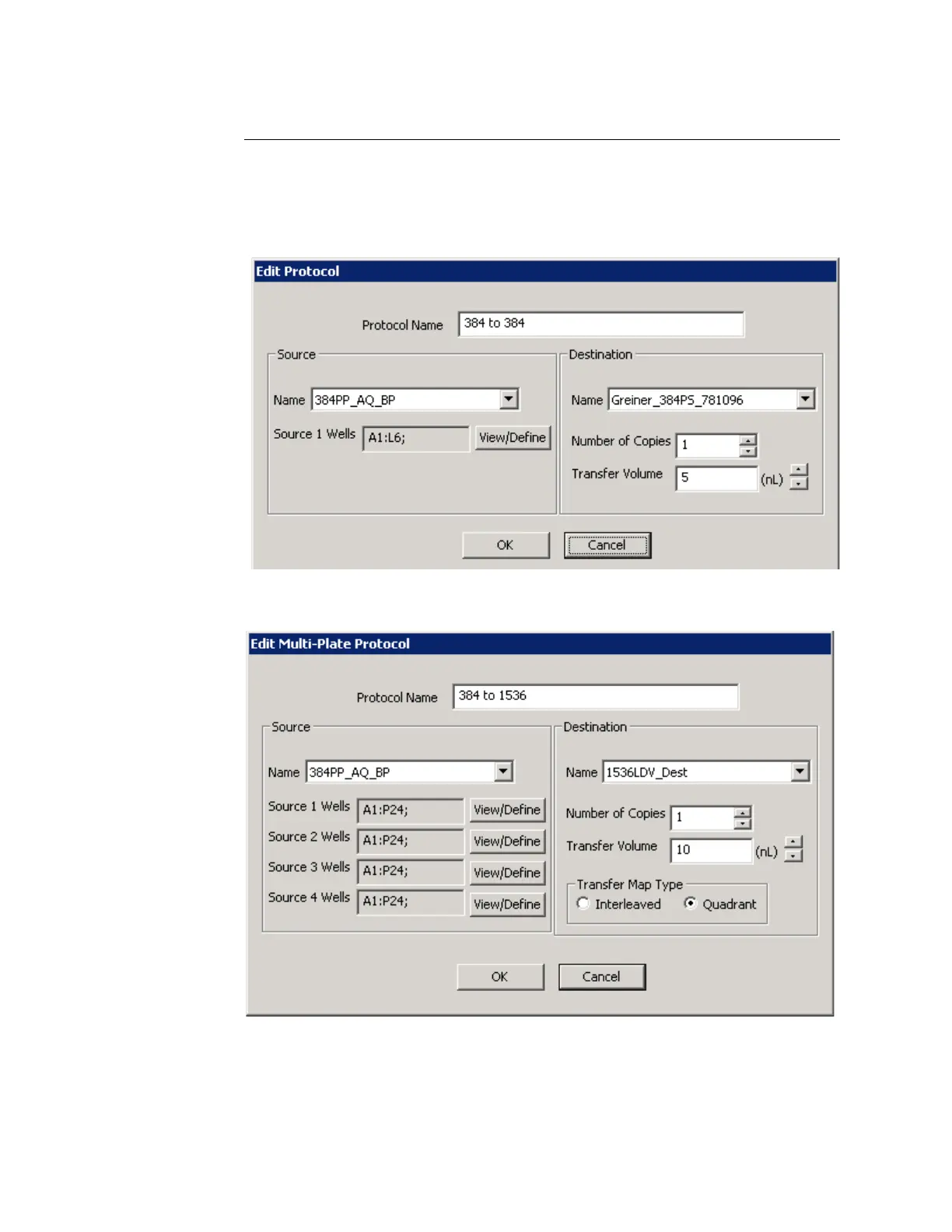
the protocol name in the PROTOCOL LIST. One of the following edit protocol
dialog boxes will open:
Figure 5.21 Edit 384:384 protocol dialog box
Figure 5.22 Edit 384:1536 protocol dialog box
Any parameter of a user-defined protocol can be edited; however, the
destination plate type cannot be changed from 384-well to 1536-well or
vice versa.



 To Next Page