5-4 Echo Liquid Handler User Manual
5.1.1 Create a protocol
To execute a liquid transfer using the Echo software, the first step is to
create a protocol. A protocol defines the source and destination
microplates to use, the volume to transfer, number of transfers, and the
specific wells involved. Protocols are stored in the Echo database and
displayed every time you view the PROTOCOLS window.
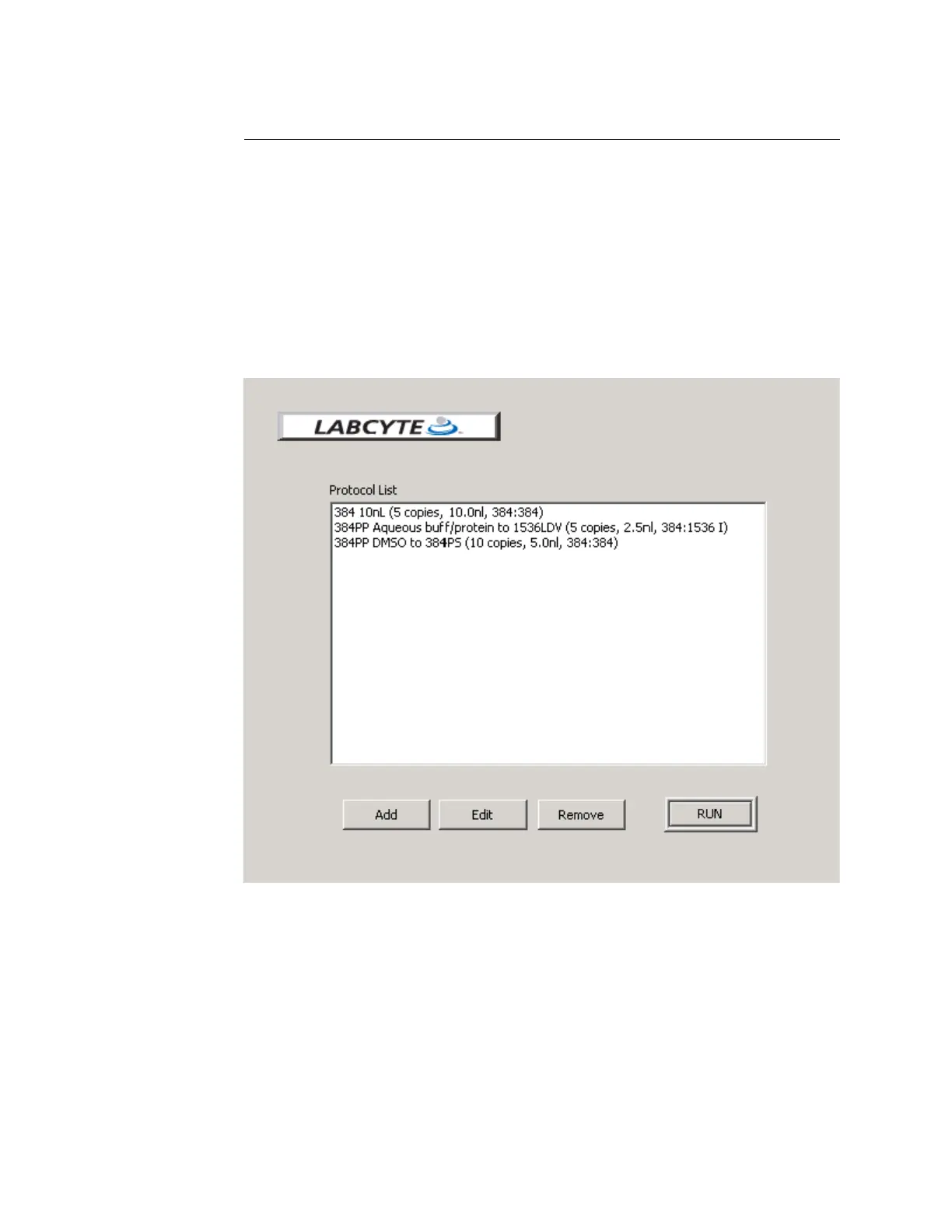
From the PROTOCOLS window, you can click the ADD button to begin the
Add New Protocol wizard. After you have created the protocol, you can
select it in the Protocol List (see Figure 5.2) to run, edit or remove.
Figure 5.2 The protocol list
Samples of protocols are described in the sections that follow.



 To Next Page