4-4 Echo Liquid Handler User Manual
4.1.2 Launch Echo software
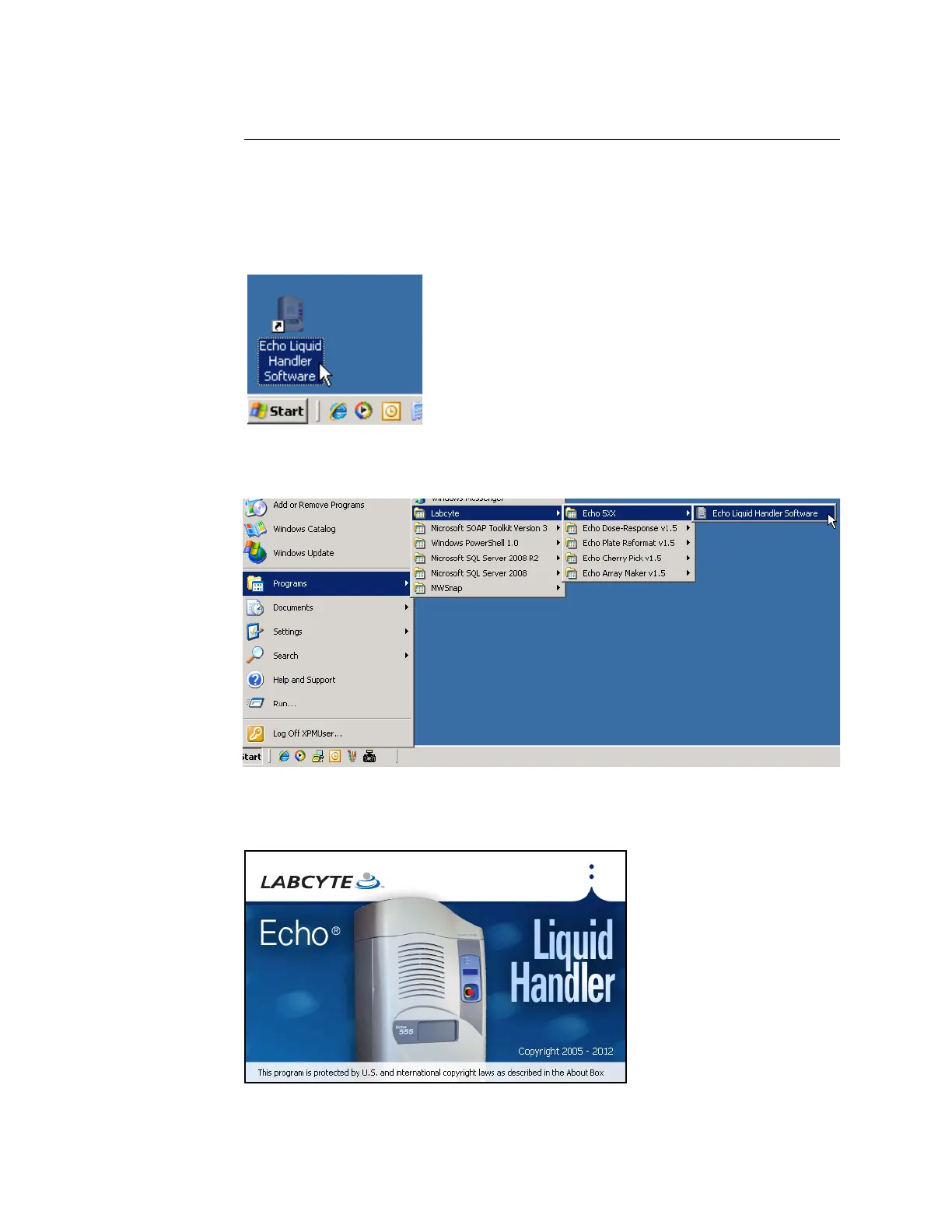
The Echo software can be launched by either of the following methods:
Open the Labcyte Echo folder on the desktop and double-click the
icon for your Echo liquid handler.
Figure 4.2 Starting the Echo liquid handler from the Windows Desktop
Go to START>PROGRAMS>LABCYTE>Echo 55X>Echo Liquid Handler Software.
Figure 4.3 Starting the Echo liquid handler from the Start menu
The Echo software connects to the Echo liquid handler and displays the
following welcome screen.
Figure 4.4 Echo liquid handler welcome screen



 To Next Page