Echo Liquid Handler Software 5-45
5.4.1 Motion calibration
Two Motion calibrations are available: Home and Register
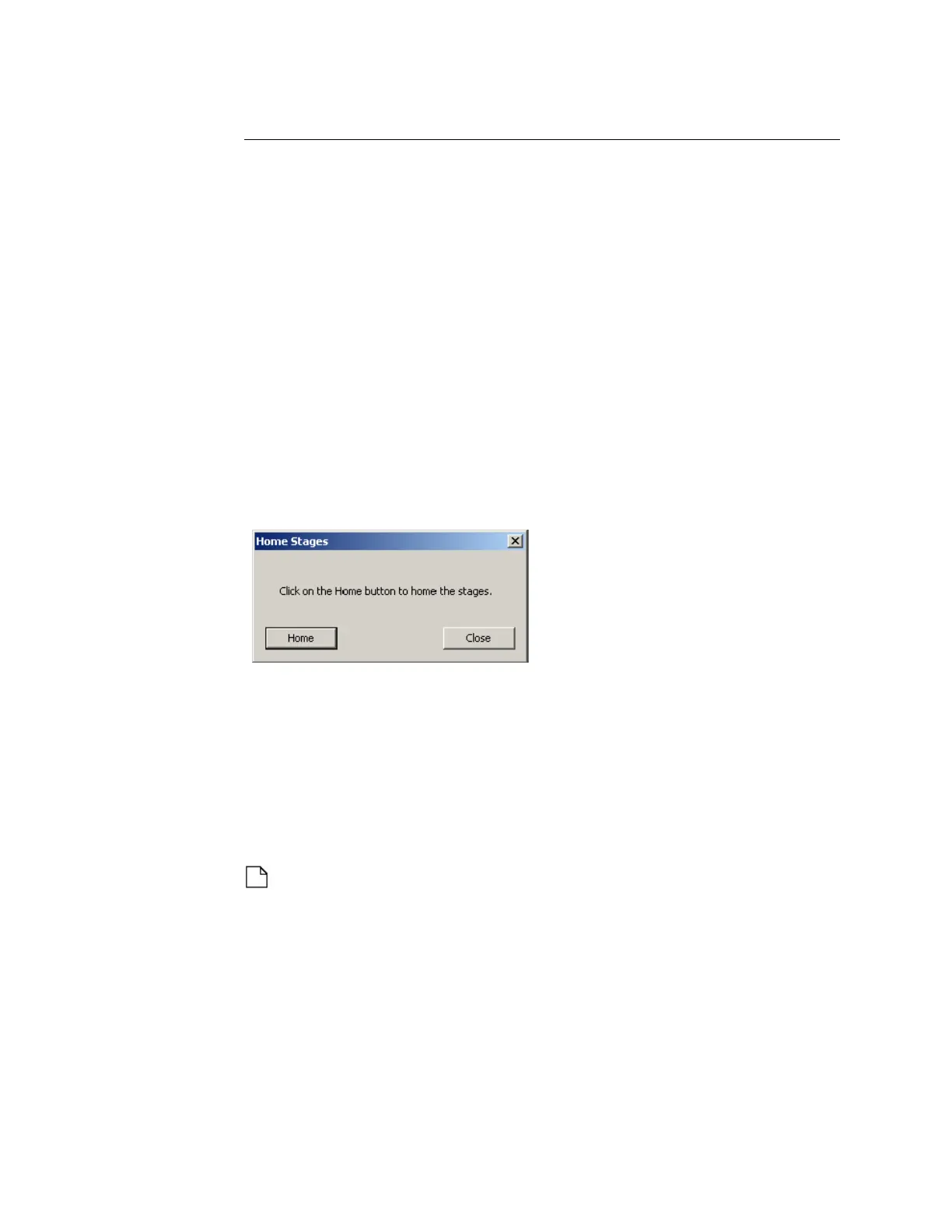
Home calibration
The HOME button moves each Echo stage (destination plate gripper stage,
source plate gripper stage, and acoustic transducer) to the limits of its travel
(X, Y, Z, or theta direction, depending on the component) to establish its
absolute position.
Destination plate gripper stage: X (left/right), Y (front/rear), Z (up/
down), and theta (plate rotation).
Source plate gripper stage: Y (front/rear).
Acoustic transducer: X (left/right), Y (front/rear), and Z (up/down).
During the homing procedure the destination plate gripper stage extends
outside of the Echo liquid handler to rotate safely.
Figure 5.41 Homing the stages
After homing its stages, the Echo controller knows the absolute position of
each stage.
Register calibration
The REGISTER button calibrates the well position for the selected source
plate and updates the labware database. This calibration is essential to
position the acoustic transducer under the well center.
Note: Normally the register calibration will not need to be performed
by a user. However, it can be useful during certain repair, diagnostic, or
recovery procedures. Perform the register calibration only as directed
by Labcyte personnel.



 To Next Page