Echo Liquid Handler Software 5-39
Diagnostic Survey
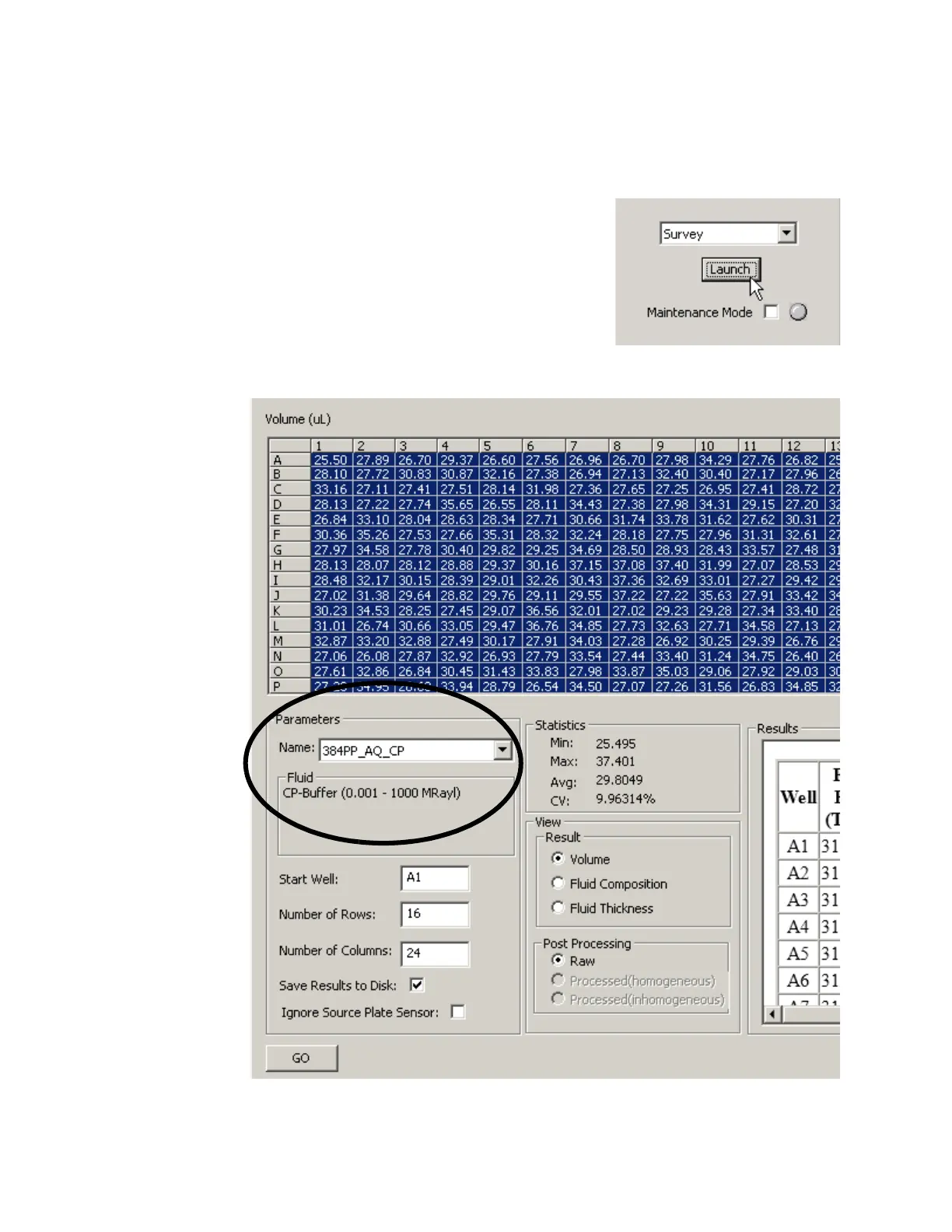
The Survey procedure performs an acoustic survey of the fluid in the loaded
source plate.
1. Go to the DIAGNOSTICS window and use
the Diagnostics controls to load a source
plate into the Echo liquid handler.
2. Select Survey from the MISCELLANEOUS
drop-down list.
3. Click the LAUNCH button. The SURVEY
window will open.
Figure 5.35 Survey procedure
4. From the N
AME drop-down list, select the correct source plate type.



 To Next Page