2-8 Echo Liquid Handler User Manual
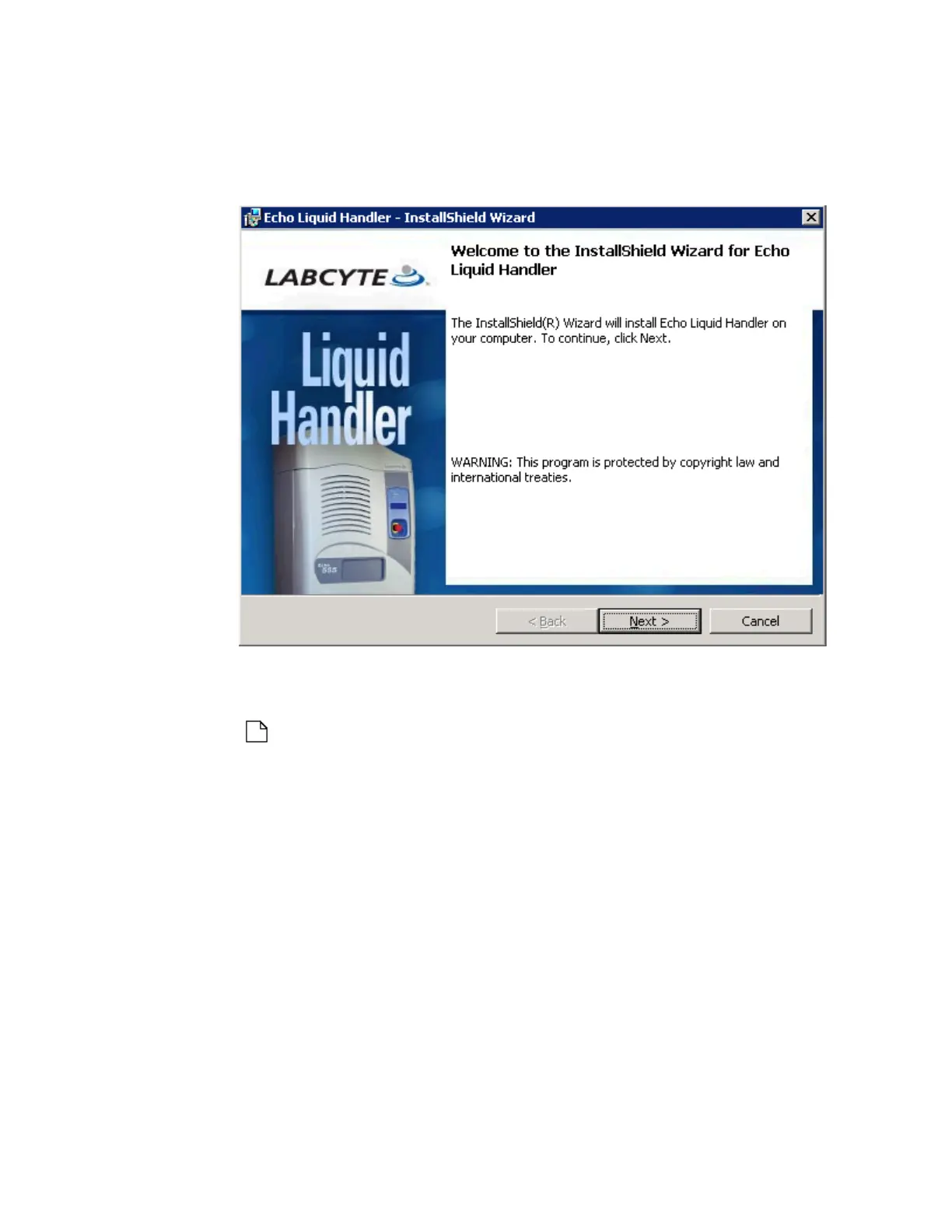
3. Click N
EXT and and then INSTALL to start the installation. Edit or verify
the previously entered information or selections by clicking the BACK
button.
Figure 2.4 Starting installation
A dialog window will report the installation’s activity and progress.
4. Click the FINISH button when the installation is done.
Note: Read the release notes for information about the version of
software being installed. The release notes are stored in the Labcyte
Echo liquid handler folder on your Windows Desktop for later viewing.



 To Next Page