Echo Liquid Handler Software 5-13
5. Click the V
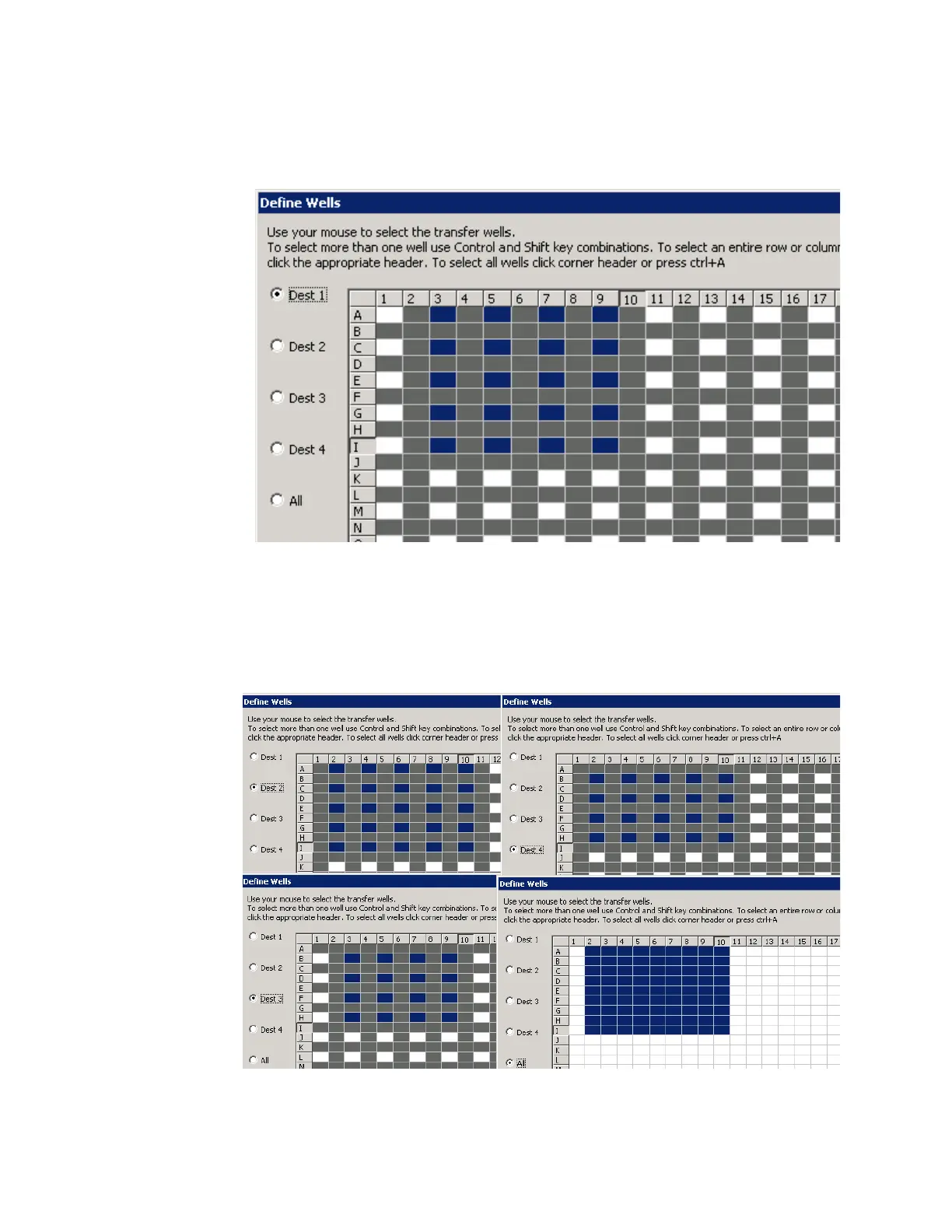
IEW/DEFINE button to create a transfer map for the 1536-well
source plate. The Define Wells dialog box opens.
Figure 5.17 Define wells template for interleaved plate map
The Define Wells dialog box shows you the source wells (white cells)
that can be transferred to the selected destination plate. The gray cells
represent the wells that are not available. If you click the radio button for
the different destination plates, you will see that the transfer map
changes for each destination plate.
Figure 5.18 Transfer maps for all four destination plates
a. Click the radio button for Dest 1 (first destination plate).



 To Next Page