4-14 Echo Liquid Handler User Manual
2. Place the appropriate plate insert onto the plate gripper (if it is not
already in position). See “
Source plate insert” on page 3-6.
3. Collect the microplates that will serve as destination plates to receive the
compound. A destination microplate definition must exist or be created.
For example, knowing the plate height of the destination microplate
allows the Echo liquid handler to lower the destination microplate into
very close proximity to the source microplate, improving droplet ejection
accuracy and reliability.
4.4.2 Start liquid transfer run
You are ready to run the liquid transfer protocol:
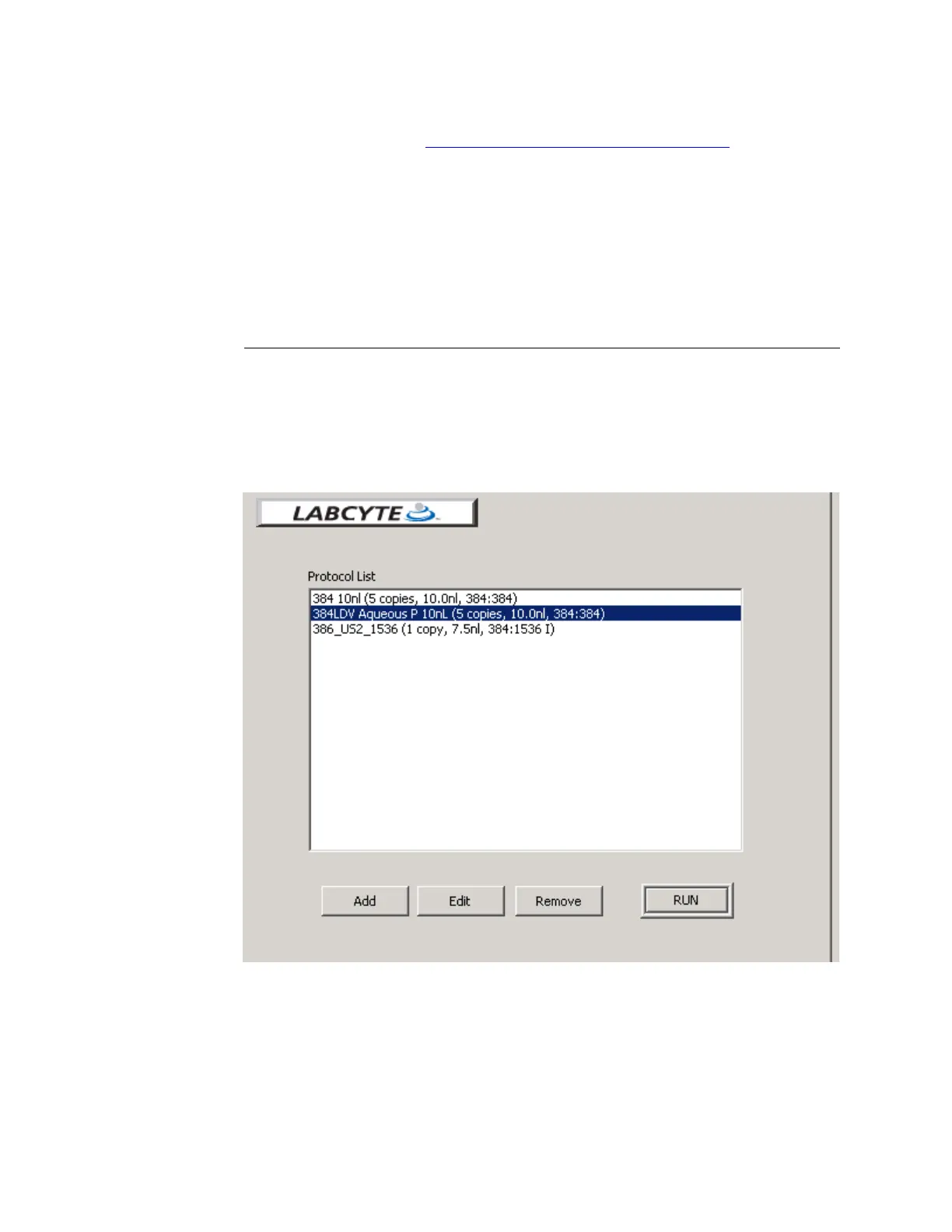
1. From the PROTOCOLS window, select the protocol to be run. If you move
the mouse pointer over a protocol name, a tool tip displays some of the
protocol settings.
Figure 4.10 Protocols window
2. Click the RUN button. You will be instructed to click the NEXT button.
The process door will open and the source plate gripper stage will
extend outside of the Echo liquid handler.



 To Next Page