Echo Liquid Handler Software 5-51
Caution: When the FOCUS CALIBRATION indicator is yellow, Labcyte
strongly recommends that the user execute the Focus calibration
wizard as soon as possible.
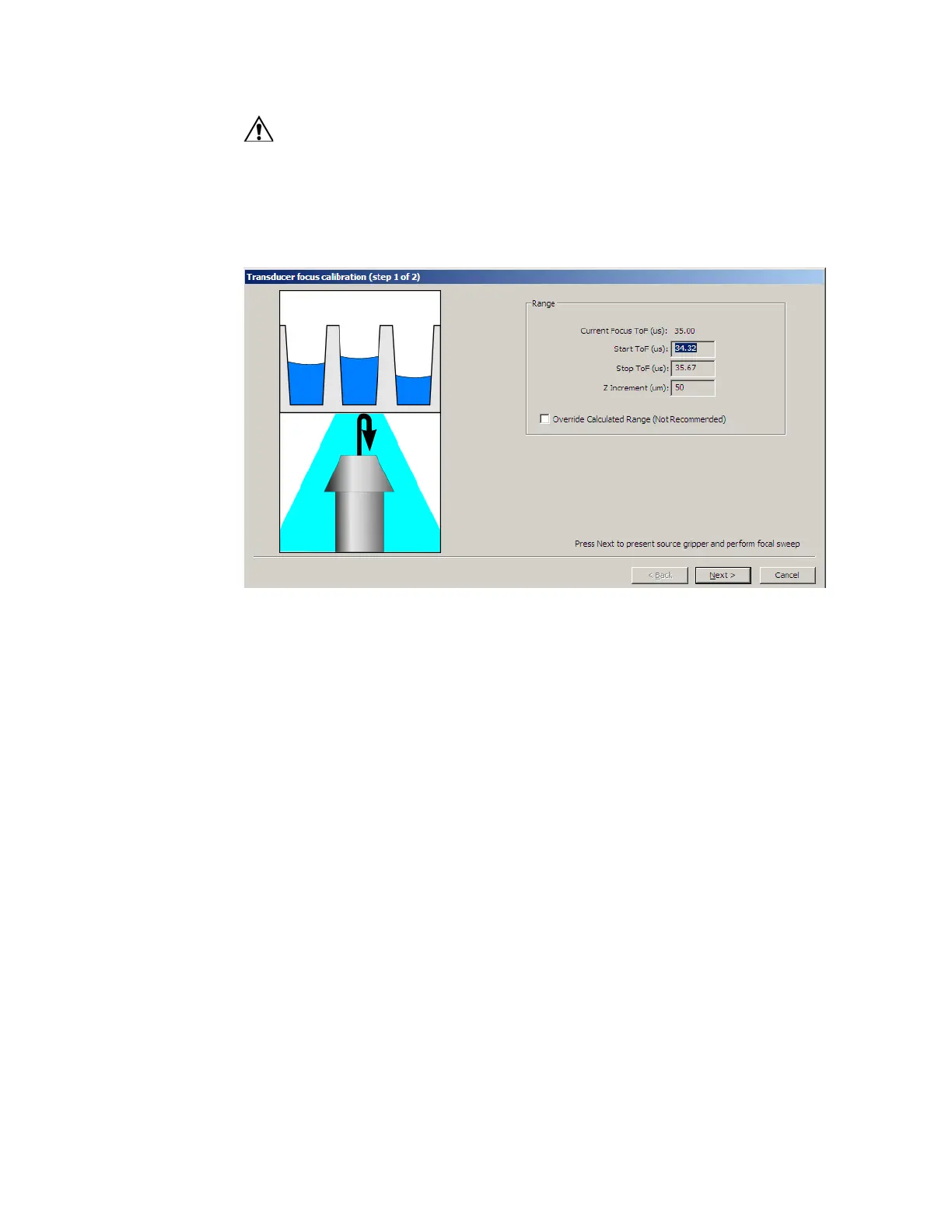
1. In the TRANSDUCER FOCUS CALIBRATION window, click the FOCUS button.
Figure 5.47 Transducer focus calibration page 1
2. Accept all of the default values and do not select the OVERRIDE
CALCULATED RANGE checkbox.
3. Click the NEXT button.
The Echo process door opens, the source plate gripper stage extends,
and the Echo liquid handler performs a focal-sweep. The focal-sweep
uses acoustic “pings” bounced off an internal registration plate while
the transducer is being moved vertically. The focal-sweep process
measures the transducer’s focal length. After the focal-sweep is done,
the bottom of the registration plate is dried.
4. Click the FINISH button to complete the focus calibration procedure.



 To Next Page