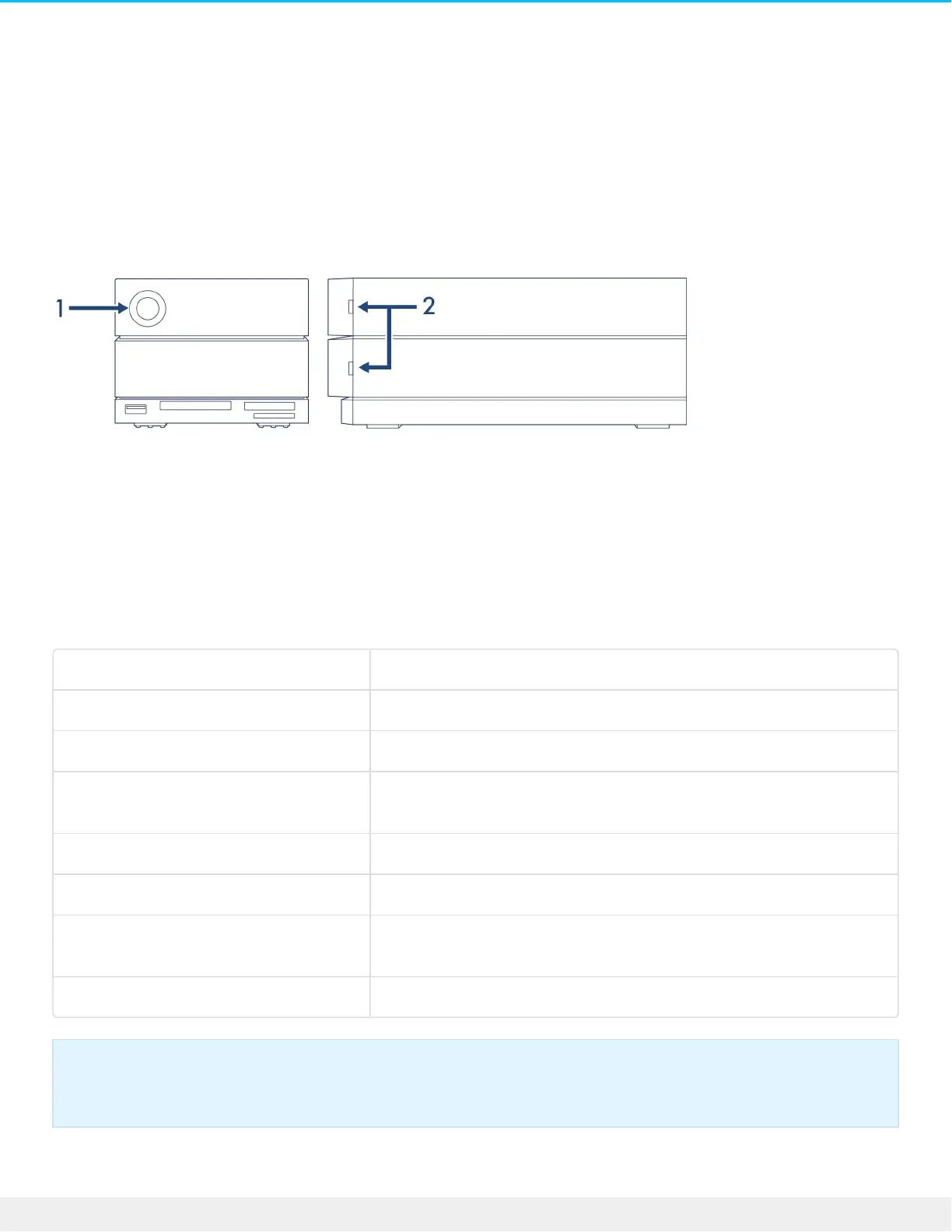
System LEDs
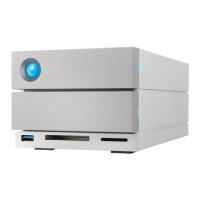
LED locaons
1. Front—System status
2. Side—Hard drive status
LED behavior
The list of colors below helps you identify the general status of your LaCie 2big Dock.
Color State
Solid blue Ready
Blinking blue Activity
Slow blinking blue
(10 second interval)
Power-saving
Fast blinking blue Startup and shutdown
Blinking red and blue RAID initialization or synchronization
Blinking red
(1 second interval)
Temperature warning or fan failure
Solid red Temperature critical or fan absent
LEDs for this device can be dimmed using the Toolkit app. See the LaCie Toolkit user manual for
details.



 To Next Page