macOS
1. Make sure that the device is not being accessed.
2. Using a Finder window, eject the device volume.
3. Remove the USB-A end of the cable from the port.
Windows
1. Click the Safely Remove icon in your Windows System Tray to view the devices you can eject. If you
don't see the Safely Remove Hardware icon, click the Show Hidden Icons arrow in the system tray to
display all icons in the notification area.
2. In the list of devices, choose the storage device you want to eject. Windows displays a notification
when it is safe to remove the device.
3. Remove the USB-A end of the cable from the port.
Secure Digital Extended Capacity (SDXC) memory
card reader
Reading an SD memory card
1. Hold your SD, SDHC, or SDXC memory card upright with the label on top (pins on bottom).
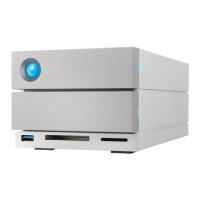
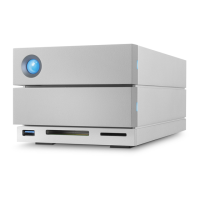
2. Insert the card into the SD slot on the front of the device as far as it will go (you may hear an audible
‘click’), and then release. The card is now locked in the slot.
The port supports up to SD UHS II.



 To Next Page