when it is safe to remove the device.
3. Push the card into the SD slot on the front of the device as far as it will go (you may hear an audible
‘click’), and then release. The card is ejected.
4. Remove the card from the slot.
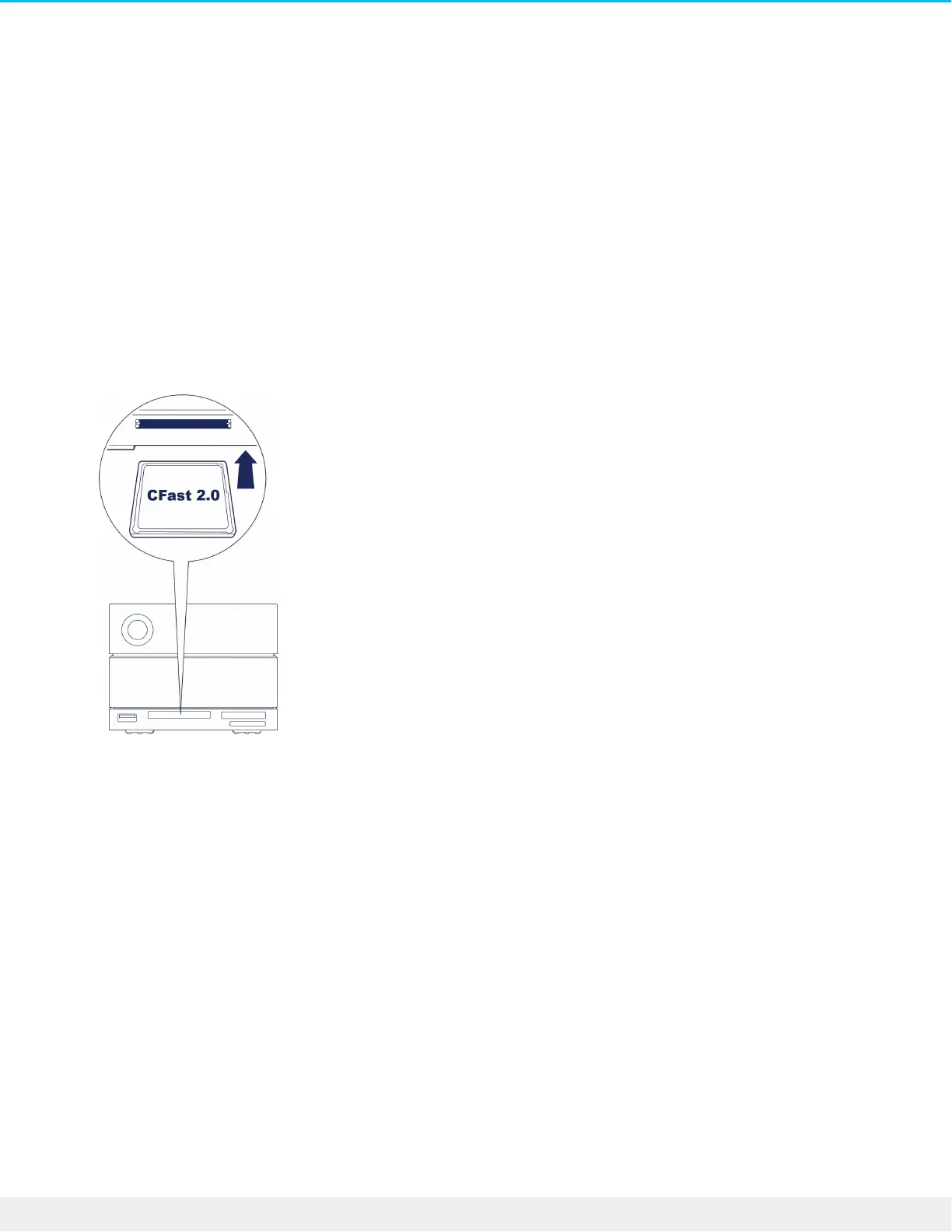
CFast 2.0 memory card reader
Reading a CFast 2.0 memory card
1. Hold your CFast 2.0 memory card upright with the label on top.
2. Insert the card into the CFast 2.0 slot on the front of the device and gently push it in until it’s seated in
the slot.
3. Open a Finder or File Explorer window to browse and manage the contents of the CFast 2.0 card.
Safely ejecng and removing a CFast 2.0 memory card
Toolkit
1. Make sure that the CFast 2.0 memory card is not being accessed.
2. Open Toolkit.
3. On the Home screen, click on the Eject icon for the CFast 2.0 card slot.
4. Remove the card from the slot.
macOS
1. Make sure that the CFast 2.0 memory card is not being accessed.
2. Using a Finder window, eject the CFast 2.0 card volume.
3. Remove the card from the slot.











 To Next Page