Docking Features
LaCie 2big Dock provides you with convenient means of managing your digital content. Insert Secure Digital,
CFast 2.0, and CFexpress B cards to transfer files for safe storage. Connect smartphones, cameras, and other
devices to the USB 3.2 Gen 2 hub to access content.
USB 3.2 Gen 2
Use the hub to transfer files from digital cameras and other drives. The USB 3.2 Gen 2 hub port delivers
7.5W of power to connected phones and other devices.
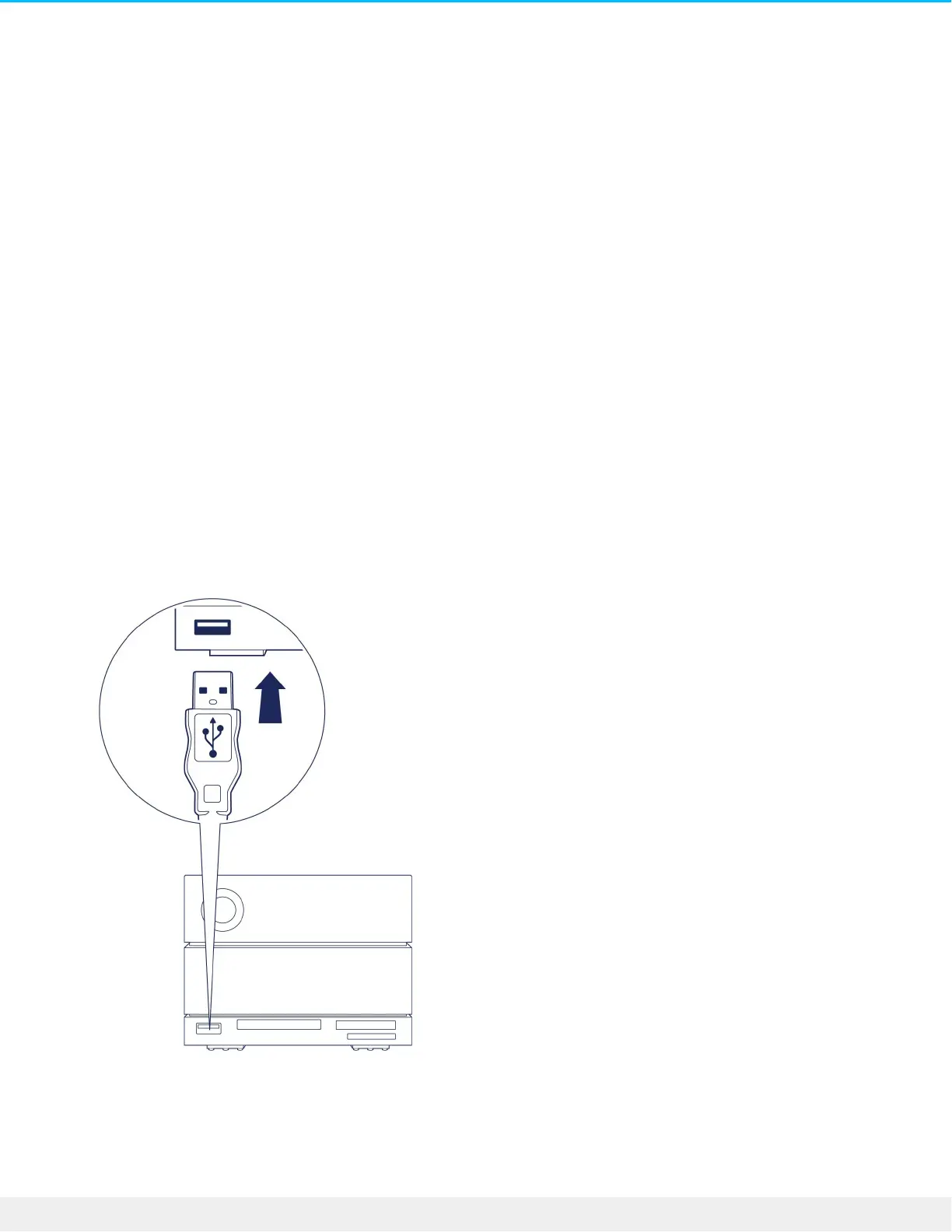
Connecng a device to the USB 3.2 hub
1. Hold the USB-A end of the cable upright.
2. Insert the cable end into the USB 3.2 port on the front of the device.
3. Open a Finder or File Explorer window to browse and manage the contents of the device.
Safely ejecng and disconnecng a device from the USB 3.2 hub











 To Next Page