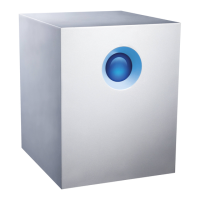
LaCie 5big Network Accessing & Managing Files
User Manual page 19
Mac OS X Users
From the Finder, select Go and then Connect to Server... In the
window that opens, type:
afp://lacie-5big.local or afp://[IP address]
And click Connect.
Mac OS 9.x Users
From the Apple menu, select Network Browser, Chooser or Con-
nect to Server. In Chooser, click the Appleshare icon. Your server
should appear in the list with the default name “LaCie-5big”. Select
it and press OK.
Linux Users
Under KDE, open konqueror and type in the IP address of the LaCie
5big Network into the address field:
For FTP access – ftp:// [IP address]
For HTTP access – http:// [IP address]
For SMB/CIFS access (in order for this to method to work, the ser-
vices need to be properly configured) – smb:// [IP address].


 To Next Page