LaCie 5big Network Introduction
User Manual page 5
1. Introduction
Congratulations on your purchase of a LaCie 5big Network. De-
signed to satisfy the data sharing and backup needs of small offices,
the LaCie 5big Network represents the new generation of shared
storage with security.
Superior Design
The advanced metal casing and thermoregulated fan ensure long-
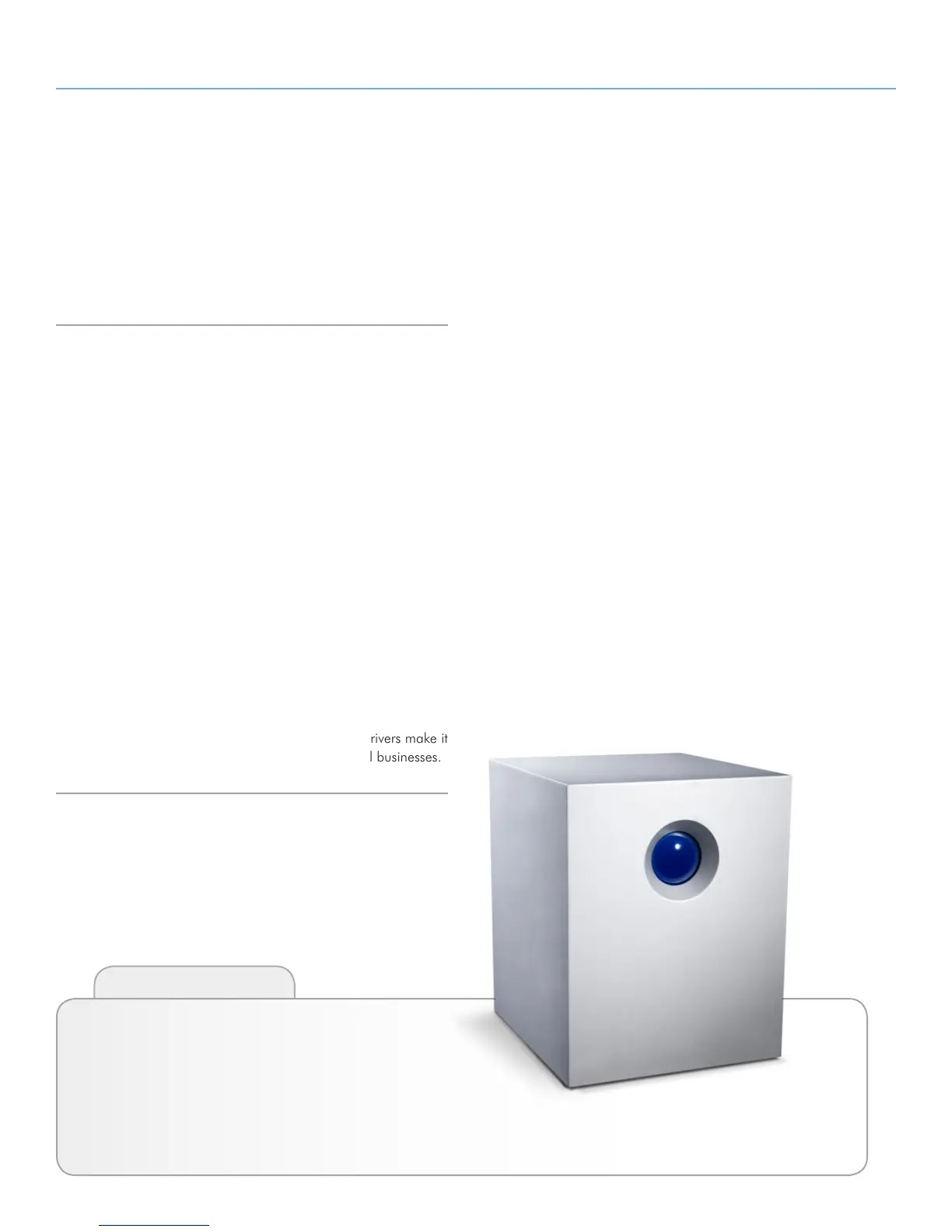
lasting reliability and quiet operation. The glowing blue button adds
more than character—one push will back up the data of your choice
from an attached external hard disk. Sturdy disk trays are easy to
remove for maintenance and lock securely in place for safety.
RAID Flexibility
RAID technology is one of the best means to protect your data, while
providing greater data integrity and availability than standard hard
disk storage. With the ability to provide single error detection and
redundant information to recover the original if a disk fails, a RAID
system is an ideal means to safe-guard valuable data while also
stream-lining performance.
Easy Setup & Access
The new user-friendly LaCie Network Agent makes setup simple and
enables accessing, mapping and configuring the drives on your of-
fice’s network. The 5big Network’s compatibility with Mac®, Win-
dows® and Linux machines without having to install drivers make it
the ideal file-sharing solution for home offices or small businesses.
Click a topic:
✦ Setting Up Your LaCie 5big Network
✦ Accessing & Managing Files
✦ RAID and Disks
✦ Troubleshooting
Quick Links



 To Next Page