LaCie 5big Network LED Indicators
User Manual page 57
6. LED Indicators
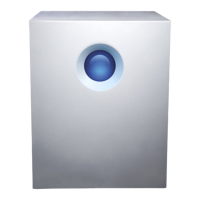
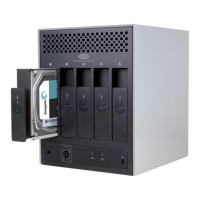
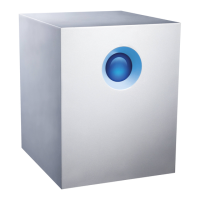
The LED indicators above the drive bays and the front LED indicate
drive status and activity. This section describes the behavior of the
LED indicators.
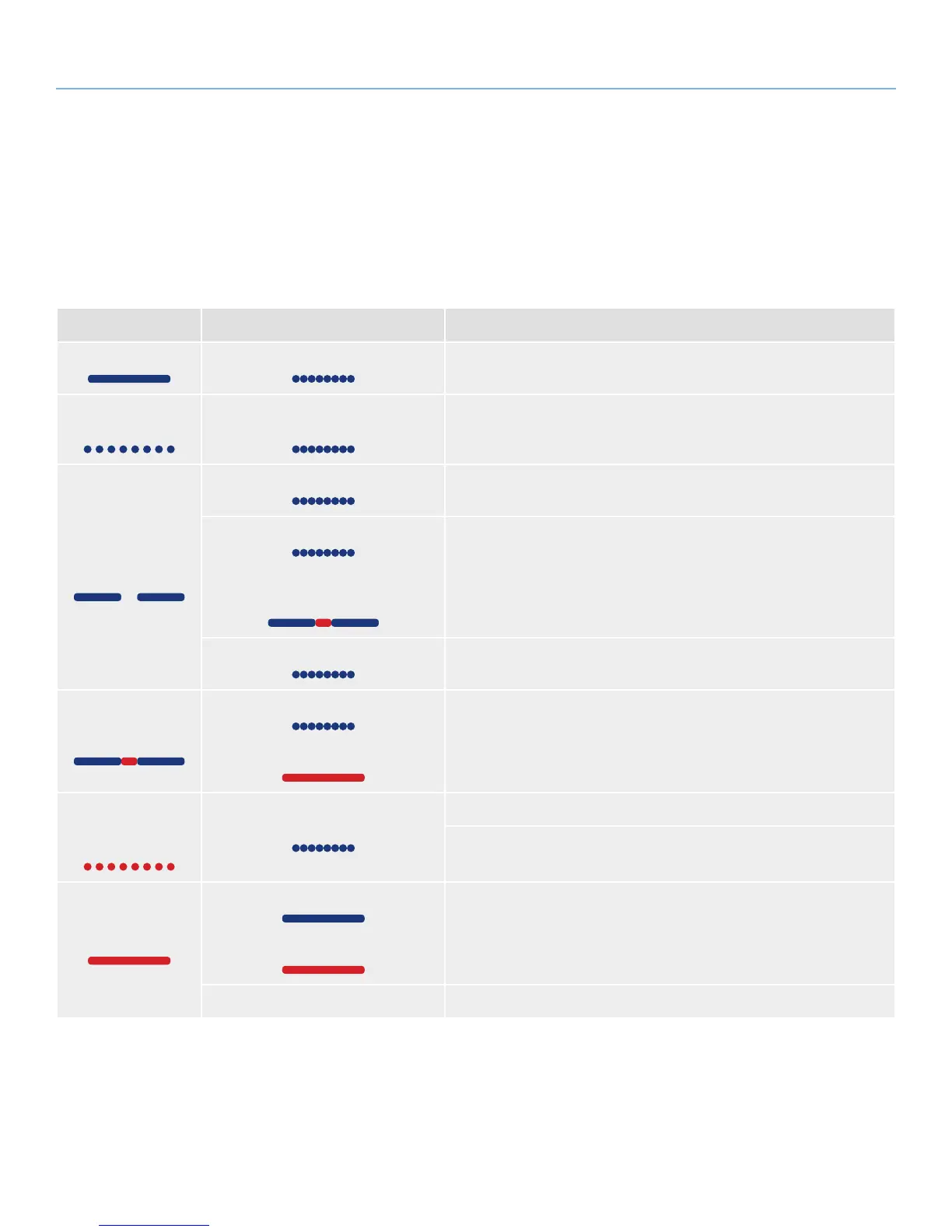
Front LED Color Rear LED Color 5big Network State
Solid blue Activity LED for working disk(s) Drive working (read/write)
Blinking blue
(0.8s, 0.8s)
Activity LED for working disk(s)
(until they are fully initialized)
Occurs as the 5big Network is booting; will cease once the drives are
fully initialized
Long blue (2.5s),
short pause (0.25s)
Activity LED for working disk(s) RAID building; will cease once operation has concluded
Activity LED for working disk(s)
Long blue (2.5s), short red (0.25s) in
rebuilding disks
RAID rebuilding after new disk inserted; will cease once it has rebuilt
Activity LED for working disk(s) Backup/import operation in progress; will cease once operation has
concluded
Long blue (2.5s),
short red (0.25s)
Activity LED for working disk(s) only
Solid red for non-functional disks
Damaged RAID; system working but non-functional disks need to be
replaced
Blinking red
(0.3s/0.3s)
for 3 seconds total
Activity LED for working disk(s)
During a backup operation, the external disk is full or not formatted
During an import operation (triggered by pressing the front blue button),
the external disk is empty
Solid red
Solid blue in functional disks
Solid red in non-functional disks
Drive failure, RAID broken, data lost
N/A System broken or not found.
continued on the next page


 To Next Page