LaCie 5big Network Administering Your LaCie 5big Network
User Manual page 49
4.10. Multimedia
Thanks to its support of UPnP A/V and DLNA protocols, the 5big
Network can act as a multimedia server, providing access to its files
to compliant digital media appliances. Such appliances include
Playstation 3, Xbox360, many LCD TV and stereos, or Digital Media
Adapters (DMA).
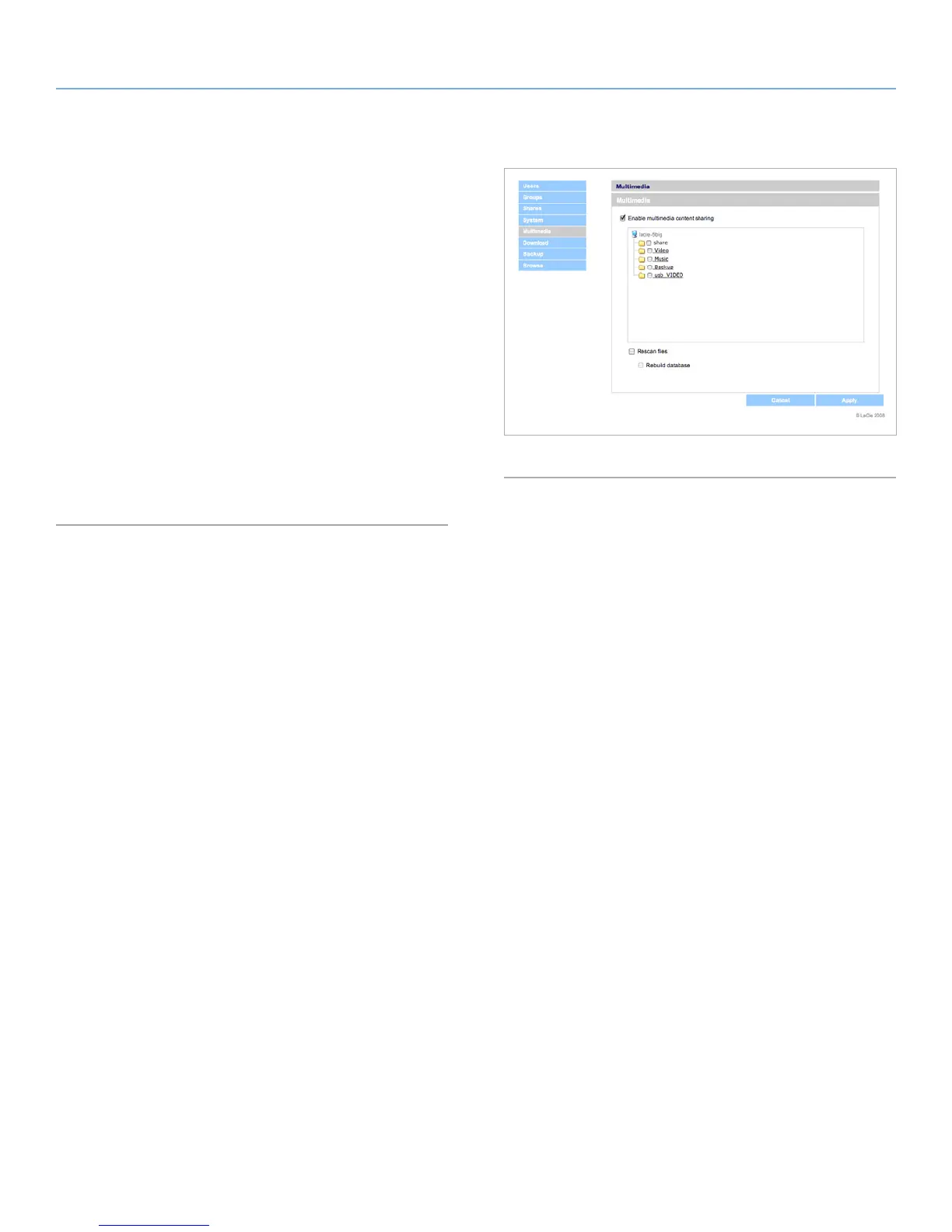
To activate the UPnP and DLNA protocols, follow these steps:
1. Navigate to the Multimedia tab on the Administration page
and check the Enable Multimedia Content Sharing (Fig. 51).
2. Select which share(s) you would like to share with wireless de-
vices.
3. Check the Rescan files box.
4. Click Apply.
Fig. 83



 To Next Page