LaCie 5big Network Administering Your LaCie 5big Network
User Manual page 44
4.5.7.4. Shut Down
There are two ways to disconnect the Ethernet connection:
✦ Move the power switch to the off position. The system will shut
down and power off. When the shutdown process is complete,
you can safely remove the Ethernet cable.
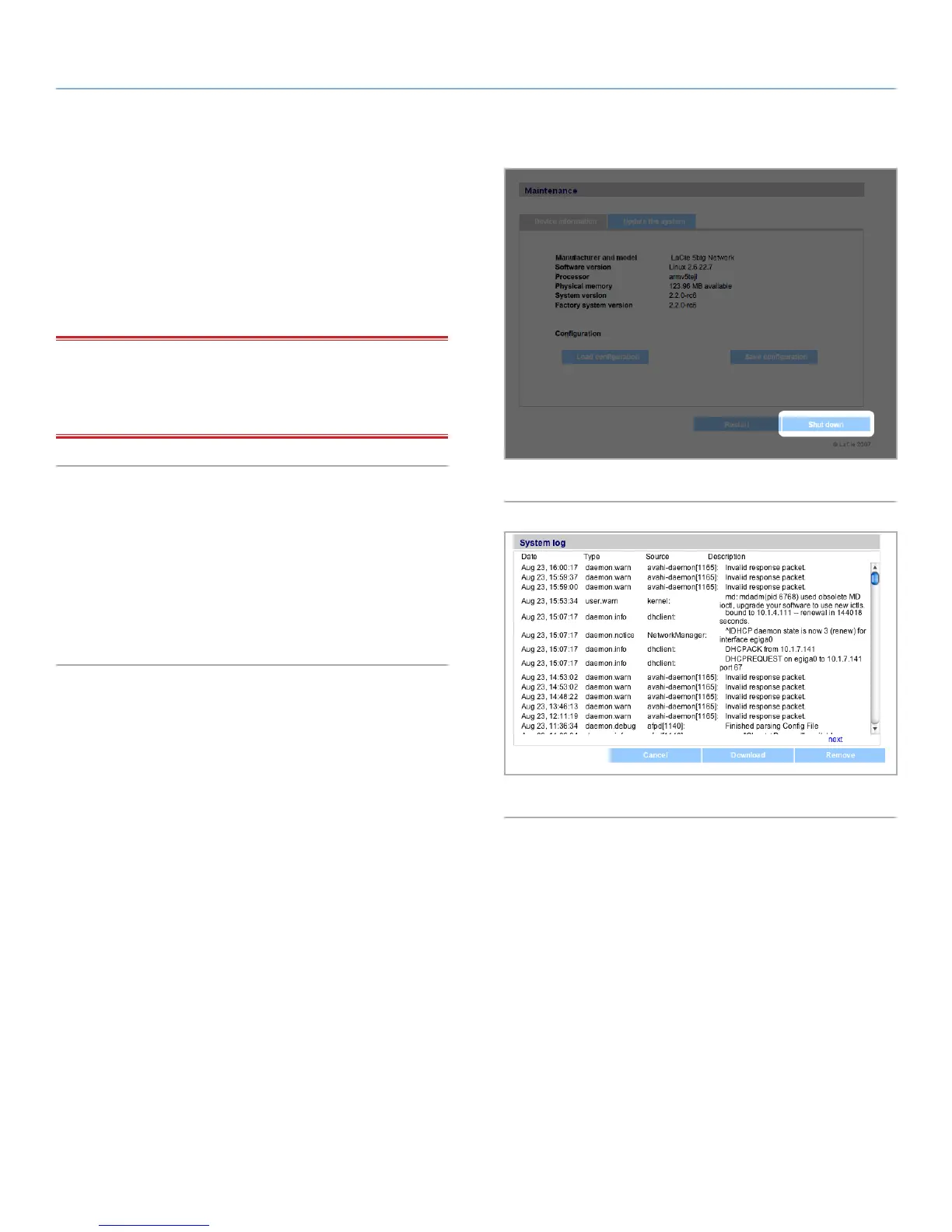
✦ Click the Shut Down button (Fig. 69). This option is available
ONLY if the power switch is set to the AUTO position.
IMPORTANT INFO: Any data transfers underway during a shut
down will be interrupted and data may be lost. Make sure no us-
ers are connected or transferring data to or from the 5big Network
before shutting down.
4.5.8. System Log
The system log allows you to review the type, date, time, source and
event ID of activities on the LaCie 5big Network (Fig. 70).
To view the system log, select System > Status > View.
Click Download to download the log or Delete to clear its con-
tents.
Fig. 69
Fig. 70



 To Next Page