LaCie 5big Network Administering Your LaCie 5big Network
User Manual page 34
4.4.2. Deleting Shares
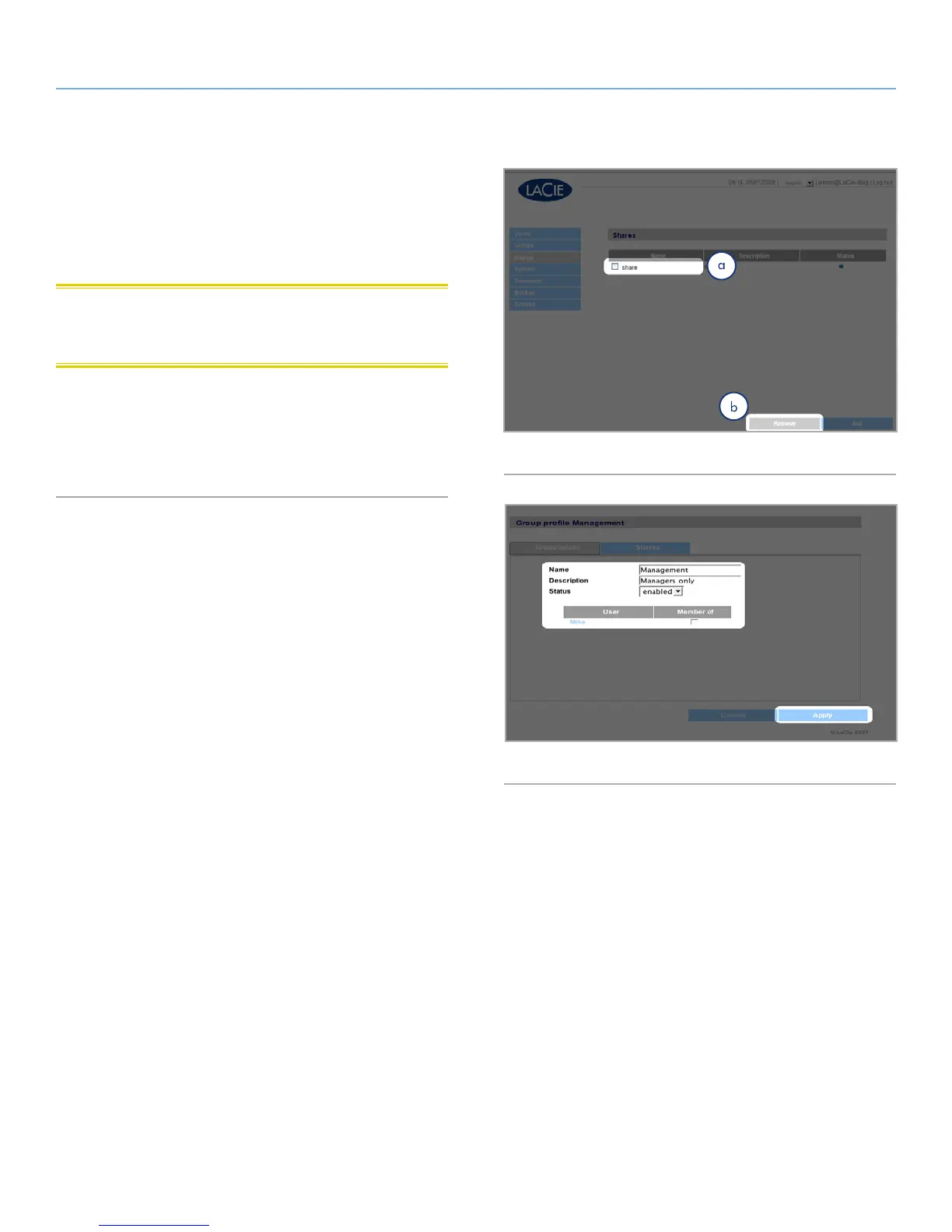
On the Shares page (Fig. 47), check the box beside each share you
want to delete (a) and click Remove (b). Deletion of the share could
take just a few seconds to several minutes, depending on the size
of the share.
CAUTION: Deleting a share deletes all files contained within the
share folder. Back up any data you want to save before deleting a
share.
4.4.3. Editing Shares
The administrator can edit the details of a group’s profile at any
time by clicking on a group on the Groups page to view the group’s
profile (Fig. 48).
Fig. 47
Fig. 48



 To Next Page