LaCie 5big Network Administering Your LaCie 5big Network
User Manual page 35
4.5. System
In addition to the Configuration page, which is the main System
page, the System menu has four sub-sections: Network, Disk, Status
and Maintenance, each accessible from the navigation bar when
you click System.
4.5.1. Active Directory
The 5big Network can join a Microsoft Active Directory. Active Di-
rectory is the directory service that is included with Microsoft Win-
dows Server 2003 and Microsoft Windows 2000 Server. By creating
a link between user accounts, mailbox accounts, and applications,
Active Directory simplifies the task of adding, modifying, and delet-
ing user accounts. Integrating the 5big Network with your Active
Directory allows the 5big Network to streamline the creation of us-
ers, groups, and access privileges.
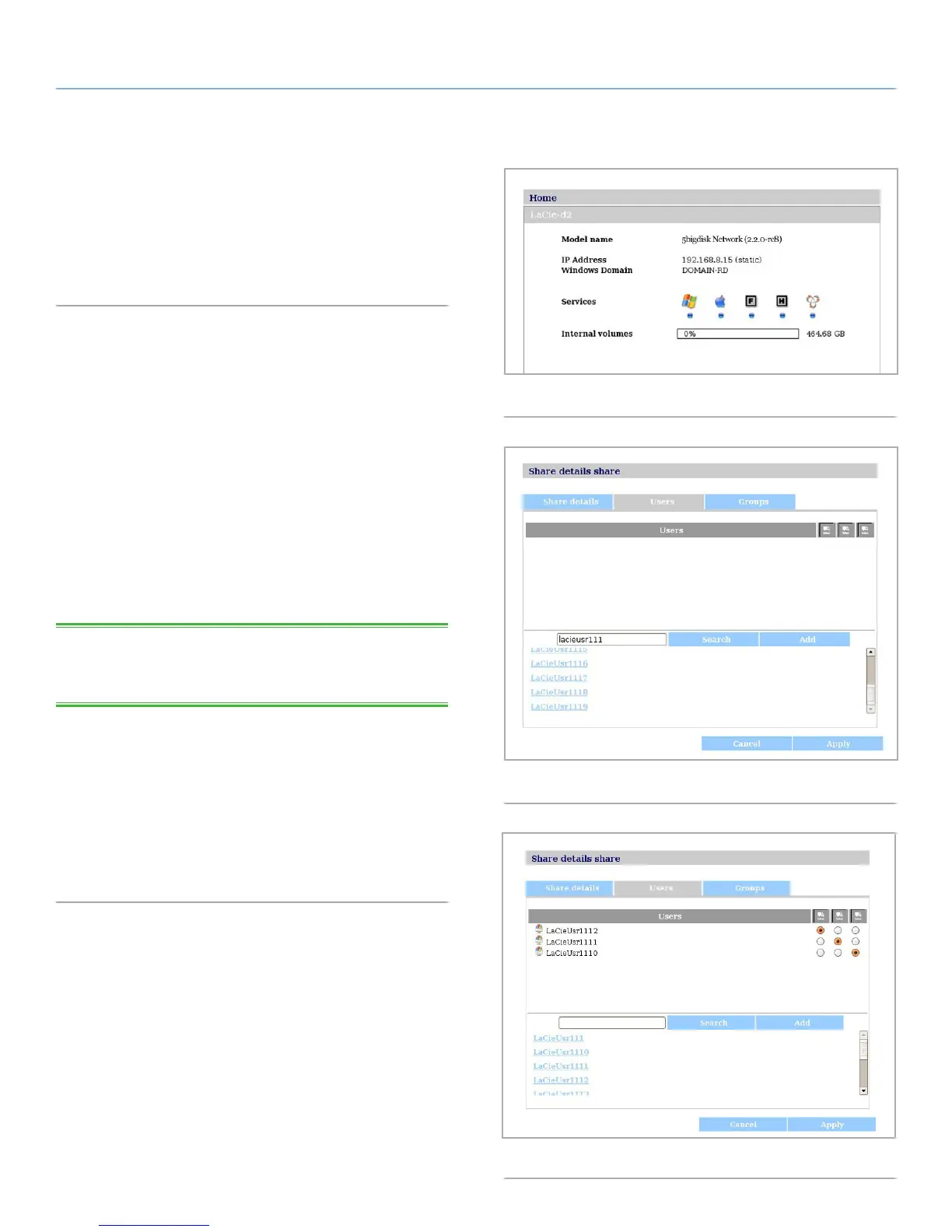
To connect, click on System > Join Domain. Enter a domain
name, username, and password and click Join Domain (Fig. 49).
Once the 5big is connected to the domain, the administrator will be
able to add users or groups in the following way:
TECHNICAL NOTE: In order to assign access to a share to a user(s)
or group(s), the “Allow public read and write access“ button must be
unchecked.
1. Navigate to the Shares page.
2. Click on the share to which you wish to add users.
3. In the search field, add a user by one of the following methods:
a. Type the name and click Add.
b. Typing a few characters of the username and click Search
(Fig. 50). In the list of found users, simply click the user.
Fig. 49
Fig. 50
Fig. 51



 To Next Page