LaCie 5big Network Administering Your LaCie 5big Network
User Manual page 41
4.5.6. Status
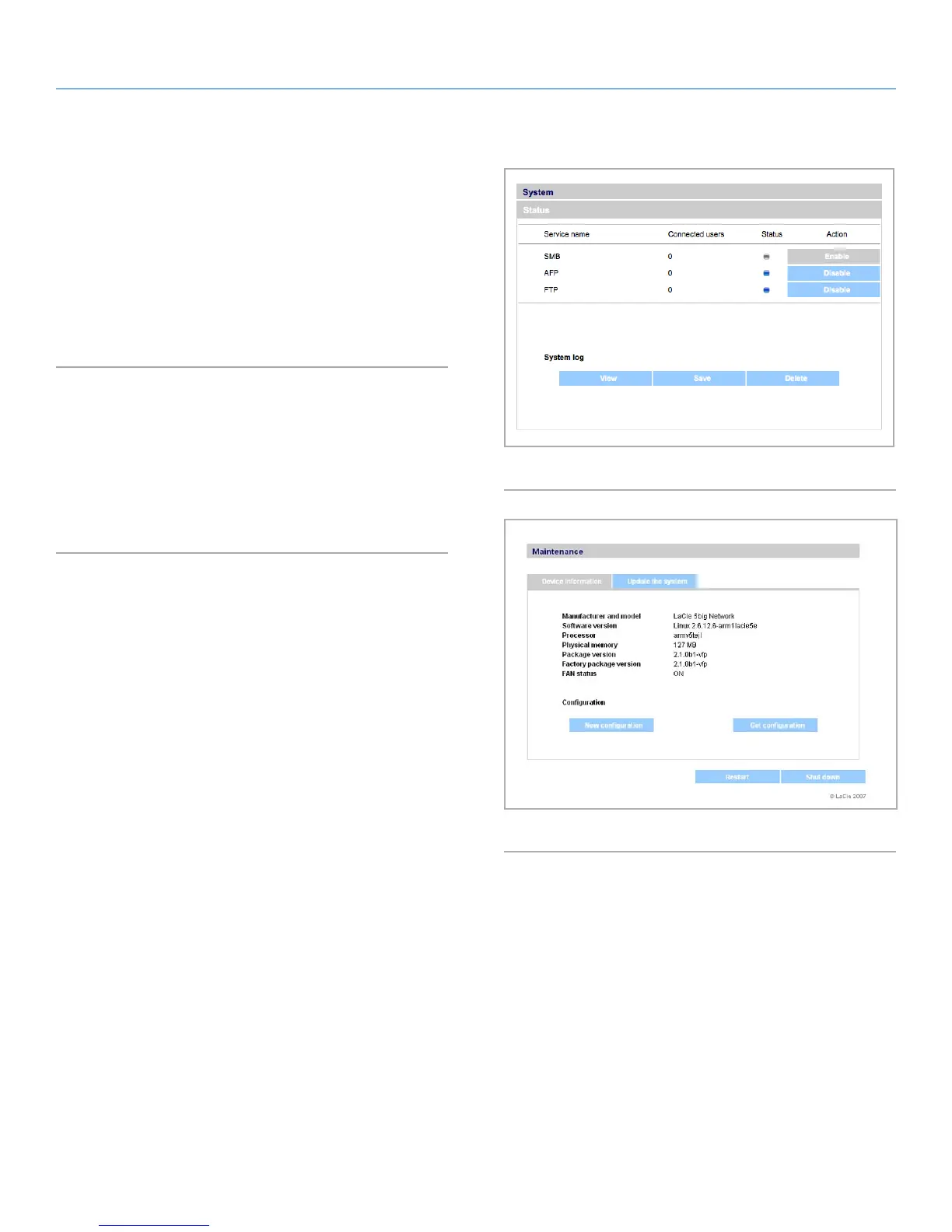
Click on Status under System in the navigation bar to display the
system Status page (Fig. 63).
On this page you can view the number of connected users, disable
file server services (SMB, AFP, and FTP) and view, download or de-
lete the system log. To disable a service, simply click the Disable
button that corresponds to the service which you wish to disable, or
deselect it.
4.5.7. Maintenance
Click on Maintenance under System in the navigation bar to dis-
play the Maintenance page (Fig. 64).
On this page you can view basic system information, manage up-
dates, restart or shutdown the system (only if the power switch is in
the AUTO position) and load new system configurations.
Fig. 63
Fig. 64



 To Next Page