LaCie Wireless Space • DESIGN BY NEIL POULTON Administering The LaCie Wireless Space
User Manual page 46
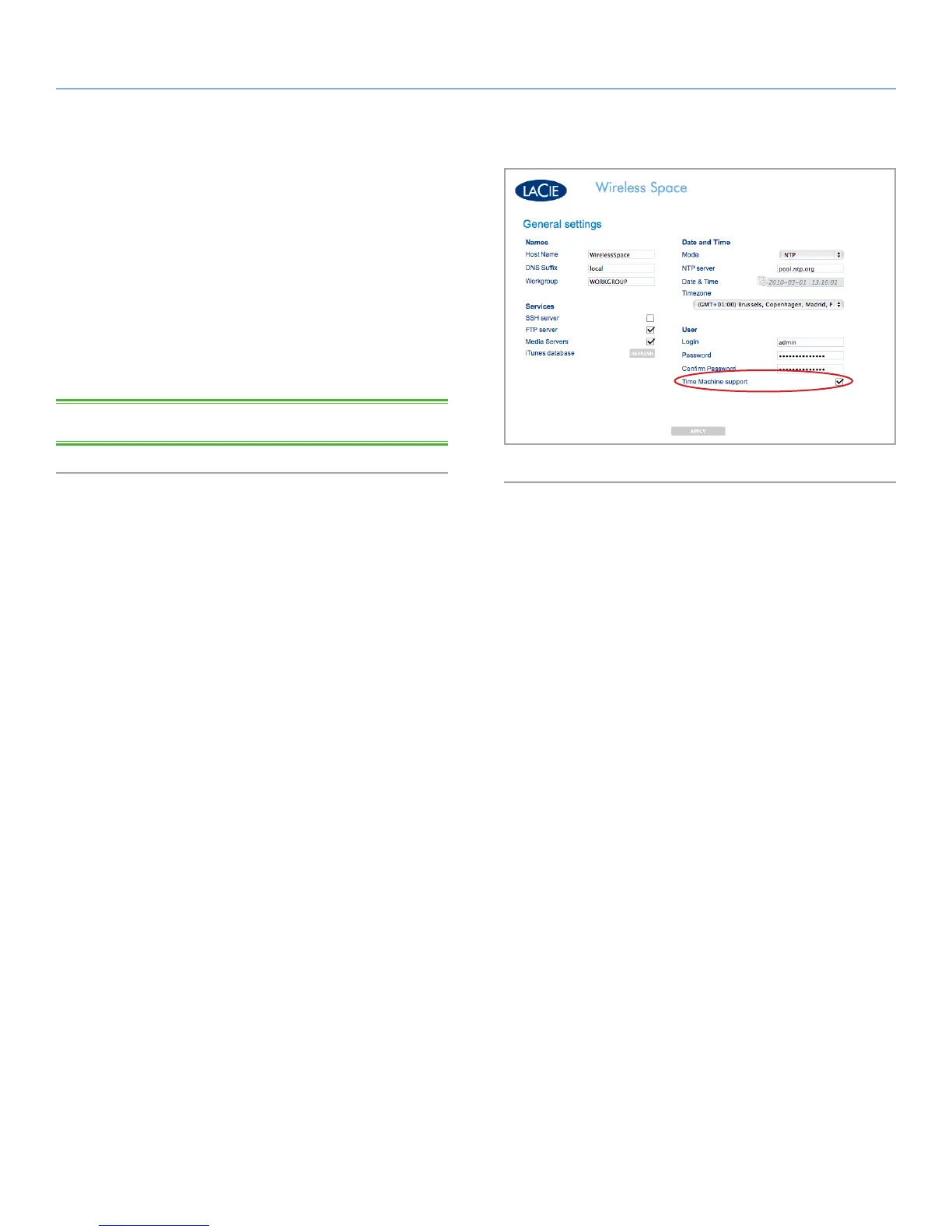
3.6.5.2. Time Machine™
Time Machine
support is turned on by default. With Time Machine
support selected, an icon marked “Wireless Space (Time Machine)”
will appear in the Shared section of a Finder Window below the
standard Wireless Space icon. The Wireless Space (Time Machine)
icon is a virtual representation for a Time Machine compatible disk.
It is not a volume for use on the desktop.
MyShare, OpenShare, and USB volumes connected to the Wireless
Space may be used on the desktop. Provided that Time Machine
support is turned on in the Dashboard, you may choose MyShare or
OpenShare for Time Machine backups.
TECHNICAL NOTE: Time Machine is Mac-compatible only.
Fig. 66















 To Next Page