LaCie Wireless Space • DESIGN BY NEIL POULTON Administering The LaCie Wireless Space
User Manual page 62
Fig. 96
Fig. 97
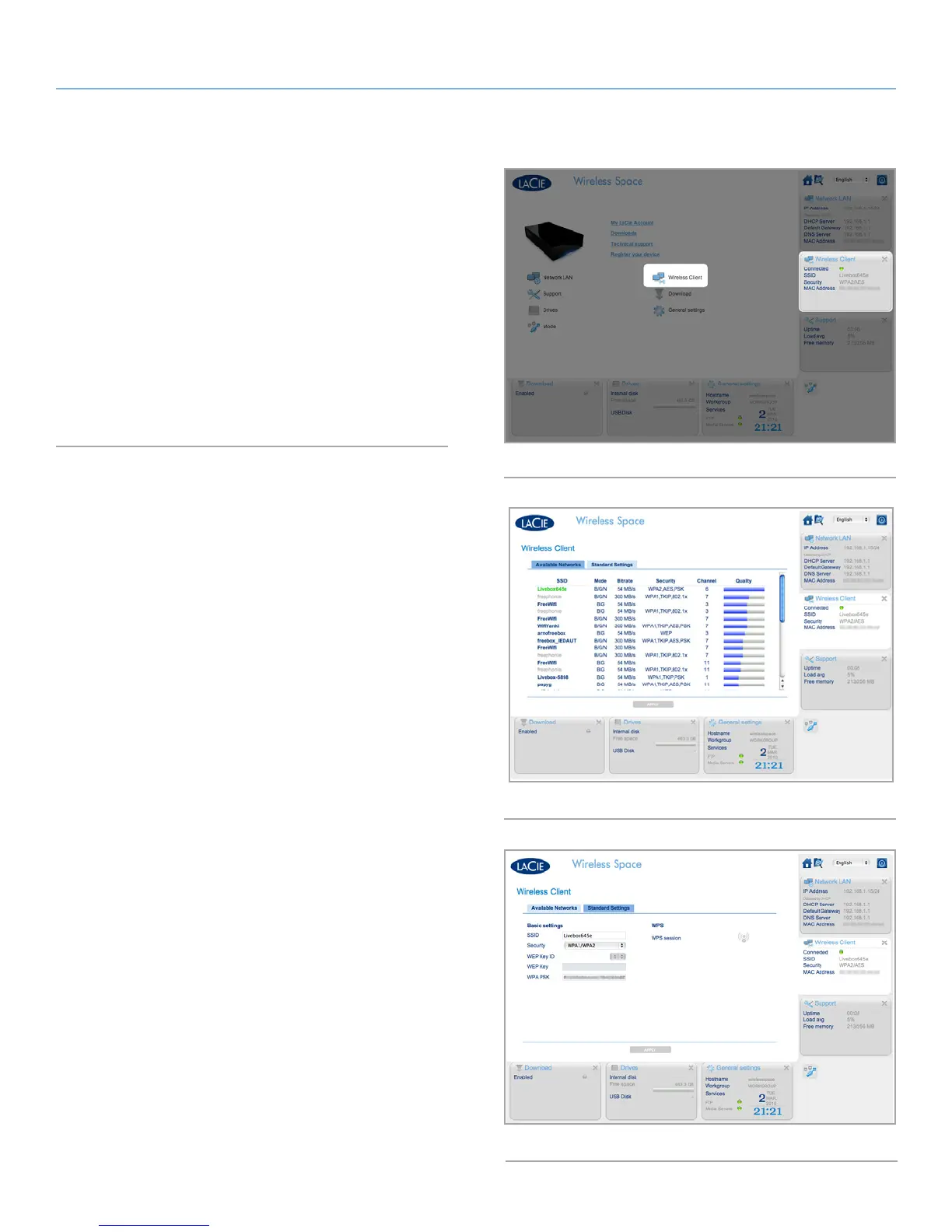
3.6.11. Dashboard: Wireless Client
When using a Wireless Client configuration, the Wireless Space
Dashboard includes a page named Wireless Client (Fig. 96). This
page is divided by two tabs:
✦ Available Networks (Fig. 97). The Wireless Space lists the Wi-
Fi networks in your area and offers a summary of each. The
green network represents the Wi-Fi that the Wireless Space
has joined.
✦ Standard Settings (Fig. 98). The current settings for the Wi-Fi
network that the Wireless Space has joined. This tab allows
you to change Wi-Fi networks as a Wireless Client. If you wish
to change the Wireless Space configuration, use the Mode
page.
Fig. 98















 To Next Page