LaCie Wireless Space • DESIGN BY NEIL POULTON Administering the LaCie Wireless Space: Beyond Basic
User Manual page 84
4.5.1.3. Wireless AP - MAC address filter
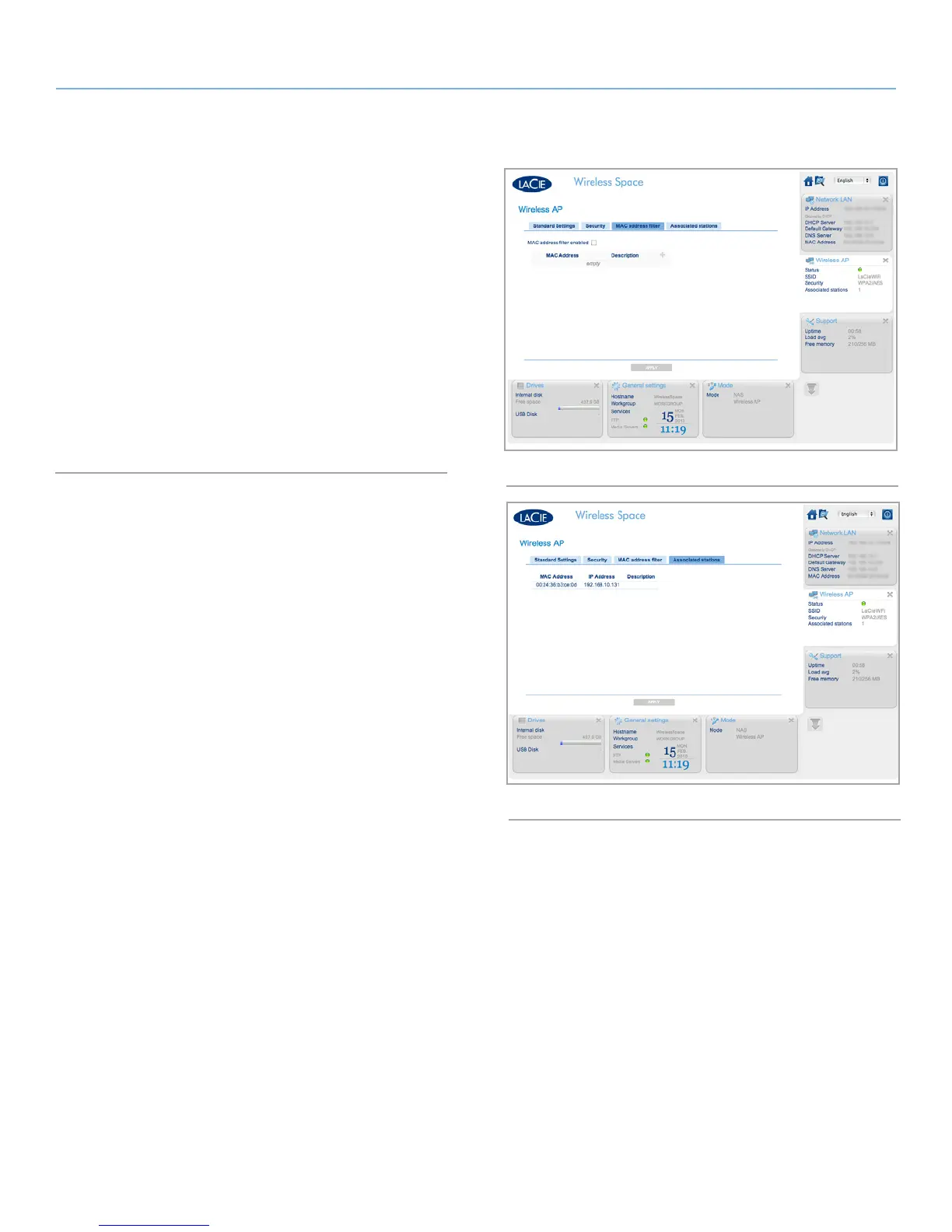
Add further security to the Wireless Space Wi-Fi by limiting who may
join the network by MAC address. Check the box for MAC address
filter enabled (Fig. 139) to activate a green addition symbol. Click
on the green plus sign to add each new MAC address that will have
access to the Wireless Space Wi-Fi.
The default for MAC address filtering is off. If it is enabled, only
those systems who have their MAC addresses registered in this tab
will have the right to use the Wireless Space Wi-Fi.
4.5.1.4. Wireless AP - Associated stations
This tab provides a list of devices that are using the Wireless Space
Wi-Fi (Fig. 140).
Fig. 140
Fig. 139















 To Next Page