LaCie Wireless Space • DESIGN BY NEIL POULTON Administering The LaCie Wireless Space
User Manual page 54
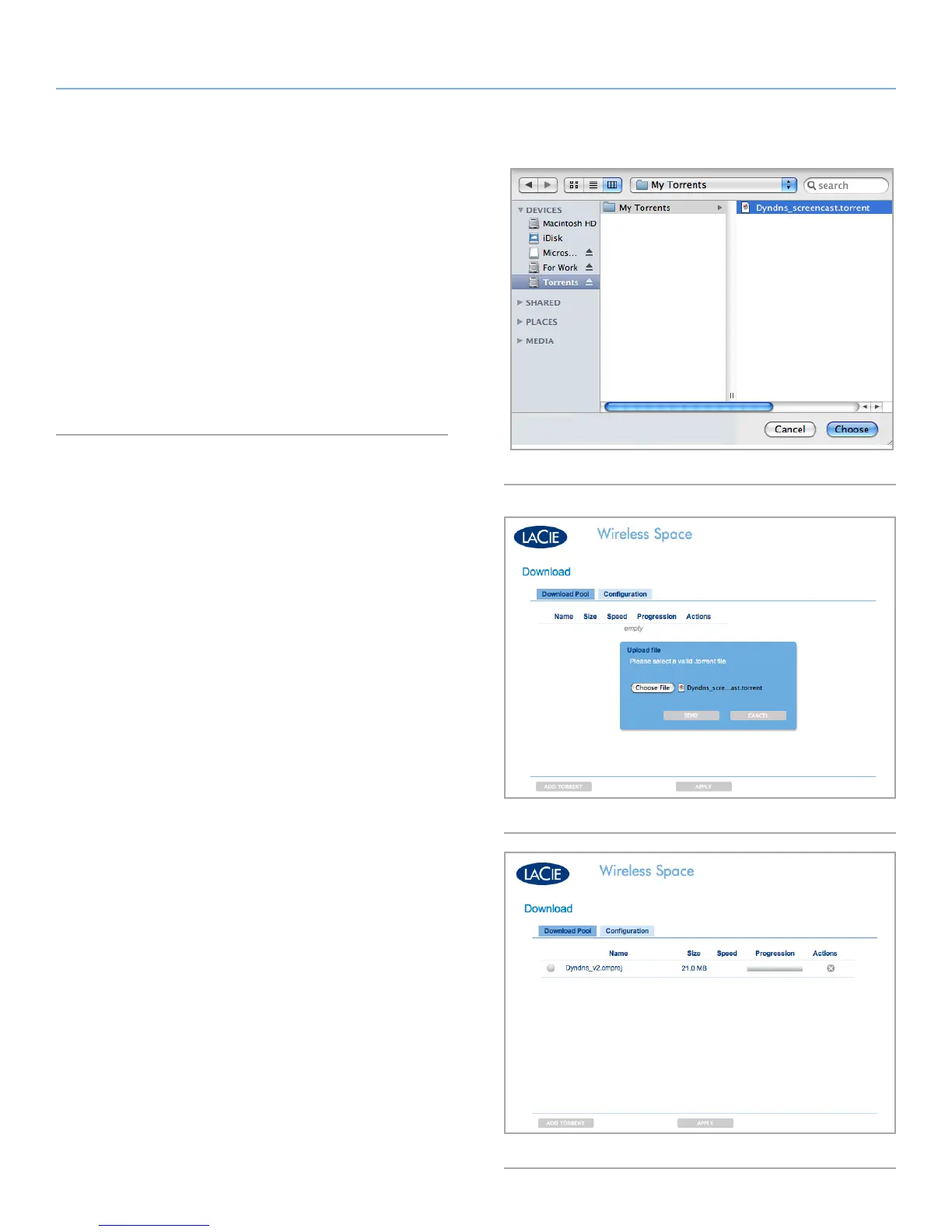
Fig. 83
Fig. 84
Fig. 85
4. Browse your computer for a .torrent file (Fig. 83)
5. Click SEND (Fig. 84) to add the .torrent to the Download Pool
(Fig. 85)
MyShare Target Disk
If you are downloading files from a server or the Internet, you can
choose MyShare as the target disk. The Download Pool will see any
.torrent file on MyShare and add it to the list or watched folder. To
act as the target disk, MyShare must be mounted on your computer
(3.5.2. Accessing Shares Using LaCie Network Assistant).















 To Next Page