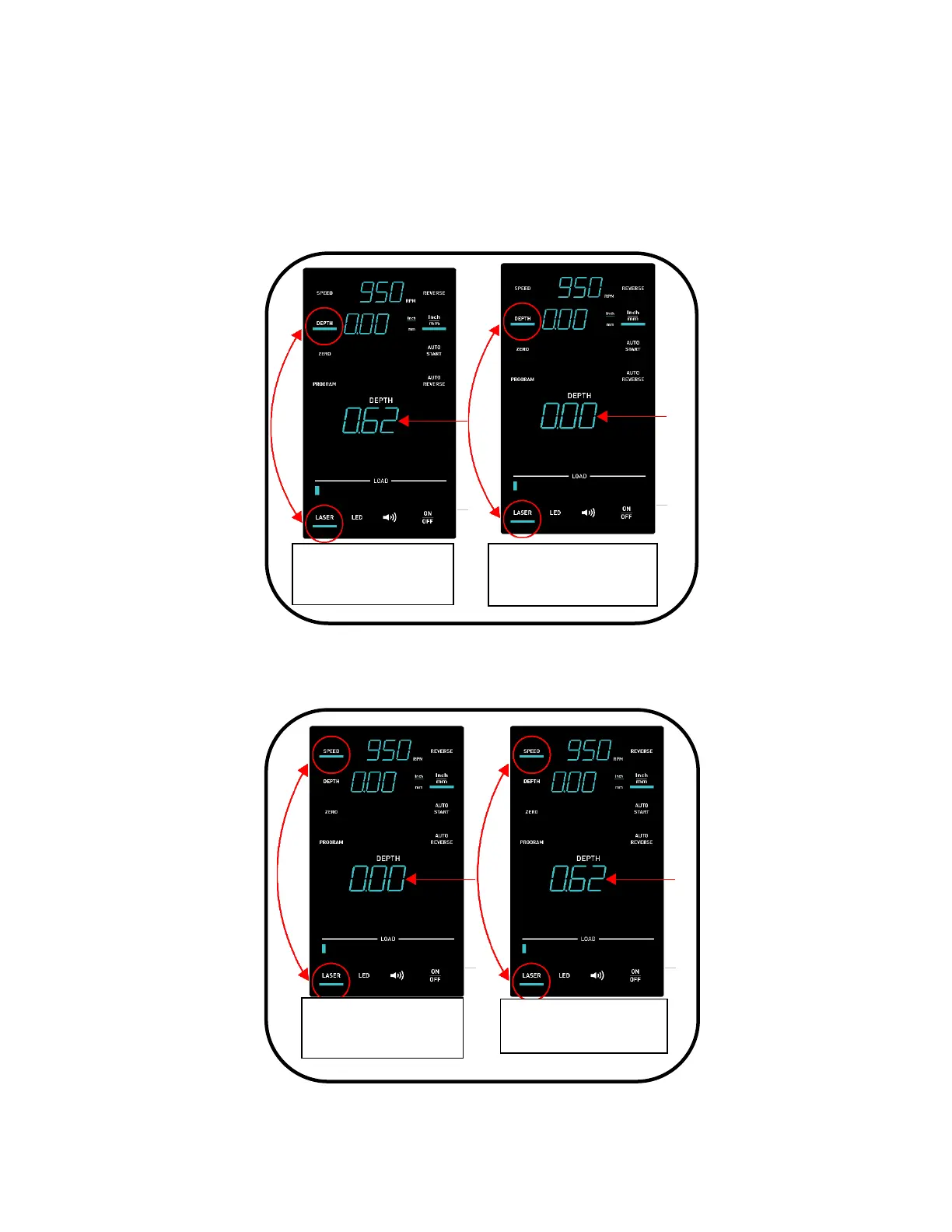
2. If, after cleaning debris on the quill (if any), the Live Depth display reads something other
than 0.00, cycle the power off and then back on using the switch at the rear of the drill press
or the E-stop switch at the front of the drill press. Once the boot up screen cycles off,
simultaneously press the Depth button and the Laser button momentarily and then release.
The Live Depth display should now read 0.00. Once the setting is reading 0.00 correctly,
continue using the drill press normally.
If for any reason you need to return to the original setting (non 0.00 number) simultaneously
press the Speed button and Laser button momentarily and release. It is unlikely to need to
return to this setting.
Figure 39: Restoring previous Live Depth display reading



 To Next Page