Method 2
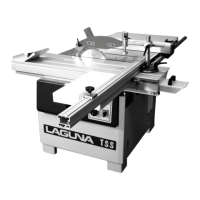
1. Set the fence parallel with the blade by loosening the clamp screws that
hold it to the cast-iron bracket. It is not important that it is exact as you
will be readjusting later in the procedure.
2. Using a piece of scrap wood, make a cut while holding the wood against
the fence. Stop the cut in the middle of the wood.
3. Look at the position of the back of the blade within the saw cut. The back
of the blade should be in the center of the slot, but you will probably find
that it is closer to one side.
4. Slightly loosen the clamp screws and adjust the fence to compensate.
5. Repeat 2, 3 and 4 until the blade is centered. Note: you may have to do
several fine adjustments, and it is better to do several small adjustments
until you become skilled at the procedure. Once you have mastered the
process, it should only take a minute to perform the adjustment.
Note: Each blade has a slightly different drift, and each time you change a
blade, you must check and readjust if necessary.
Note: It is worth taking the time to set the fence accurately as it will save
frustration and enhance the performance of your machine.
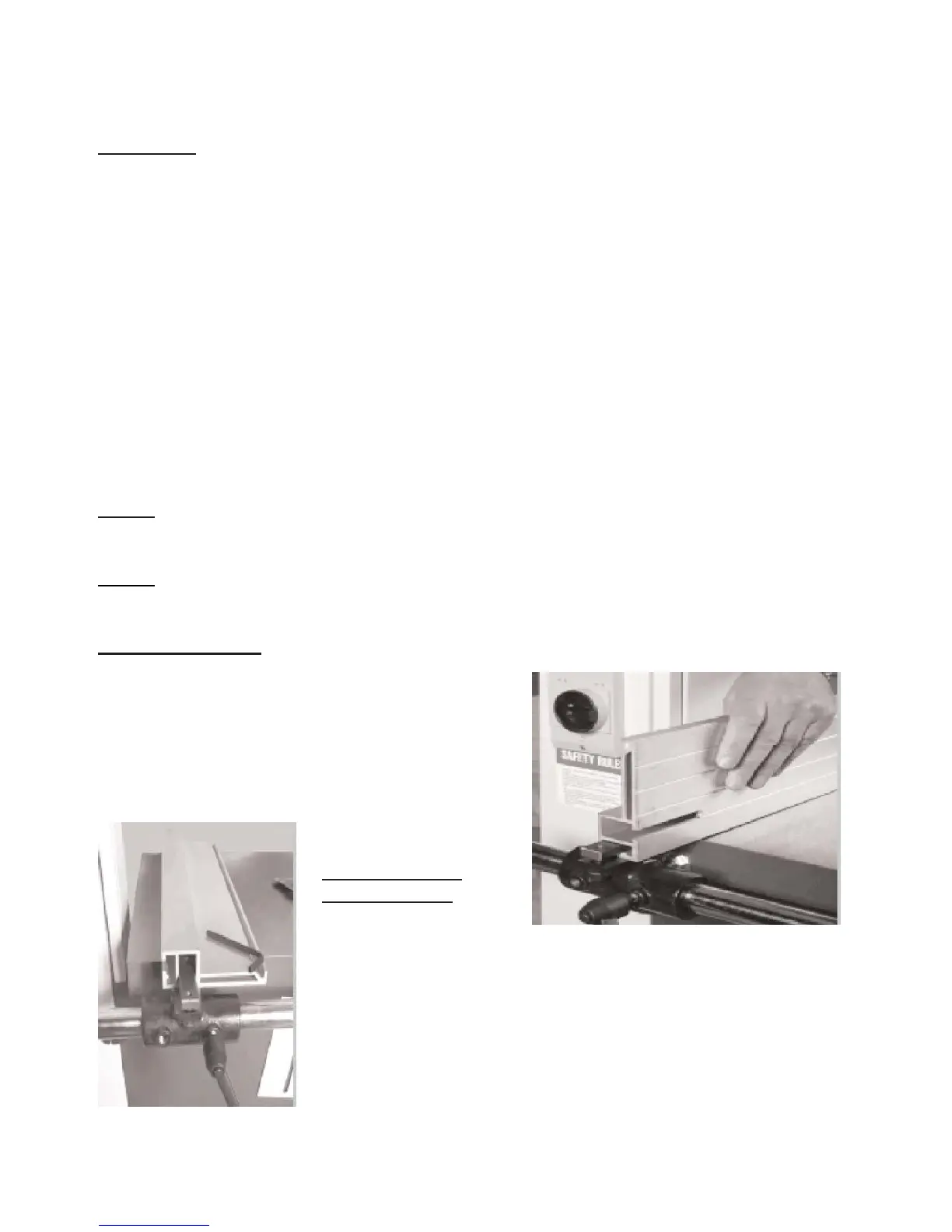
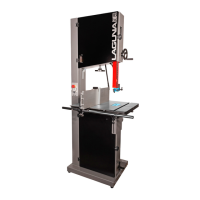
Fence positions
The aluminum fence can be used in two
height positions [high and low] the low
position is handy for cutting thin wood and
is used were the fence in the high position
would make it awkward to complete cuts.
The fence in the high position is used for
supporting tall work.
Changing the
fence height
1. Loosen the two clamp screws that are located on
the cast-iron bracket.
2. Slide the aluminum fence off the cast iron
bracket.
3. Slide the aluminum fence back onto the bracket
using the second slot and retighten the clamp
screws.


 To Next Page