21
ATTRACT MODE
Attract mode provides a visual and audio display while the game is not being played.
PLAY MODE
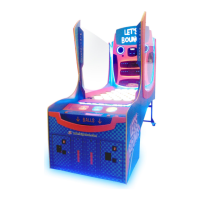
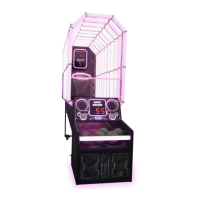
Let’s Bounce has two play modes. The standard Coin Play mode, where a coin or coins are inserted,
or Free Play mode, where no coins are necessary.
COIN PLAY
Coin Play mode is entered from Attract mode, by inserting coins in any of the two coin slots on the
front of the machine cabinet, then following the instructions in the “How to Play” section.
FREE PLAY
Free play can be set in one of three ways:
• Entering the operator menu by pressing the red TEST button, then entering the game
settings. From here, enter free play settings and turn free play mode on.
• For a single free game, just press the green SERVICE button once.
• Push and hold the green SERVICE button for 5 seconds. This is a temporary free mode, and
the game will return to normal when reset.




 To Next Page