42
FB216 UPDATE PROCEDURE
TOOLS REQUIRED
• 1 x USB – TTL Serial Adapter with Connector Harness
• 1 x PC or Laptop with USB Port running a Windows OS (will be connected to game during the
update, so must be portable)
• 1 x Computer Program FLASHER-STM32
• 1 x HEX File (containing PCB update)
PC SETUP
FLASHER-STM32
1. The program FLASHER-STM32 needs to be downloaded and installed on the PC
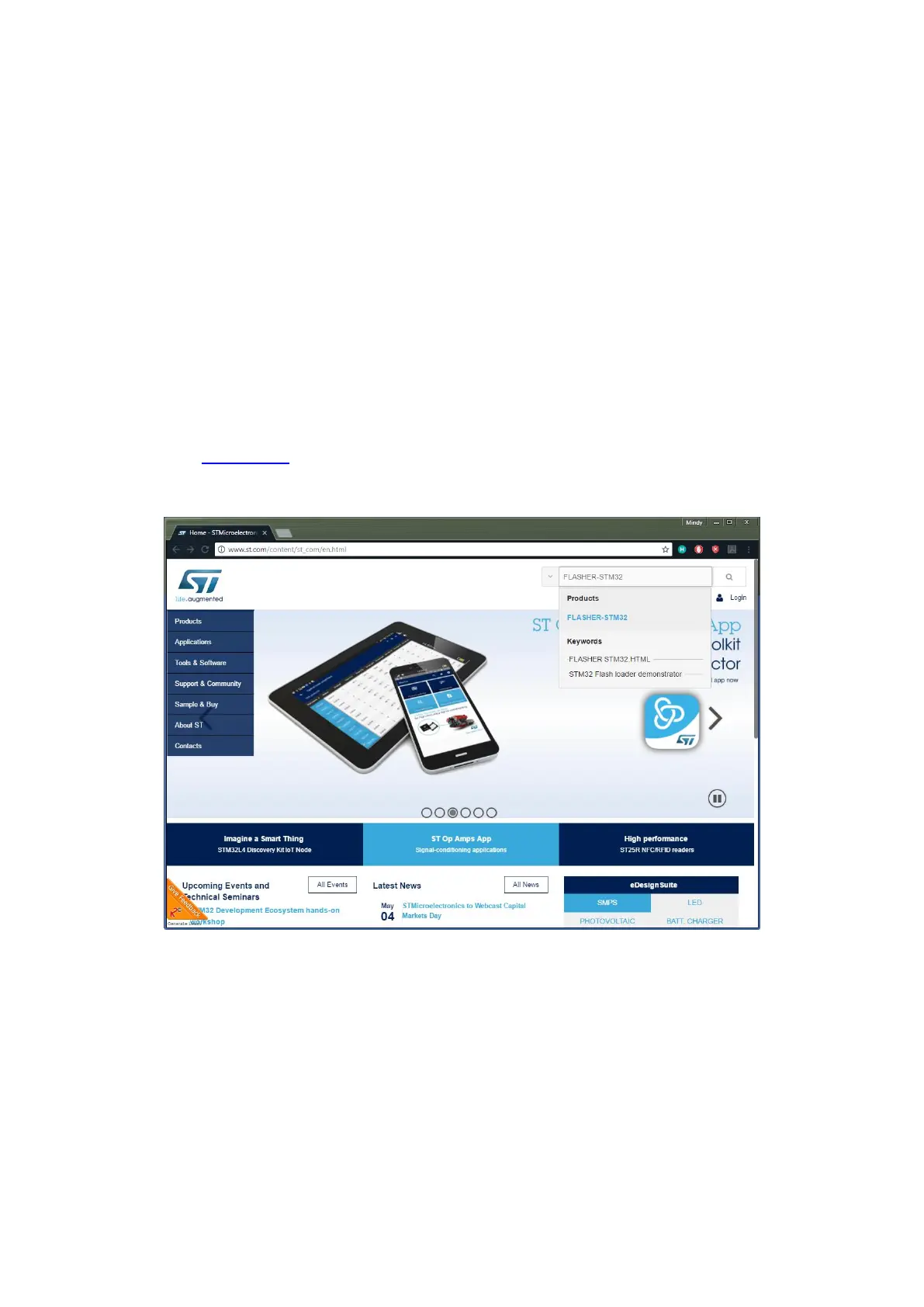
2. Visit www.st.com
3. In the search bar at the top of the page, search for FLASHER-STM32
4. Select the suggested result from the Products category
5. Alternatively, in the navigation menu on the left, select:
1. Tools & Software
2. Software Development Tools
3. Product Tree (on the right)
4. STM32 Software Development Tools
5. Scroll down, and select FLASHER-STM32 from the list
6. Scroll to the bottom of the product page, and select the “Get Software” button
7. You will need to enter your name and email address to confirm the download
8. Once the software is downloaded, install it on the PC








 To Next Page