Lake Shore Model 331 Temperature Controller User’s Manual
4.4 INPUT SETUP
The Model 331 supports a variety of temperature sensors sold by Lake Shore and other manufacturers.
An appropriate sensor type must be selected for each of the two inputs. If the exact sensor model is not
shown, use the sensor input performance chart in Table 4-1 to choose an input type with similar range
and excitation. For additional details on sensors, refer to the Lake Shore Temperature Measurement
and Control Catalog or visit our website at www.lakeshore.com.
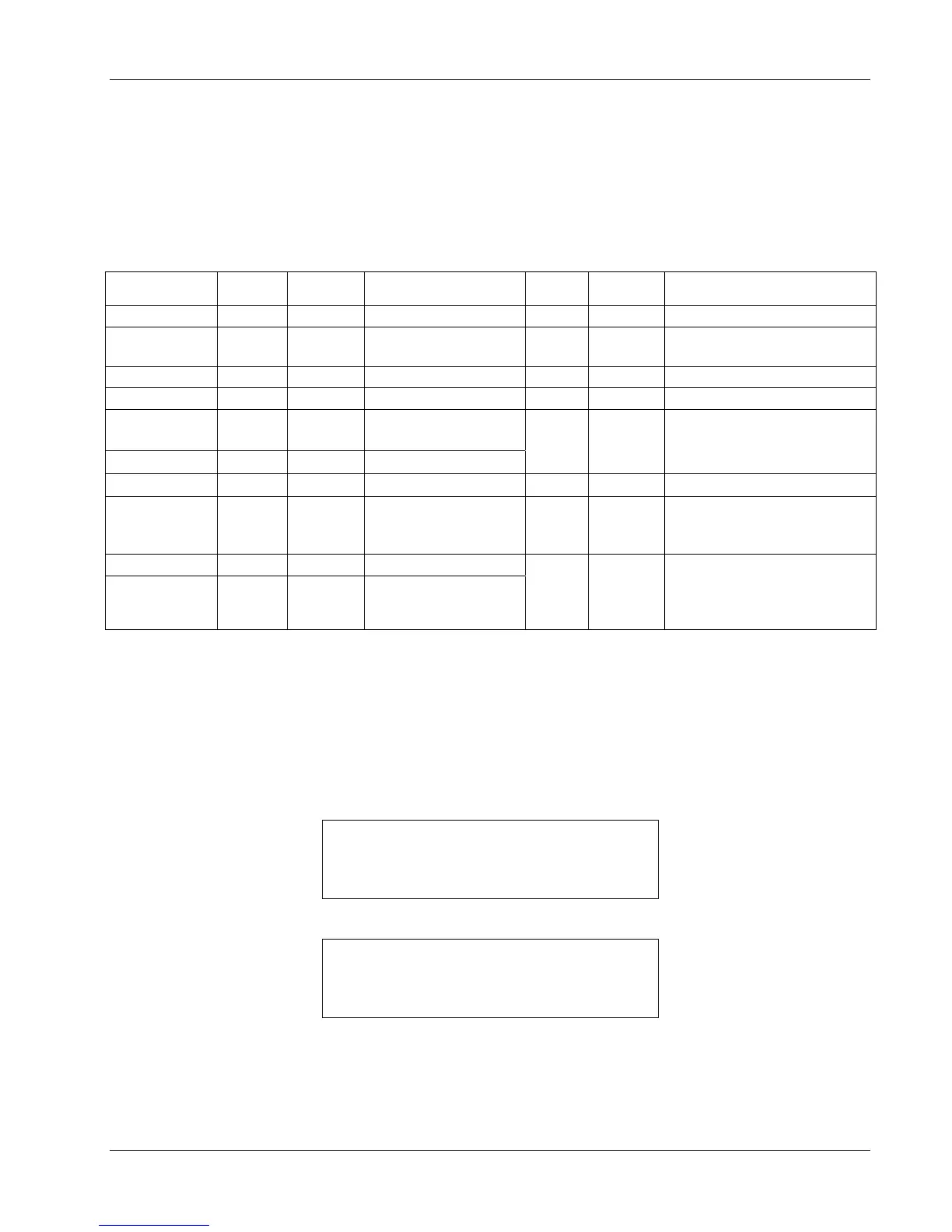
Table 4-1. Sensor Input Types
Display Message
Input
Range
Excitation Sensor Type
Curve
Format
Coefficient
Lake Shore Sensors
*
Silicon Diode 2.5 V 10 µA Silicon Diode V/K Negative DT-4XX, DT-500, DT-670 Series
GaAlAs Diode
7.5 V 10 µA
Gallium-Aluminum-
Arsenide Diode
V/K Negative TG-120 Series
2.5V, 1mA 2.5 V 1 mA Diode V/K Negative —
7.5V, 1mA
7.5 V 1 mA Diode
V/K Negative
—
100Ω Plat/250
250
Ω
1 mA
100
Ω Plat. RTD <675K;
Rhodium-Iron RTD
Ω/K
Positive
PT-100 Series Platinum,
RF-800 Rhodium-Iron
100Ω Plat/500 500 Ω
1 mA
100 Ω Plat. RTD >675K
1000Ω Plat
5000
Ω
1 mA
1000 Ω Plat. RTD
Ω/K
Positive
—
NTC RTD
7500
Ω
10 µA
Negative Temperature
Coefficient (NTC) RTD
log R/K Negative
Cernox™, High-Temperature
Cernox™, Carbon Glass™,
Germanium, Rox™, and Thermox
Thermo/25mV ±25 mV NA Thermocouple
mV/K Positive
Chromel-AuFe (0.07%),
Type E (Chromel-Constantan),
Type K (Chromel-Alumel),
Type T (Copper-Constantan),
Thermo/50mV
±50 mV NA Thermocouple
* Refer to the Lake Shore Temperature Measurement and Control Catalog for complete details on all
Lake Shore Temperature Sensors.
4.4.1 Diode Sensor Input Setup – 10 µA Excitation Current
Diode sensors include the Silicon and Gallium-Aluminum-Arsenide (GaAlAs) detailed in Table 4-1.
More detailed specifications are provided in Table 1-3. Input ranges for are fixed to 0
– 2.5 V for silicon
diodes and 0
– 7.5 V for GaAlAs diodes. Both use a sensor excitation current of 10 µA.
To setup a diode sensor input, press the Input Setup key. The first screen appear as follows.
Select With °®
Input Setup Input A
Use the s or t key to toggle between Input A and B. Press the Enter key.
Select for InputA °®
Type Silicon Diode
Use the s or t key to cycle through the sensor types shown in Table 4-1, with “Silicon Diode” and
“GaAlAs Diode” being the relevant choices. Press the
Enter key. Proceed to Paragraph 4.5.1 to
select a temperature curve or press the
Escape key to return to the normal display.
Operation 4-7



 To Next Page