Lake Shore Model 331 Temperature Controller User’s Manual
4.16.2 Analog Output In Manual Mode
In Manual mode, the analog output provide a fixed output according to a percentage of full scale
entered by the user; -100.00% to +100.00% corresponding to –10 V to +10 V. The setting resolution
on the display is 0.001% but the output itself is limited to 0.003%. Press the
Analog Output key.
Select With °®
Analog Out Manual
Press the s or t key until “Manual” is showing. Press the Enter key.
Select for AnOut °®
Bipolar Mode On
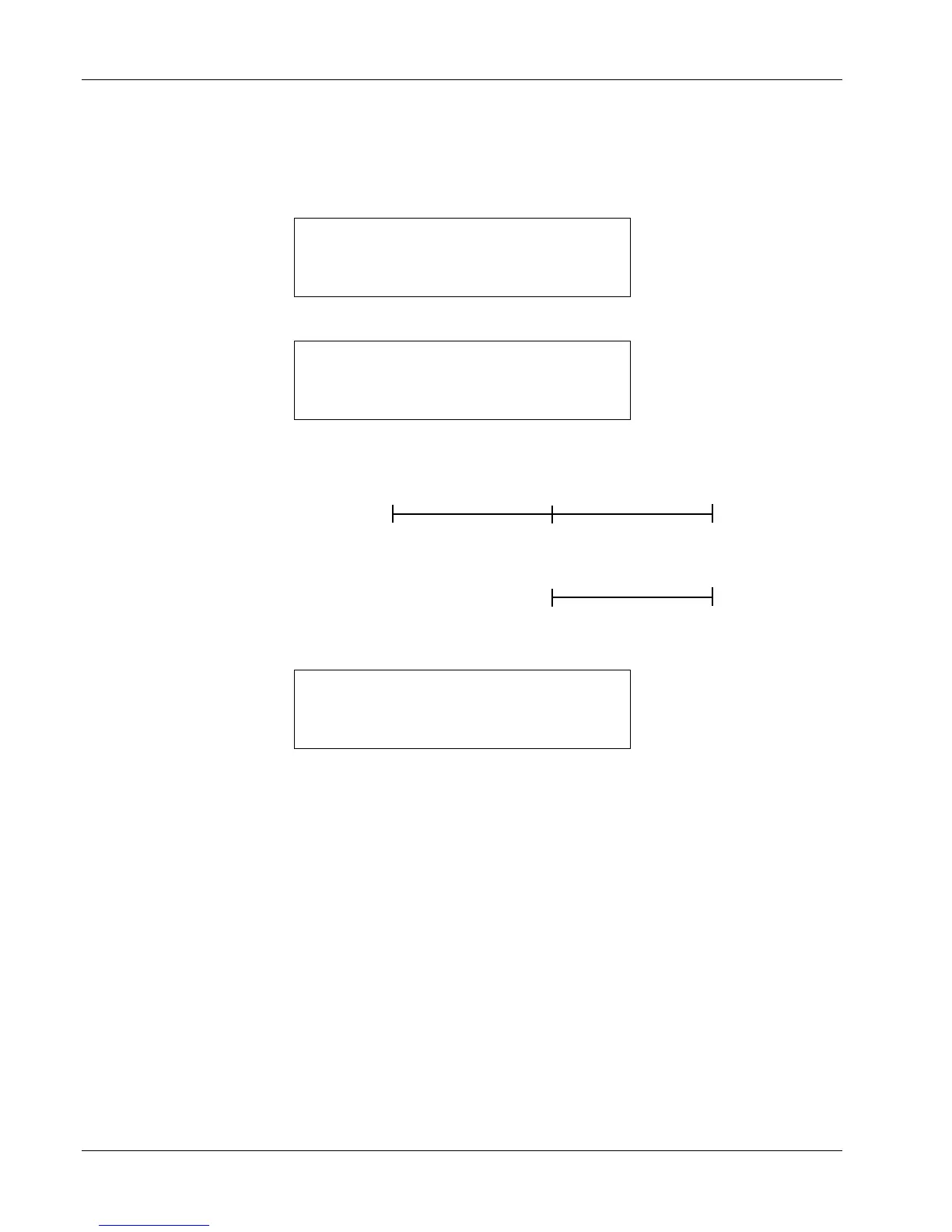
Press the s or t key to toggle between Bipolar Mode On or Off. Bipolar mode refers to whether or
not negative voltages are used, as shown below.
Bipolar Mode: On
Bipolar Mode: Off
10 V
+10 V
0 V
100%
User Entry
Output
+10 V
Output
Manual Mode
+100%
0%
0 V
+100%
0%
User Entry
For this example, we will choose Bipolar Mode On. Press the Enter key.
Enter for AnOut
Manual Out - 50%
The desired fixed output you want as a percent of full scale is entered using the numeric keypad,
which includes the numbers 0
– 9, +/–, and decimal point. For this example, we will enter –50%. Press
the
Enter key. The instrument will return to the normal display. The analog output will begin to output
a constant voltage that is –50% × 10 volts = –5 volts.
In a second example, if you repeat the same procedure using all the same settings, but enter +75%,
then the output would be +75% × 10 volts = +7.5 volts.
In a third example, if you repeat the same procedure, but choose Bipolar Off, enter +25%, then the
output would be +25% × 10 volts = +2.5 volts. The difference being that any negative sign will be
ignored with Bipolar Mode Off and the output will always be a positive voltage.
4-34 Operation



 To Next Page