11
2. MVU OPERATION
2.1 PROGRAMMING THE MVU: Set the MVU buttons as Carbonated, Non-Carbonated, or Flavor
Shot Only. The MVU can be programmed to serve soda or plain water beverages as well as a avor
shot from each of the beverage positions on the valve.
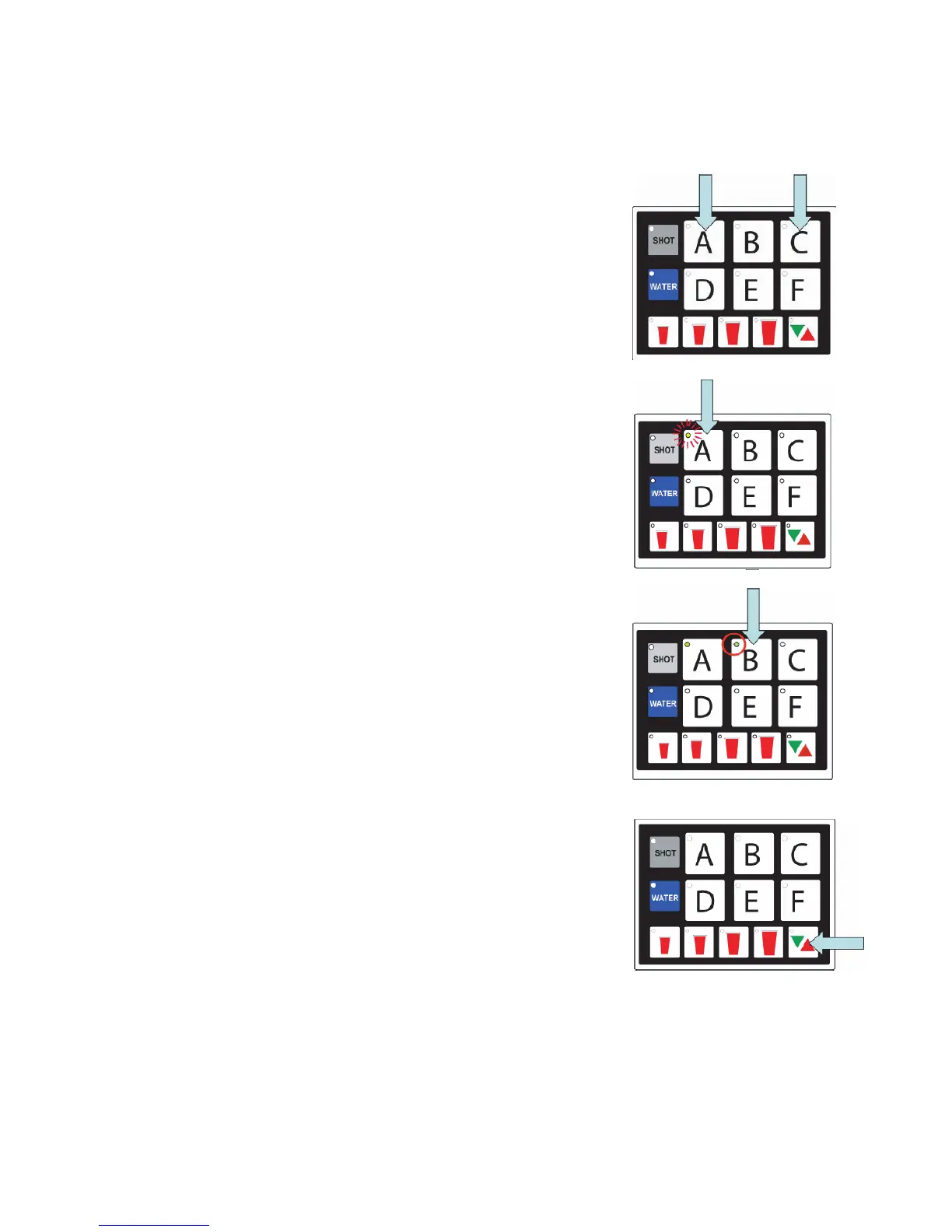
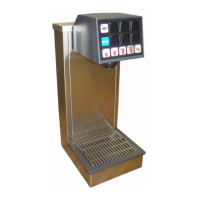
To enter the programming mode on the MVU and assign water type to each individual brand
A. Press both A and C brand buttons at the same
time on the MVU panel for ve seconds.
1. The “Pour/Cancel” LED will illuminate. The
“SHOT” LED will blink one time.
2. Brands that are enabled for drinks will have
illuminated LED’s:
Lights on = non-carb
Lights ashing = carb
Lights off = no water (deactivated unless set
for shot)
B. Press a Brand button to change that beverage
from “water off” to “plain water on”.
1. LED will illuminate and stay on for non-carb
beverages.
C. Press the same brand button again to switch from
non-carb to carb.
1. Press the button one more time to turn the water
off for that valve (if position is used for a avor
shot only).
D. Repeat this process for each brand.
E. Press the Pour/Cancel button to lock the changes
in place and exit the programming mode.
NOTE: The Program will save automatically in 60
seconds if no additional changes are made in that
time frame; however, you can exit any time within
the 60 second window by pressing Pour/Cancel. The
changes you’ve made will be saved.




 To Next Page