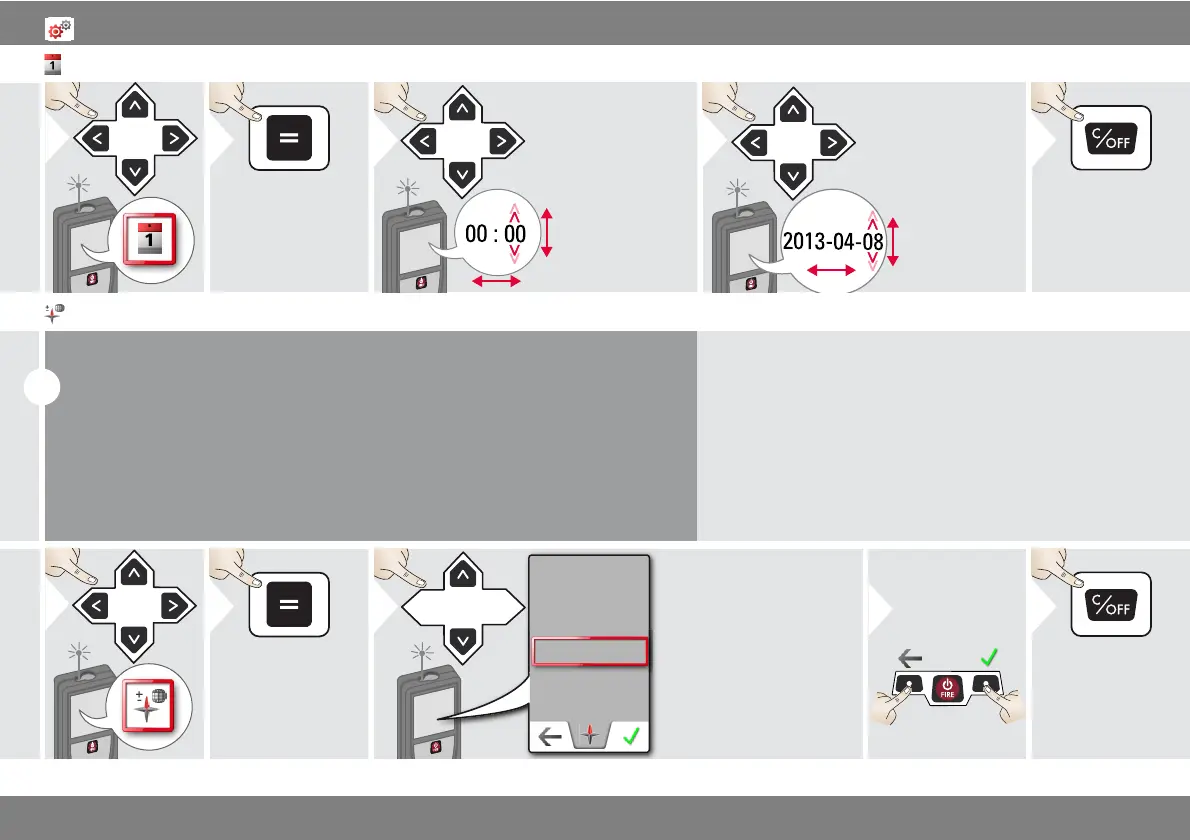
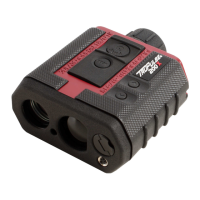
Laser Technology Inc. - TruPoint
i
Depending on your geographic location, the angle of declination may vary from
other locations, as the geographic and magnetic poles are aligned. However, if the
reference location is not selected, the difference in declination between the poles
can differ greatly. For best results, select the nearest geographic reference point
using the steps below.
Adjusting the magnetic declination



 To Next Page